
Participating Frequently
December 11, 2023
Question

Lightroom Classic 13.0.2 will not export Capture Date in Sonoma 14.1.2

  • December 11, 2023
  • 1 reply
  • 231 views

I rely on third party applications to sort photos by "capture date" Previously this data was exported as "Created:" but this has data point has aparently changed to be the date of export? This is inconsistent with historical functionality. Attached are two screen captures of Get Info from the EXACT same image exported from Lightroom Classic prior to upgrading to v13 and Sonoma and after. Notice the difference.
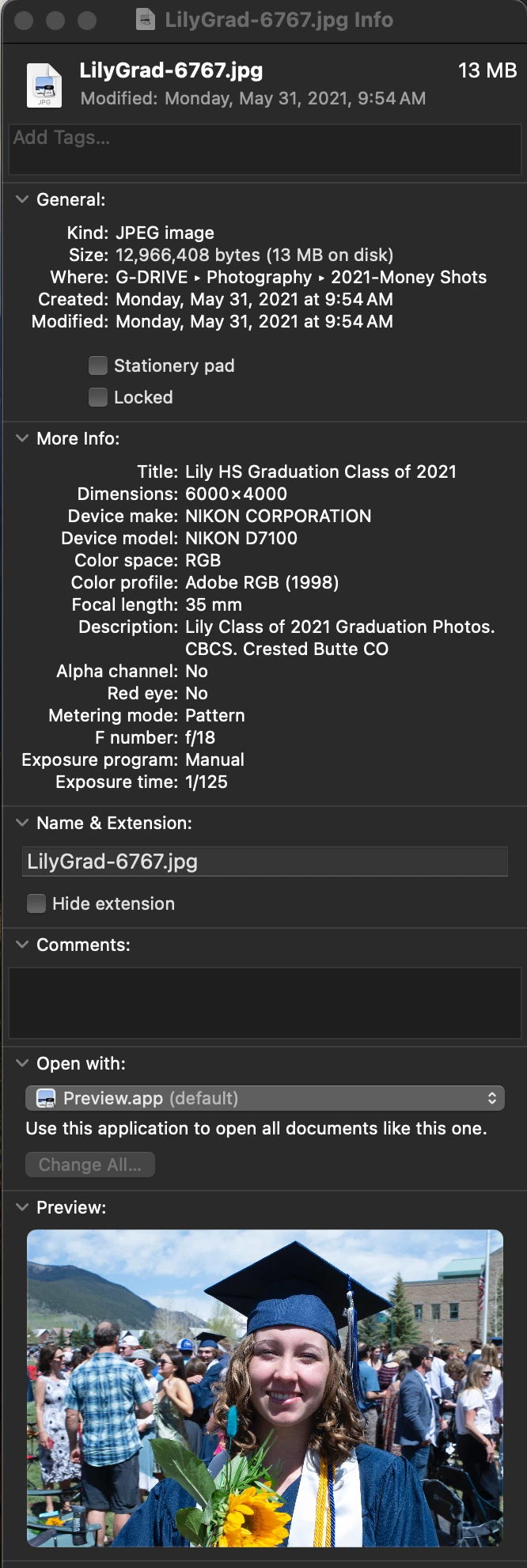
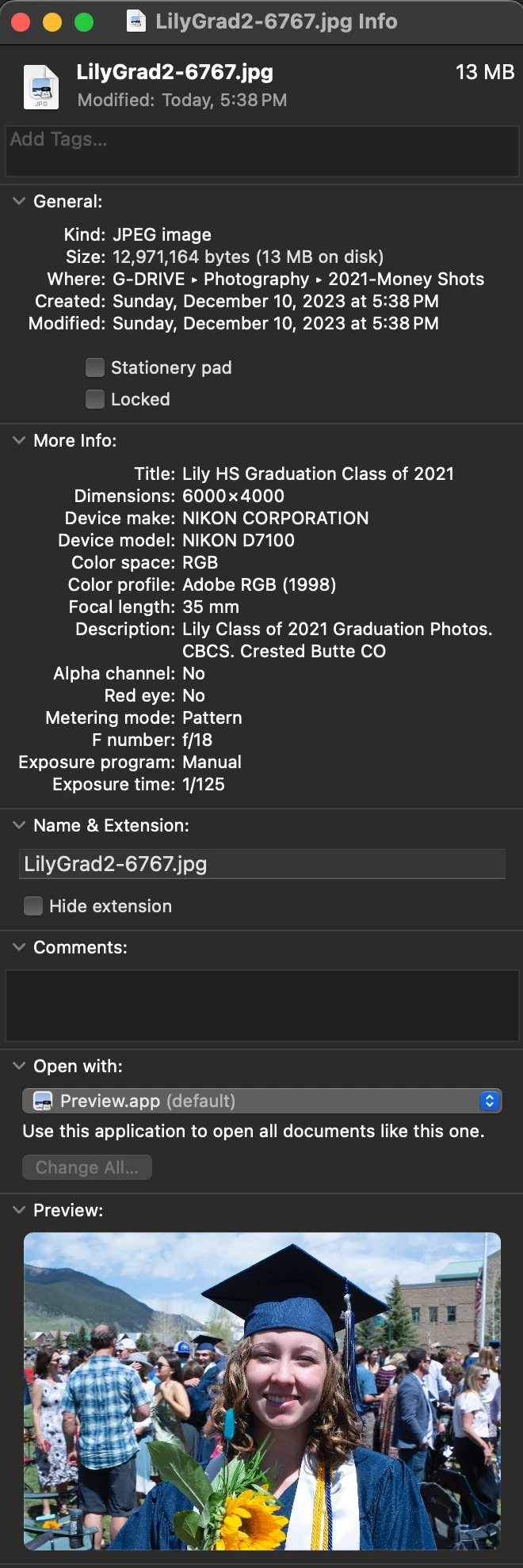
 

[moved from bugs to discussions according to community rules - Mod.]

This topic has been closed for replies.

1 reply

JohanElzenga
Community Expert
Community Expert
December 11, 2023

AFAIK, the date you see in MacOS Finder is not the capture date, but the file creation date. As you create a new file when you export from Lightroom, this is as expected. I don't know it that was different in earlier versions of MacOS. Also check your export settings to make sure you do not strip all metadata from the image on export.


-- Johan W. Elzenga
johnrellis
Legend
December 11, 2023

[This post contains formatting and embedded images that don't appear in email. View the post in your Web browser.]


"I don't know it that was different in earlier versions of MacOS. "


No, neither Mac nor Windows LR has ever set the file creation or modification dates to match the EXIF capture date/time.  Though people have asked for it over the years, e.g. 

https://community.adobe.com/t5/lightroom-classic-discussions/created-modified-dates/m-p/8846527


I'm pretty sure there was a feature request for that, but it appears to have gotten lost in the transition from the old feedback forum.


In Mac Finder, you can see the EXIF capture date for a photo in the Preview panel (do View > Show Preview):