
Participating Frequently
October 6, 2019
Question

Lightroom Classic Present changing after selection

  • October 6, 2019
  • 15 replies
  • 891 views

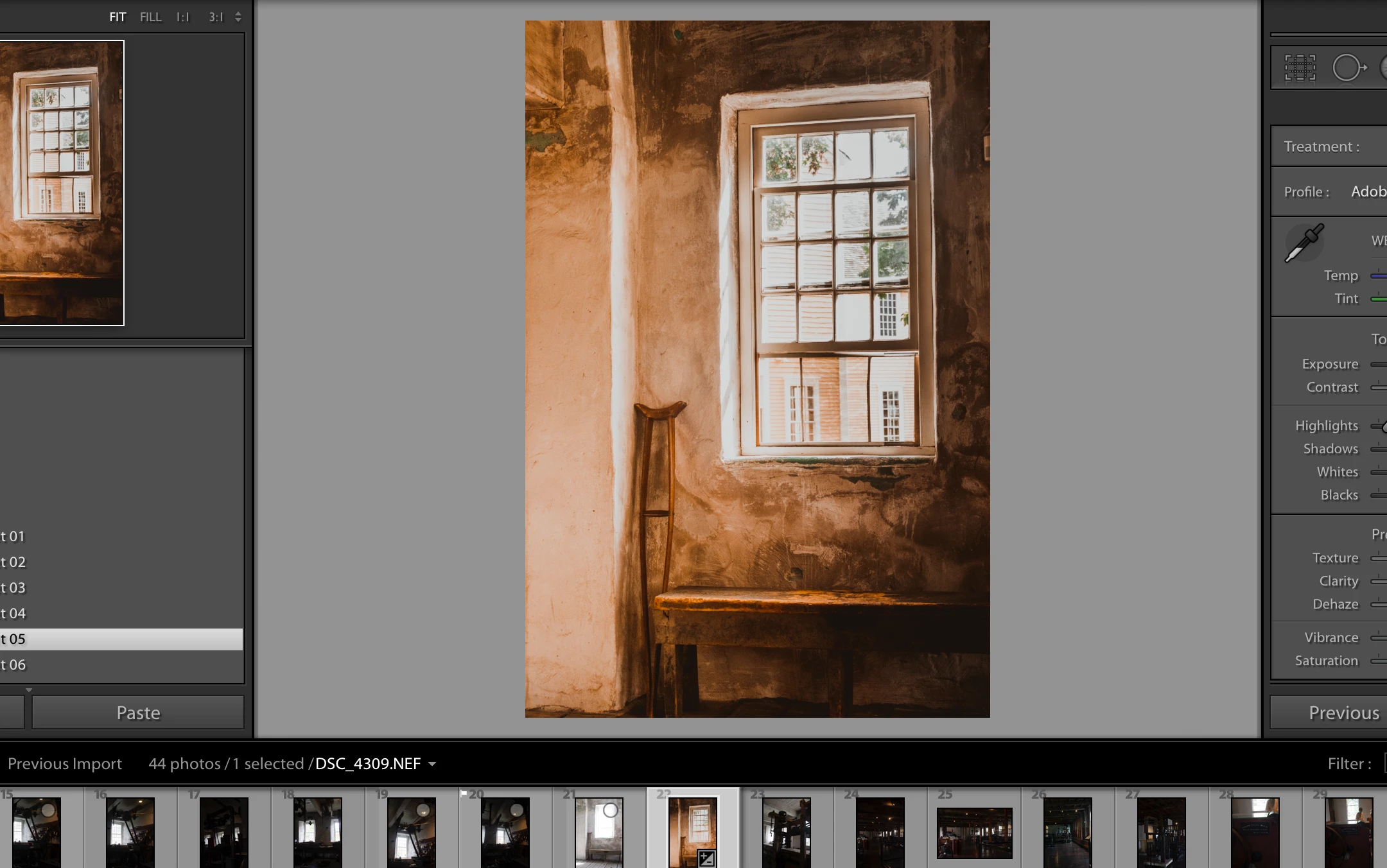
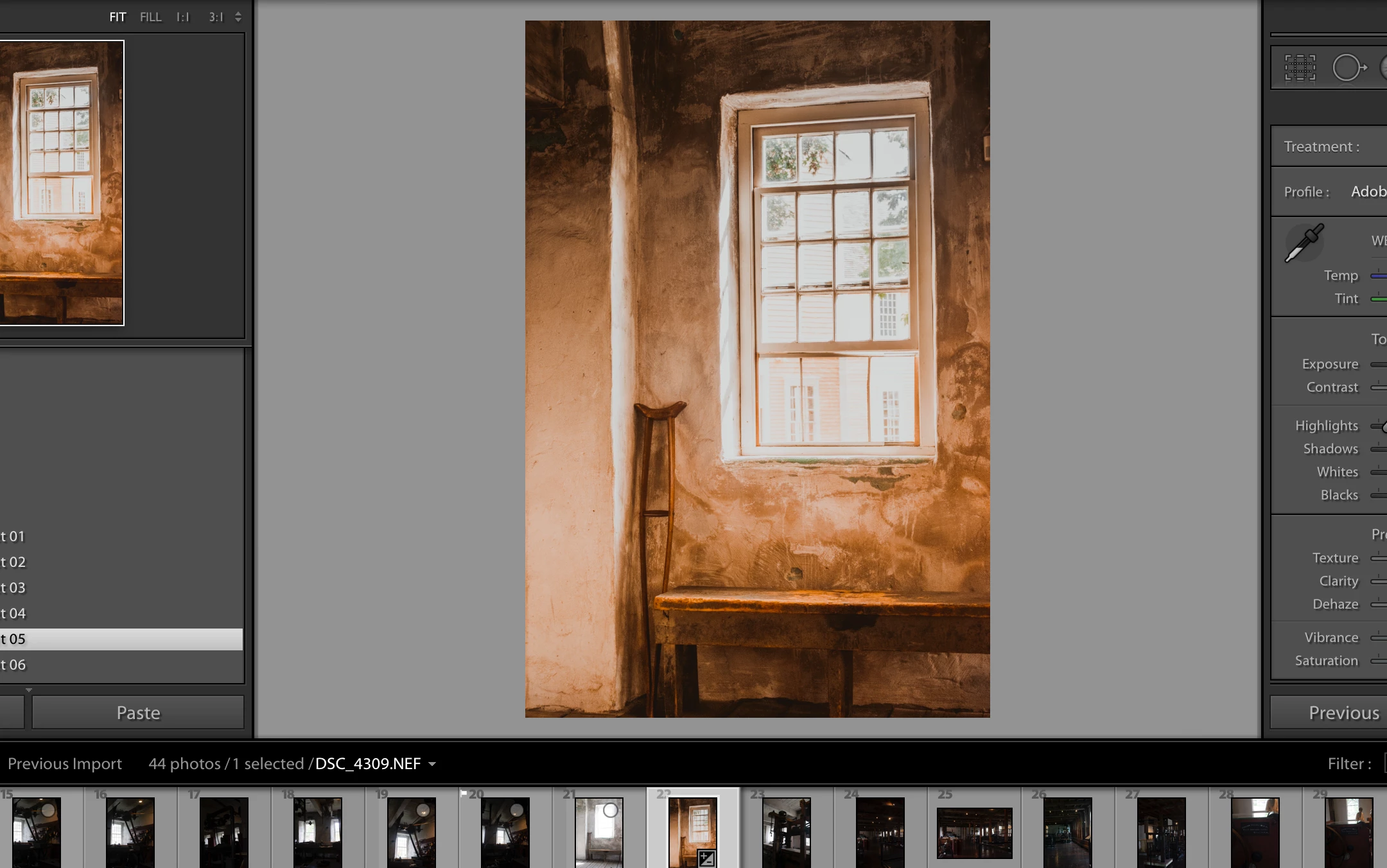
I am selecting one of my presets and with my mouse over the selection it looks like I want it to be but once I roll off the preset window the preset changes its appearance. It almost looks opposite.
 

    This topic has been closed for replies.

    15 replies

    Just Shoot Me
    Legend
    October 7, 2019

    Right clicking does not Select. That is unless you have your mouse buttons reversed. A Left Click selects.


    Please show us a Screen Shot of the histroy panel.

    If you don't see a History entry for the preset, as shown in the screen shot I posted, then you are Not Selecting the preset.

    timvcoxAuthor
    Participating Frequently
    October 7, 2019
    I am showing the screens before any preset is applied, Clicked on with mouse on preset and then moved down to the history panel where you can see the preset has been selected but the picture has changed.
    timvcoxAuthor
    Participating Frequently
    October 7, 2019
    dang i can't add pictures now
    GoldingD
    Legend
    October 7, 2019

    Well, had to get of my rear end, turn on the PC, bring up LR.


    In my copy, on my rig, to apply a devleop preset, I left clcik on it, and it gets applied, and it shows up in the History Panel (just the name not the various sliders that got affected). Should I right click, I get a screen offering me to add to favorites, or apply during import, it does not get applied


    And when I left click, it gets appled, and whatever the preset is, it shows up in the history panel, For example the one I just did

    Preset : B&W Landscape


    Yes, that is all it will tell me.


    IF all you see in the history panel is say Import, then nothing got donew, preset wise.


    timvcoxAuthor
    Participating Frequently
    October 7, 2019
    HA! Thanks for doing that. I should have said I'm using a Mac Laptop so I'm just clicking on the thumbpad. If I hold down control and click I get the add to favorites.
    GoldingD
    Legend
    October 6, 2019

    So,, you left click on the preset?


    What preset is it?


     Oh, a question on mouse sensitivity. Select a photo that you have several edits, one with several states in the history panel, can you click on individual states, and the selection will take?


    timvcoxAuthor
    Participating Frequently
    October 6, 2019
    No I right click on it to select it.
    GoldingD
    Legend
    October 6, 2019

    In the History panel, is your application of a preset stated as a state/instance?

    timvcoxAuthor
    Participating Frequently
    October 6, 2019
    it just says the last upload that I did.
    Just Shoot Me
    Legend
    October 6, 2019

    Then you didn't Click on the preset.

    This is what my historty looks like after I selected several different preset on an image.


    Just Shoot Me
    Legend
    October 6, 2019

    Maybe I'm not following you but did you actually Select that Preset, Click on it?

    timvcoxAuthor
    Participating Frequently
    October 6, 2019
    yes, I clicked on it but once I roll off it changes.