
Lost everything after trashing a plist file.
Hi all,
I am desparately looking for help. I have lost my folders and hashtags created over many years in Adobe Lightroom Classic and I would appreciate if someone could help me retrieve it.
Context:
I have recently returned from a Safari trip and have been working on editing hundreds of new photos that I synced from my camera. Then, a few days ago when I tried accessing Lightroom to continue editing the pics it just would not open. I would just see the rainbow-colored spinning wheel.
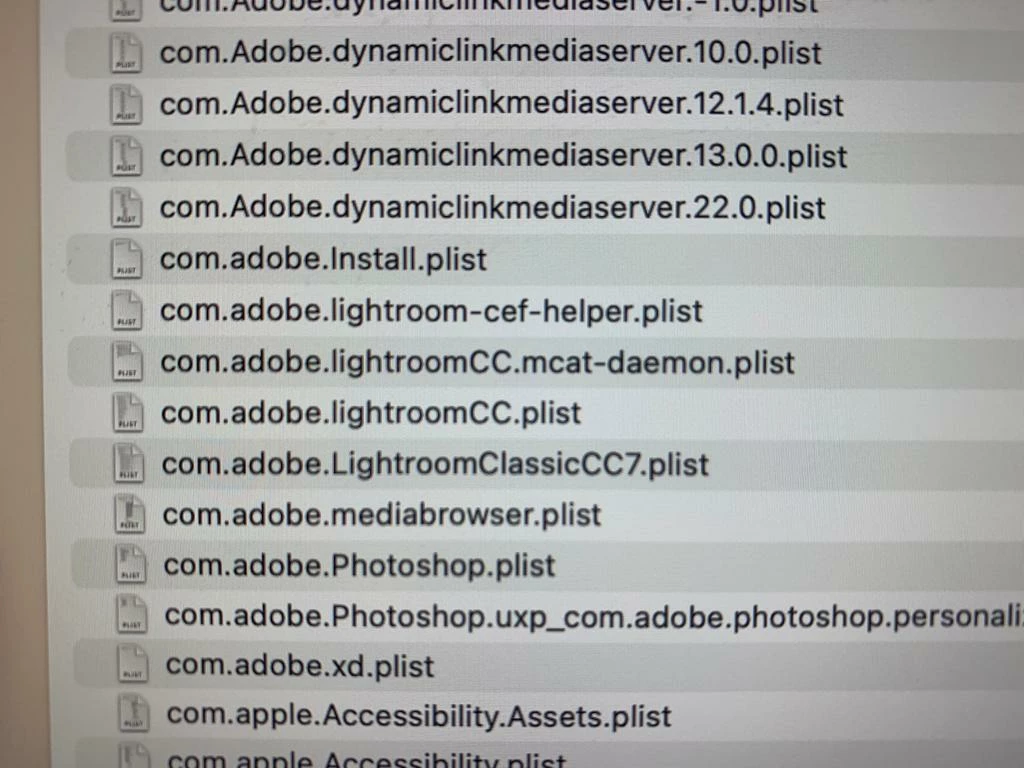
I was reading online what to do and came across this article (cannot open lightroom classic), which said I should delete the two plist files. I ended up trashing the plist file com.adobe.LightroomClassicCC7.plist, and while I was able to open LRC after I trashed that file, all of the folders on the left-hand-side, and all the hashtags on the right-hand-side are now gone. I got scared and immediately put the file from the trash back to where it was, but the effect remained.
I have no idea what to do. Could anyone please advise me how I can regain years of work? Did I just lose everything? What is the best way to go about this?
My Adobe Photoshop Lightroom Classic version is 12.2.1, on iMac running masOS Ventura 13.2.1.
Please help 😞
Best,
Jacob
 AdChoices