
Participant
September 13, 2026
Question

More Noise on Export

  • September 13, 2026
  • 5 replies
  • 56 views

I am working on a photo. This is what it looks like when editing.



Then on export this is what it looks like.  I also see this in the Export Preview:
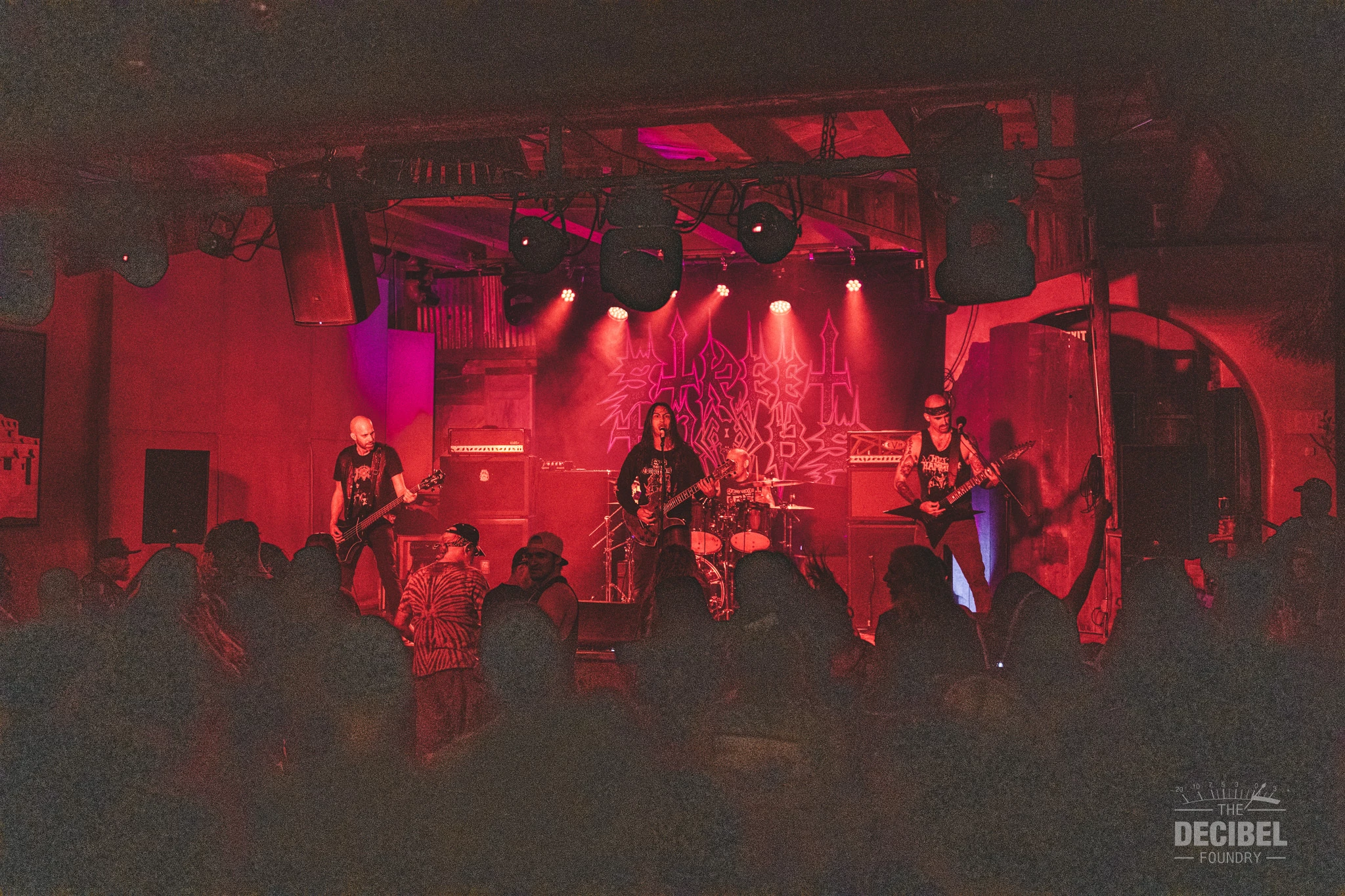


That’s a pretty big difference in noise and even some color saturation. 

I’ve tried many settings, can’t seem to get rid of this. 


    5 replies

    Community Expert
    September 13, 2026

    Make sure you zoom in to 100% when editing for noise. The preview zoomed out uses a downscaled version of the image that is not always completely accurate when there is a lot of noise. This is especially true in the cloud based Lightroom that you are using. The noise here can probably be completely mitigated by using the AI denoise function. This is in the detail section. You can also use the manual denoise settings to mitigate this but only try that when you are zoomed in at 100%.

    Per Berntsen
    Community Expert
    Community Expert
    September 13, 2026

    The Lightroom forum is here:
    https://community.adobe.com/lightroom-ecosystem-cloud-based-677
    Here is a list of all the forums: (or click the red Adobe Community logo top left on this page)
    https://community.adobe.com/community?lang=en&cgen=V6NZKD86


    You can wait for a staff member to move your post (unfortunately, moderators cannot move posts), or create a new post in the Lightroom forum.

    Per Berntsen
    Community Expert
    Community Expert
    September 13, 2026

    You have posted in the forum for Lightroom Classic, which does not have an export preview.
    If you tell us what application you’re using (Photoshop?), a staff member will hopefully move your post to the correct forum.

    Participant
    September 13, 2026

    This is regular Lightroom.  I didn’t see a community for that. Lightroom Classic seems to be the only one.

    dj_paige
    Legend
    September 13, 2026

    You want to post in the Lightroom (Ecosystem) forum.