

Participant
October 4, 2023
Question

Please help , old lightroom catalogue from 3 years ago will not open in new version

  • October 4, 2023
  • 3 replies
  • 89 views

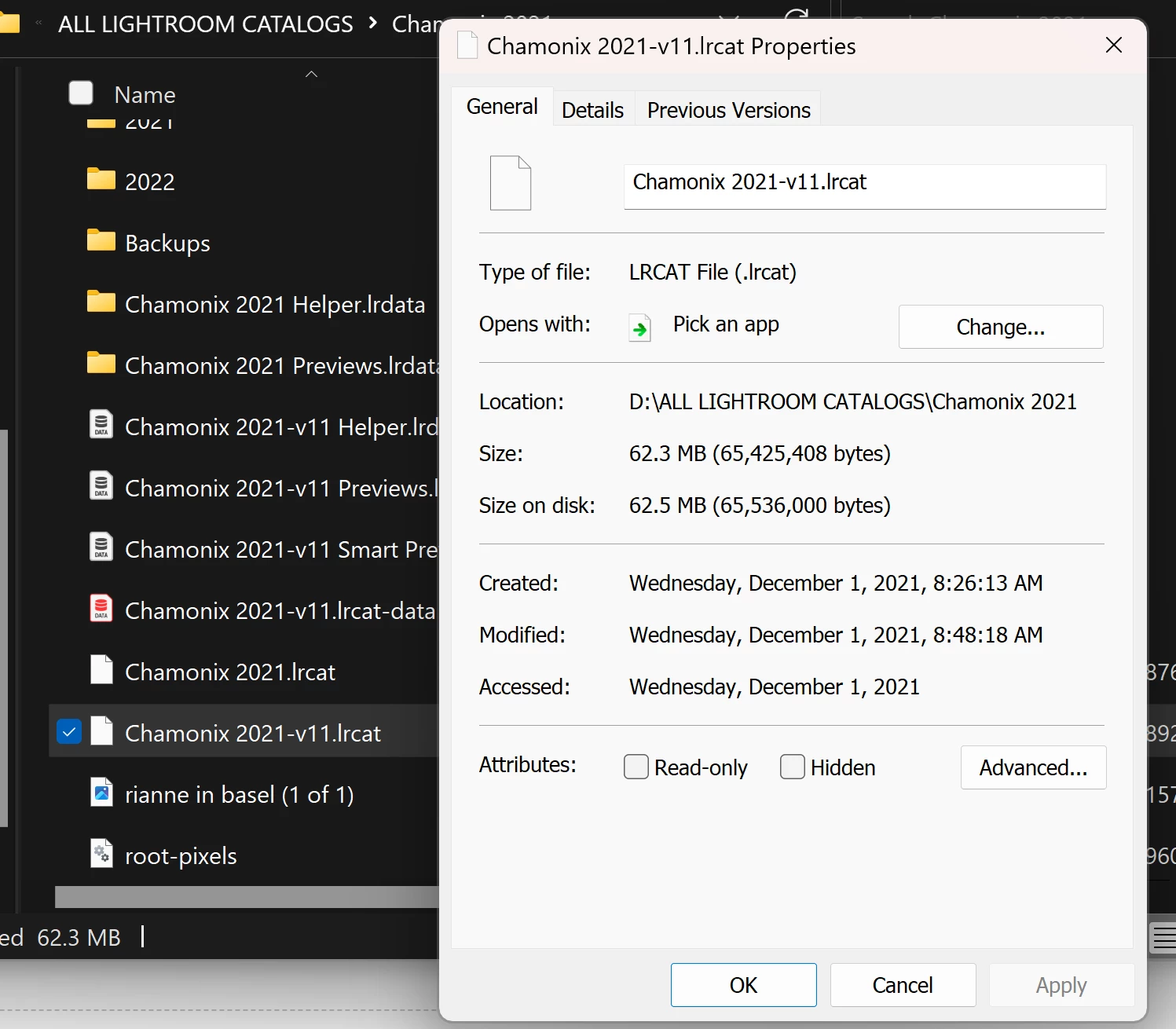
Hi i have  a large catalogue which i love and since rebooting my computer and downloading the latest version of lightroom i cannot open the files anymore, i saved all my photos and catalogue on an external ssd harddrive. Is there a way to somehow get access to my old cataolgues ? thanks  
 

This topic has been closed for replies.

3 replies

dj_paige
Legend
October 4, 2023

... and since rebooting my computer and downloading the latest version of lightroom i cannot open the files anymore ...


Why can't you open the files anymore? What steps have you tried to open these files? Please be specific and detailed. Please describe what happens in detail. If there is an error message, what is the excat unedited word-for-word error message?

GoldingD
Legend
October 4, 2023

Off topic, but that folder named Backups, is that where you store your LrC catalog backups?


https://helpx.adobe.com/lightroom-classic/help/back-catalog.html


Per Berntsen
Community Expert
Community Expert
October 4, 2023

How are you trying to open the catalog?

Are you using File> Open in Lrc, or double-clicking the catalog file in the File explorer?

And what happens when you try? Please provide details.


You seem to have a lot of catalogs, which has a number of disadvantages. Most of us only need one catalog.

You can merge all your catalogs into one by opening one of them, and then go to File > Import from another catalog, and repeat this for all the catalogs.