Participant
April 27, 2022
Question

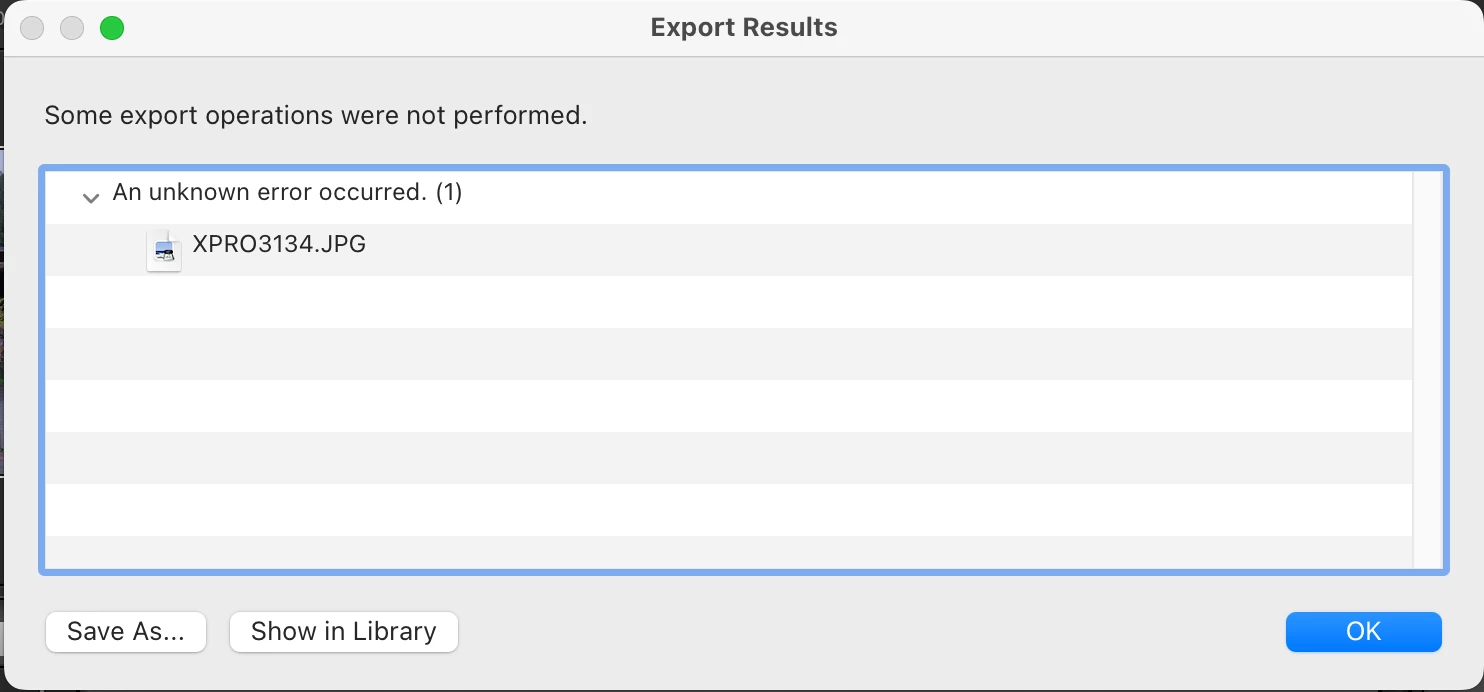
Why can't I export files after upgrading?

  • April 27, 2022
  • 5 replies
  • 321 views

Why can't I export files after upgrading? How to fix it? thanks.

This topic has been closed for replies.

5 replies

DdeGannes
Community Expert
Community Expert
April 27, 2022

Check in the very last section of the export dialog. Make sure it is not blank.


"This error occurs because the export file is corrupted. There can be two solutions for the error: Solution 1: 1) Check for the ‘Post-Processing’ section of your dialog 2) In the dropdown of ‘After Export’ make sure you have a valid entry selected"


Regards, Denis: Laptop Win 11, ver 24H2, LrC 15.4 PS 27.8;
DdeGannes
Community Expert
Community Expert
April 27, 2022

See screen capture.


Regards, Denis: Laptop Win 11, ver 24H2, LrC 15.4 PS 27.8;
Ian Lyons
Community Expert
Community Expert
April 27, 2022

Please provide a screenshot of how your Export dialog is configured. The area of most interest is the top panel labelled 'Export Location'


Note to upload screenshots to the forum you will need to click on the highlighted button as shown in below screenshot.


JohanElzenga
Community Expert
Community Expert
April 27, 2022

This may be due to changes in MacOS X (if that is what you upgraded). Go to MacOS 'System Settings - Security & Privacy' and add Lightroom Classic to "Full Disk Access". Click on the lock icon to unlock the settings, then click on the plus icon to add Lightroom Classic if it isn't already listed. If it is listed, then just enable the checkbox.


-- Johan W. Elzenga
Randy Hufford
Community Expert
Community Expert
April 27, 2022

Please provide screen shot of settings in export window.

DdeGannes
Community Expert
Community Expert
April 27, 2022
Regards, Denis: Laptop Win 11, ver 24H2, LrC 15.4 PS 27.8;