Answered
why does the screen disapper?
all too often, this happens, main screen missing: LR 11.14.1
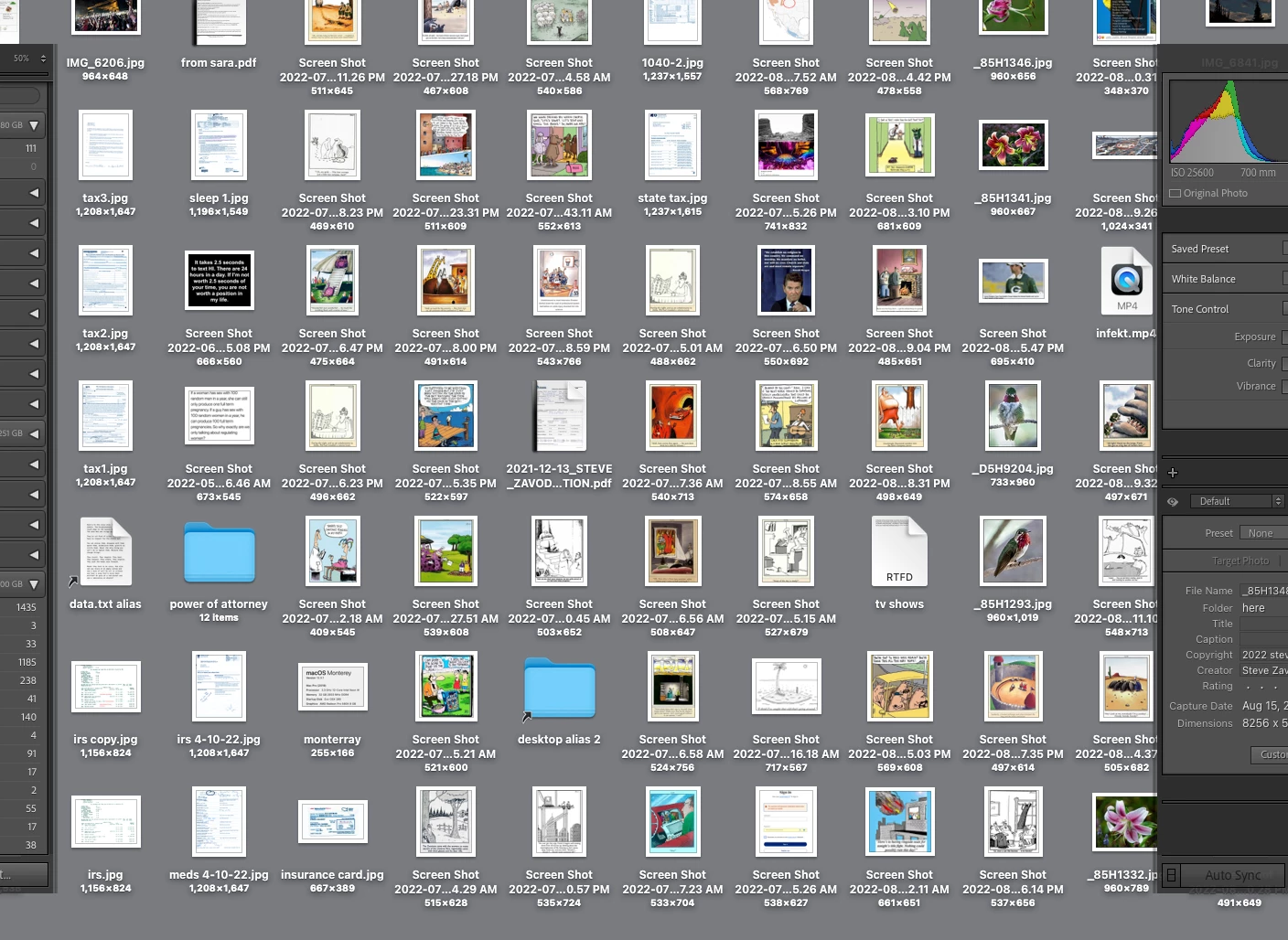
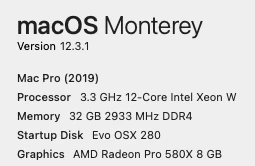

all too often, this happens, main screen missing: LR 11.14.1
If not, try disabling GPU in preferences, any better?
If not, try resetting your Lightroom preferences:
https://helpx.adobe.com/lightroom-classic/help/setting-preferences-lightroom.html
Also see: https://community.adobe.com/t5/lightroom-classic-discussions/important-steps-for-manually-resetting-preferences-omitted-from-help-article/td-p/12972518
Quit Lightroom Classic.
MacOS: Press and hold the Shift + Option keys.
Windows: Press and hold the Shift + Alt keys.
While holding down the keys, launch Lightroom Classic.
When asked, select "Yes".
Already have an account? Login
Enter your E-mail address. We'll send you an e-mail with instructions to reset your password.
 AdChoices