Thanks for sharing your system info — it looks quite beefy, and everything seems to be in order there!
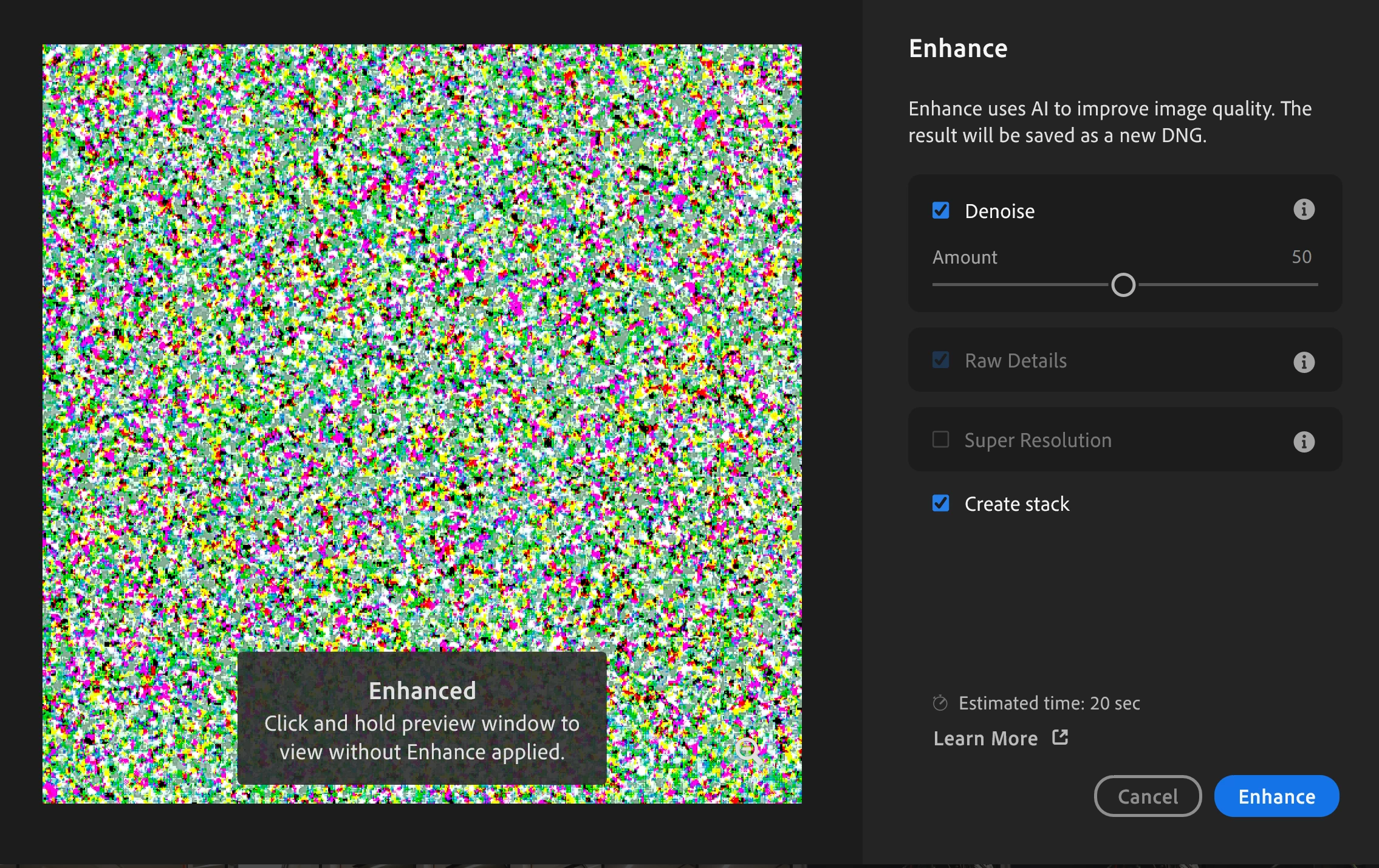
To rule out any potential GPU-related communication issues between Lightroom and your NVIDIA A2000 GPU, could you please try turning off GPU performance in Lightroom? You can do this by going to Preferences > Performance and turning off Use Graphics Processor.
Additionally, could you confirm the file format you’re working with? If possible, please share a sample file and a small screen recording of the steps leading to this behavior. This will help us pinpoint the issue and find a solution more efficiently.
Looking forward to your update!
Best,
Anshul Saini
Hi! I don't know if there was an update between my last answer and now or if turning off the GPU performance and turning it back on worked, but it seems to be working fine now. Thanks, and sorry for the delayed response!



 AdChoices