


Participant
August 5, 2026
Question

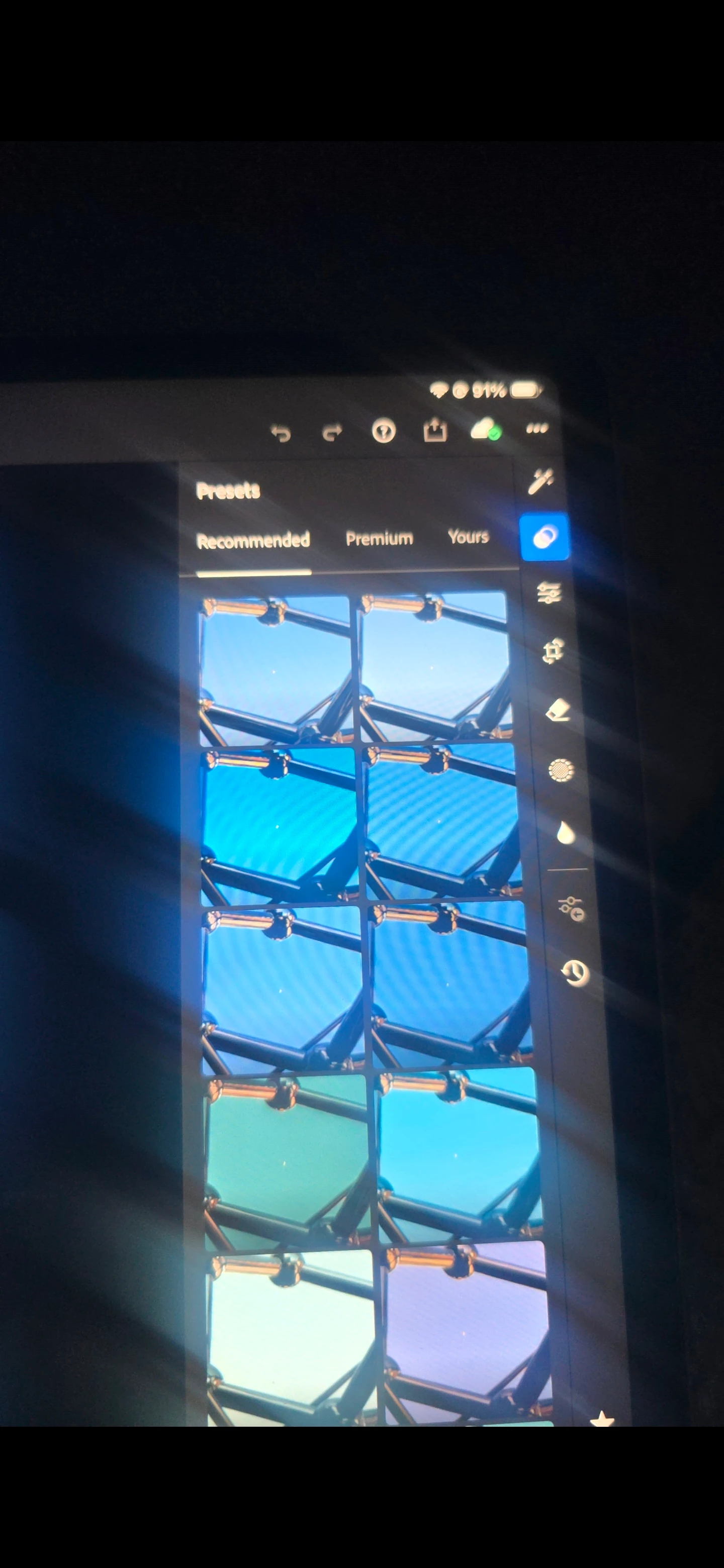
P: (Mobile) Presets panel, under Recommended, I do not see the preset categories (Warm, Dark, Bright, Cinematic, HDR, etc.)

  • August 5, 2026
  • 61 replies
  • 715 views

In the Presets panel, under Recommended, I do not see the preset categories (Warm, Dark, Bright, Cinematic, HDR, etc.) that appear in Adobe's documentation and other users' screenshots. The app is fully updated, I've already compared it with Lightroom on my phone, and the feature is missing only on my iPad. I'd like to know if this is a bug, a staged rollout, or an account-specific issue.

 

    61 replies

    Participating Frequently
    August 23, 2026

    Thx for the info! Got the question directed at the right group. Community Expert? “<“ is not an option in the app. lol

    Participating Frequently
    August 23, 2026

    When uploading a new photo or using an older image on the LR app on IPhone. After clicking the Presets Tab the “Recommended Presets” are not there since the latest update. Example: Subtle, Dark, B&W, HDR, Cinematic, Etc. I’ve signed out, uninstalled, reinstalled, signed in & spent over an hour with support which determined the problem isn’t with my application or IPhone. The problem is on Adobe end. 

    JohanElzenga
    Community Expert
    Community Expert
    August 23, 2026

    Tap on the < on the left above your presets to go to the overview. There you still have the Recommended presets.

    BTW, this is the Lightroom Classic forum. For questions about Lightroom Mobile you need to be in the Lightroom ecosystem forum.

    -- Johan W. Elzenga
    Participating Frequently
    August 23, 2026

    When uploading a new photo or using an older image on the LR app on IPhone. After clicking the Presets Tab the “Recommended Presets” are not there since the latest update. Example: Subtle, Dark, B&W, HDR, Cinematic, Etc. I’ve signed out, uninstalled, reinstalled, signed in & spent over an hour with support which determined the problem isn’t with my application or IPhone. The problem is on Adobe end. This bug is Redundant. 

    Participant
    August 22, 2026

    Had this issue too, came and saw it was a deliberate choice.   What a terrible move.  Rethinking my entire adobe subscription now.   You got rid of the best part of that app, and replaced it with what?  A long ass waite why your shitty AI analysis the image.   Wrf is wrong with Adobe? 

    MiG15
    Participant
    August 21, 2026

    Very Disappointed on this decision by Adobe, 

    90% of my edits where because of those subsections. They were helping a lot! 


    Participant
    August 20, 2026

    @Rikk Flohr_Photography — just wanted to follow up on this since the thread has continued to receive comments and activity.

    Have you been able to pass this feedback along to the Lightroom product team, and is there any indication that restoring the Recommended Preset categories is being considered?

    I'm still holding off on canceling my subscription in hopes that Adobe reconsiders. These categories were essentially the reason I paid for Lightroom, and I'd much rather see the feature restored than leave the product.

    Even if there isn't a decision yet, any update on whether the team is actively reviewing the feedback would be greatly appreciated. Thanks again 

    Rikk Flohr_Photography
    Community Manager
    August 17, 2026
    The following idea has been merged into this idea:

    All the votes have been transferred into this idea.
    Rikk Flohr: Adobe Photography Org
    Participant
    August 17, 2026

    Yeah mine are gone too! Fixing to cancel my Lightroom subscription this month if they don’t pop back up.

    Participant
    August 16, 2026

    It’s missing on iPhone now too.