

Answered
Photos coming into the camera roll darker or lighter than taken
I can't remember after which update this started happening, but now when I take photos in Lightroom iOS (iPhone 11Pro), almost always the photo ends up coming in way darker or sometimes blown out.
I have checked that there are no auto-settings being applied. This is driving me crazy!
Please see the attached examples. One is a screenshot of the preview of the photo right after snapping it, and the next is a screenshot of viewing the photo within the "LR Camera Photos."
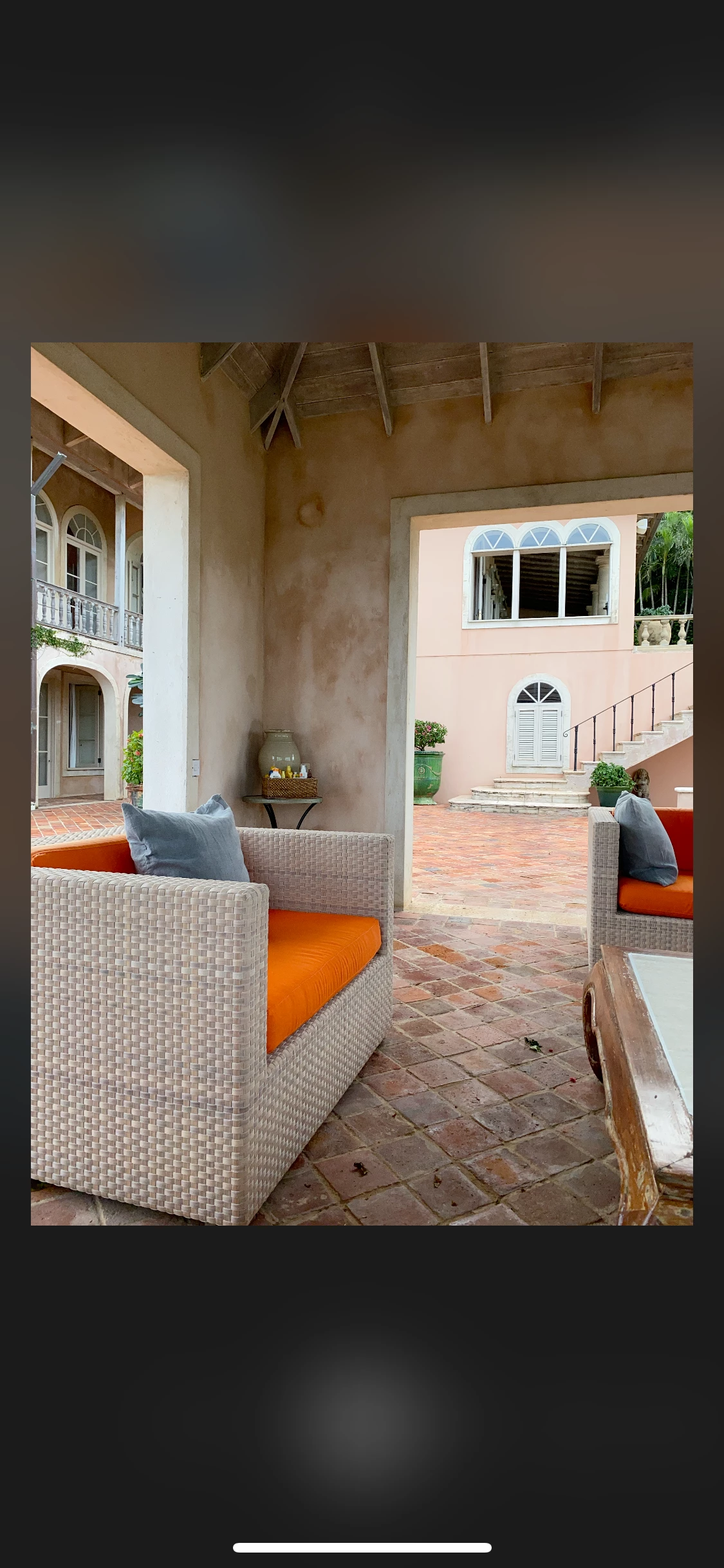
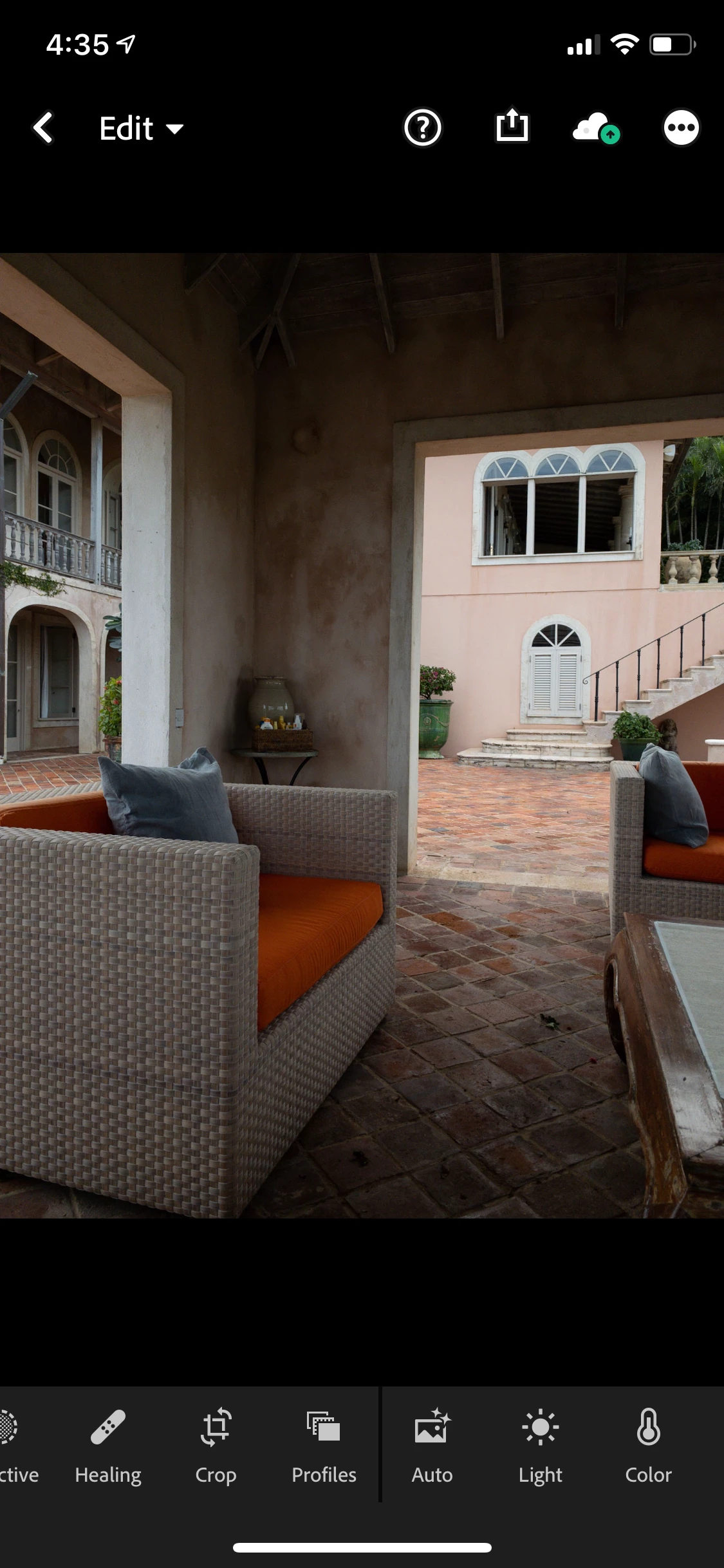


 AdChoices