Participant
October 23, 2022
Question

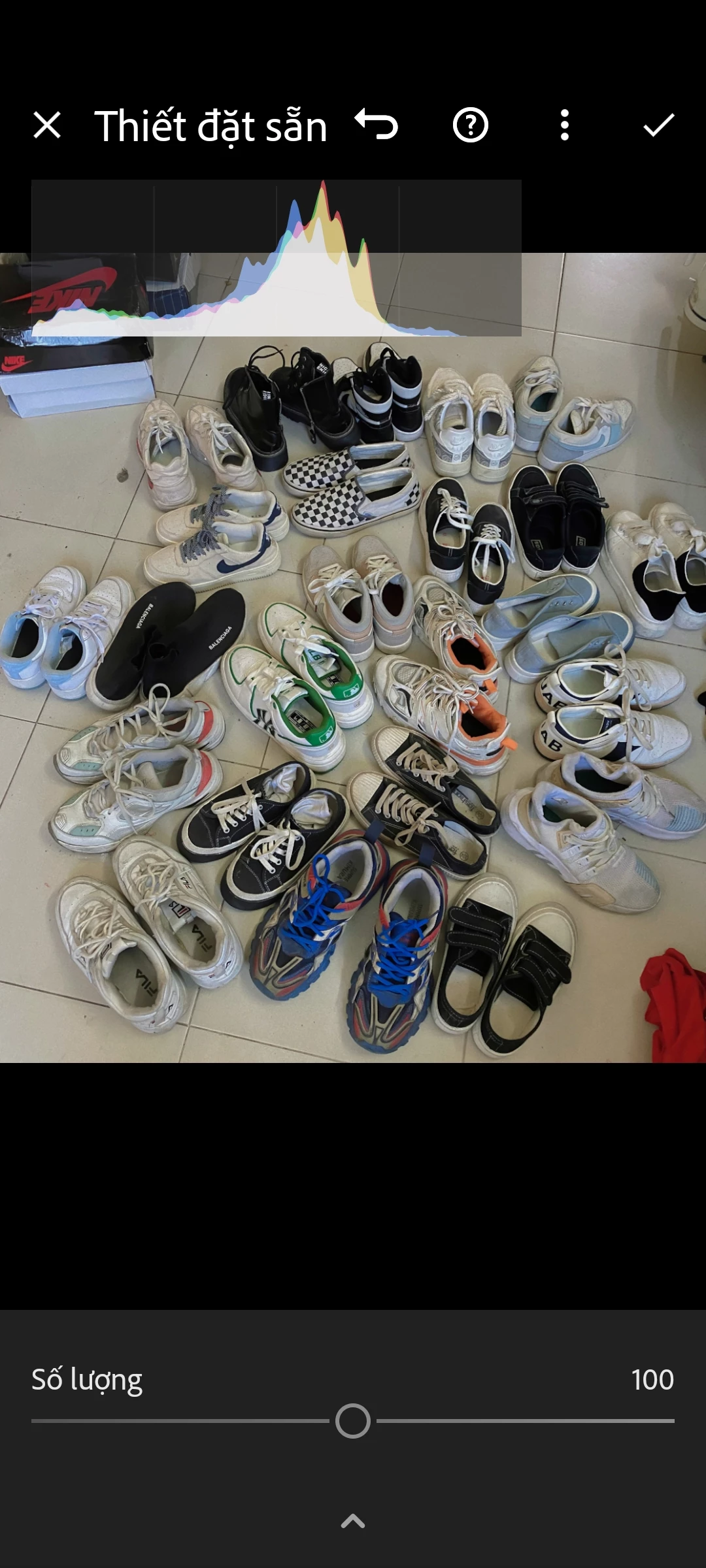
Where can I turn on this number of colors?

  • October 23, 2022
  • 2 replies
  • 160 views

This topic has been closed for replies.

2 replies

Adobe Employee
October 24, 2022

Hello @cuongphan191919 

If you want to disable the histogram, try tapping the screen with two fingers.  Or see other advice here: https://community.adobe.com/t5/lightroom-ecosystem-cloud-based-discussions/how-to-remove-histogram-in-lightroom-mobile/td-p/10604028 

Participating Frequently
October 23, 2022

Hello @cuongphan191919,

I'm not sure I understand the question. It looks like you're working with a preset and adjusting the amount of the preset you're selected. In order to change/adjust the colors on your photo, try to select Color option on the bottom on the edit mode in a single photo view. There you could adjust colors using sliders like e.g. Temp, Tint, Vibrance and Saturation