Participating Frequently
June 5, 2023
Answered

Can't upload FBX in Mixamo after exporting FBX from Mixamo and editing the texture in Blender

  • June 5, 2023
  • 4 replies
  • 3711 views

Hi, 

I downloaded an FBX file from Mixamo, edited the texture in Blender and want to re-upload it back to Mixamo, but I doesn't allow me to.

1. I read through all of the other similar posts with this topic, but I cannot export as an obj file, because I don't want to export my animations from blender (where I could add the textures later on). I want to reupload to mixamo to export as fbx for unity.

2. I tried to make the file smaller, but it doesn't get significantly smaller even with the decimate property. I also don't think that this is the issue because the exported files from mixamo can be reuploaded and they huge.


If anyone figured out how to fix this please let me know, I would really appreciate it!

I also realize that this might not be the best website to post this to, but I didn't know where else I could ask for help.



This topic has been closed for replies.
Correct answer Ussnorway7605025

@Christian3032642563hwyour model is NOT shared so i can't look at it but will to bet the issue is that shield you have on his back... i'll go talk to you in that thread to save getting mexed up


@ben30213490il56you have a lot of small issues which add up

1. the model already has a rig so Mixamo will not make a new one [by design] and will give a no rig or unknown file type error - see 2


2 all those edits / mods you made to the bones are why the file is so big and also makes it a non-standard Fbx so Mixamo don't know how to read it


3 you also used a high res image for for texture so again non standard ... to be blunt, you don't need HR here and a standard Png or even Jpg will make your life easy


ok without all the mods the actual model + texture is under 2mb and that is why you have issues trying to make it smaller... if you strip out the junk it uploads just fine

i assume you want to add animations but your workflow should be to start with a base model i.e, the same model used for every animation not one for some and another for others


i hope this answered your questions but feel free to ask more... good luck mate

4 replies

Ussnorway7605025
Legend
June 9, 2023

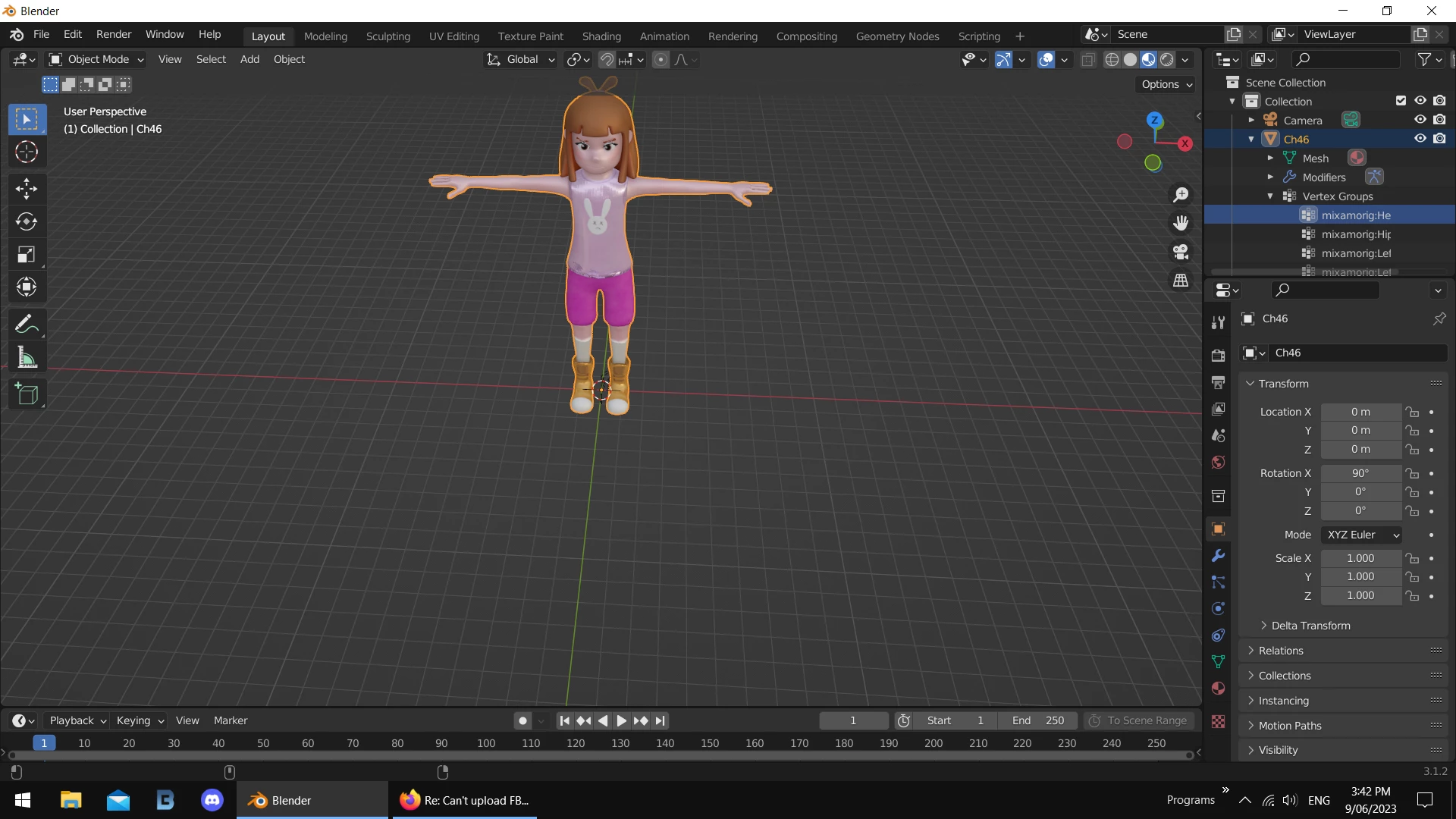
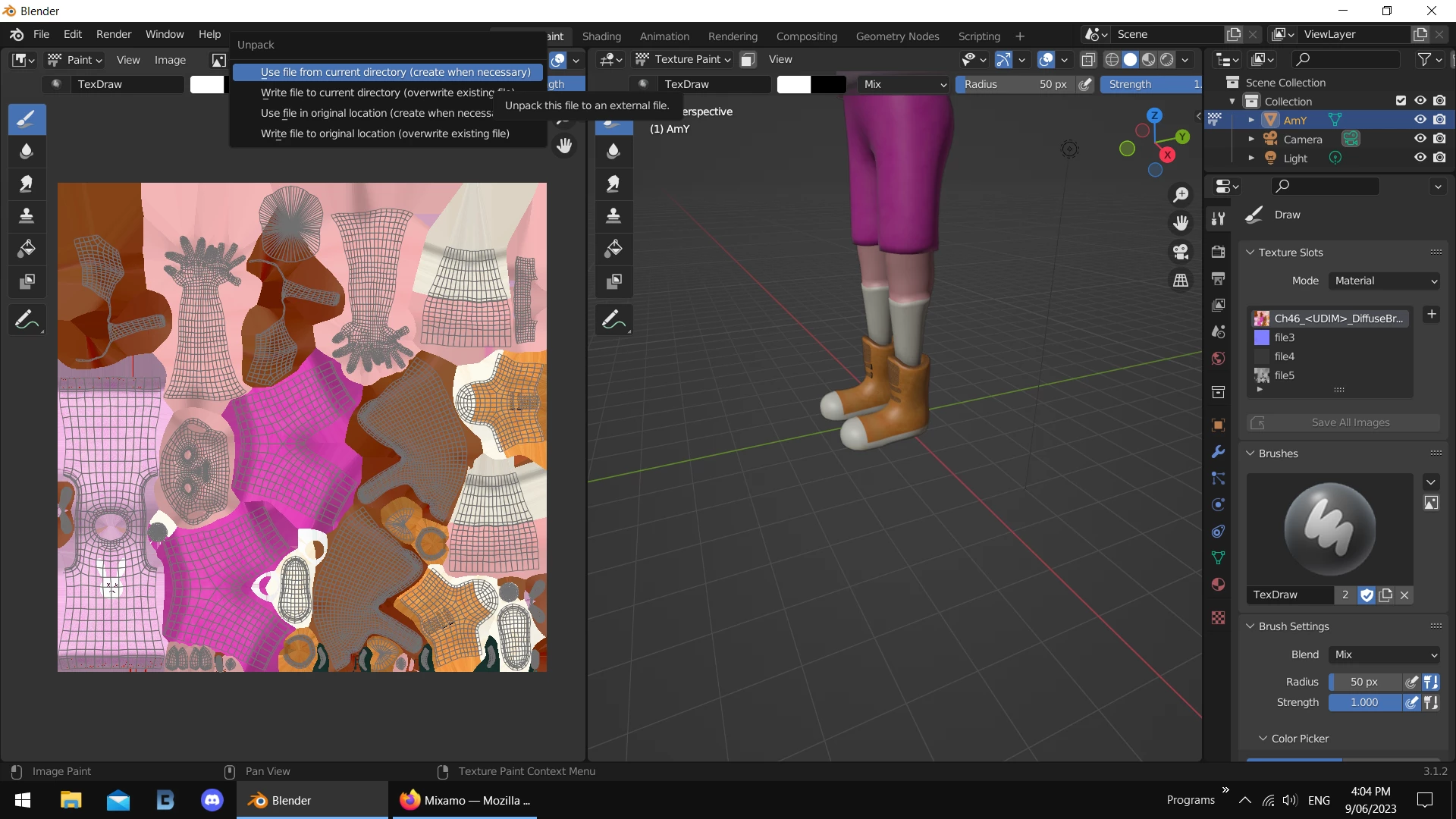
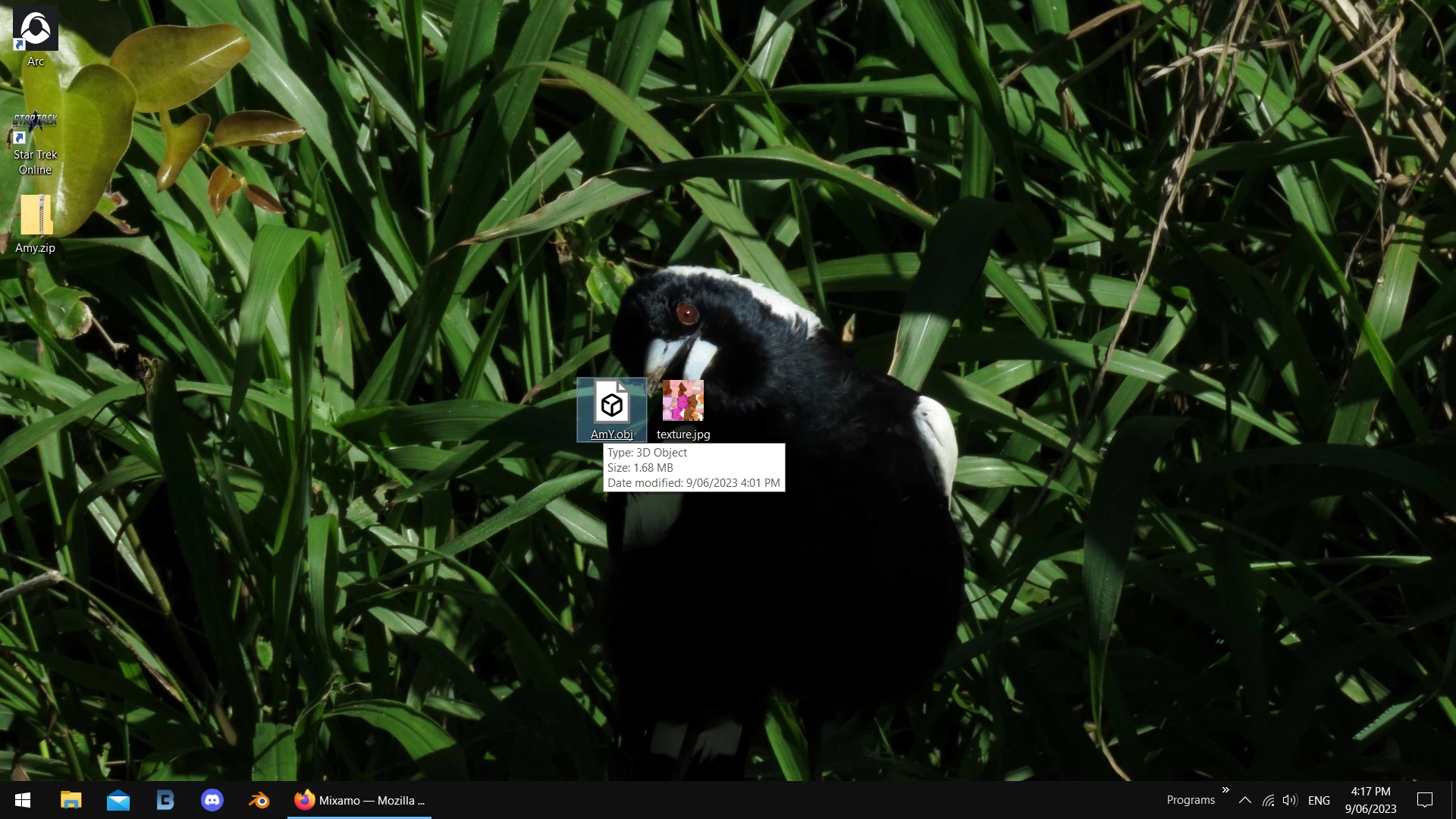
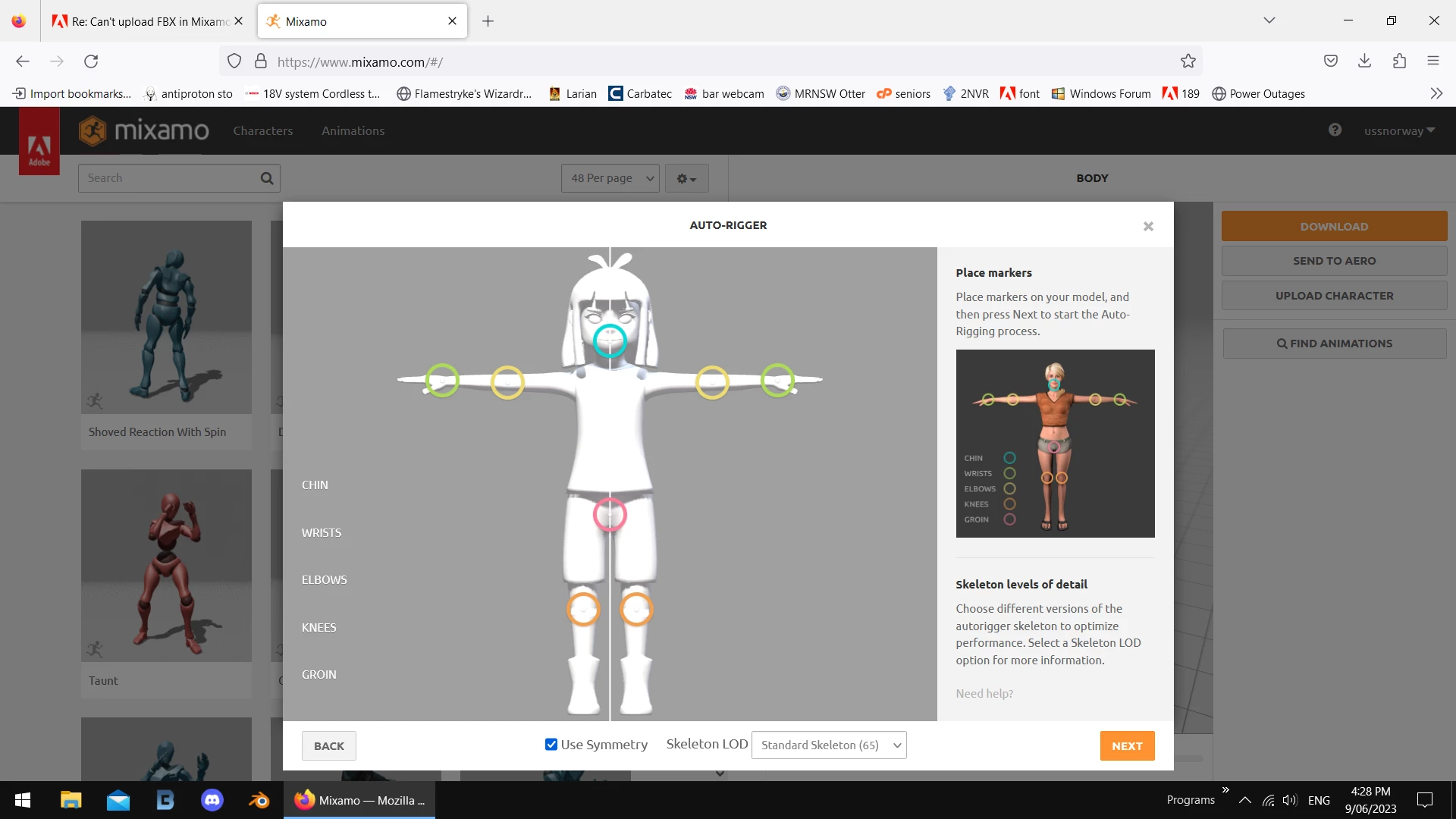
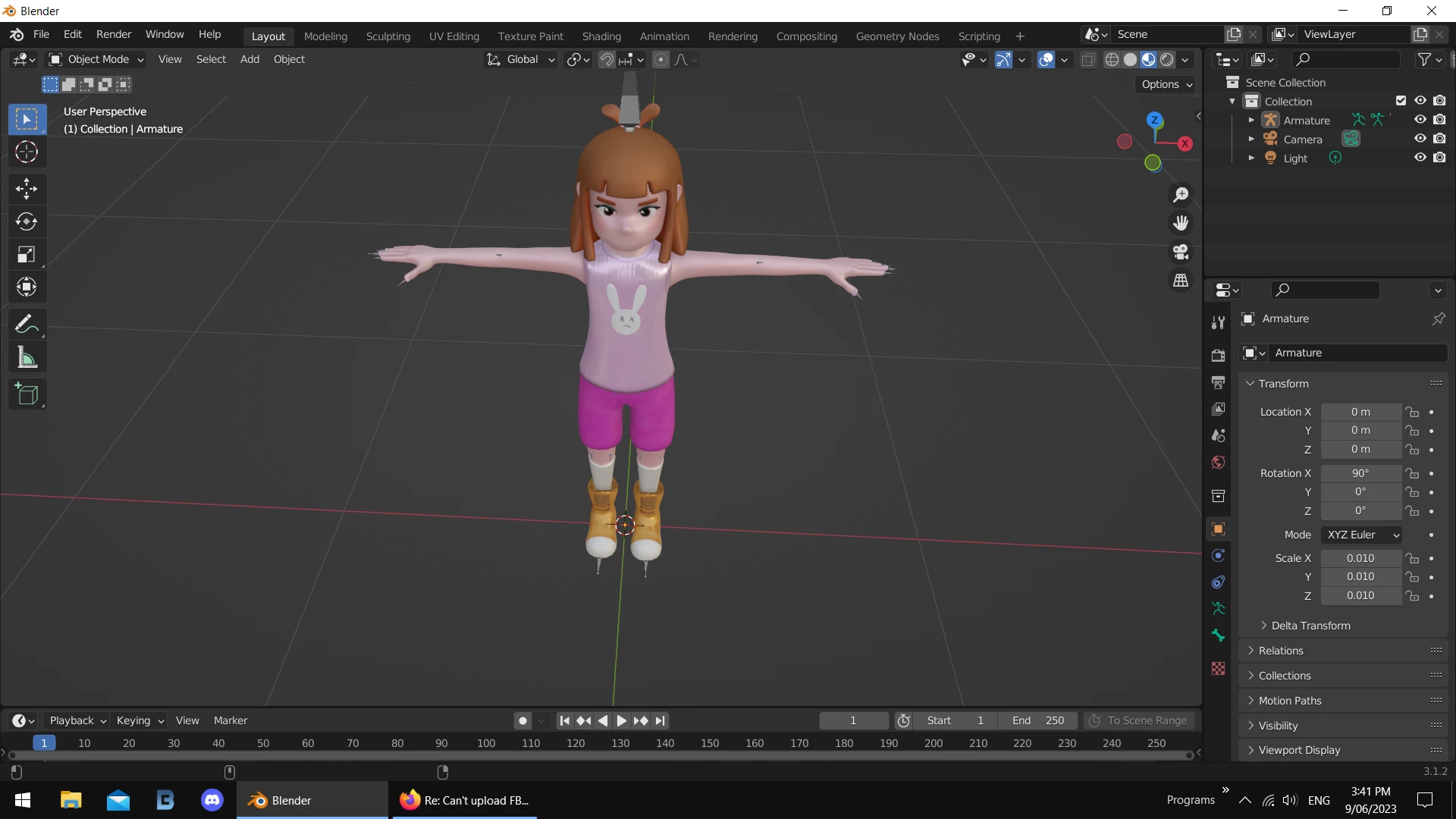
the model and some screenshots

Ussnorway7605025
Ussnorway7605025Correct answer
Legend
June 9, 2023

@Christian3032642563hwyour model is NOT shared so i can't look at it but will to bet the issue is that shield you have on his back... i'll go talk to you in that thread to save getting mexed up


@ben30213490il56you have a lot of small issues which add up

1. the model already has a rig so Mixamo will not make a new one [by design] and will give a no rig or unknown file type error - see 2


2 all those edits / mods you made to the bones are why the file is so big and also makes it a non-standard Fbx so Mixamo don't know how to read it


3 you also used a high res image for for texture so again non standard ... to be blunt, you don't need HR here and a standard Png or even Jpg will make your life easy


ok without all the mods the actual model + texture is under 2mb and that is why you have issues trying to make it smaller... if you strip out the junk it uploads just fine

i assume you want to add animations but your workflow should be to start with a base model i.e, the same model used for every animation not one for some and another for others


i hope this answered your questions but feel free to ask more... good luck mate

Participating Frequently
June 9, 2023

Thank you very much for your time and effort. I do have some questions:

I didn't edit the bones at all, so does changing a texture also affect the bones?

How did you remove the rig? Did you just delete all the Vertex Groups?

(Btw. how come I can reupload a non-edited Mixamo fbx. file with a rig and Mixamo doesn't have any issues with that? Does changing a texture really make such a huge difference?)


Thank you!

Ussnorway7605025
Legend
June 10, 2023
quote

Thank you very much for your time and effort. I do have some questions:

I didn't edit the bones at all, so does changing a texture also affect the bones?

How did you remove the rig? Did you just delete all the Vertex Groups?

(Btw. how come I can reupload a non-edited Mixamo fbx. file with a rig and Mixamo doesn't have any issues with that? Does changing a texture really make such a huge difference?)


Thank you!


By @ben30213490il56

1 someone [perhaps your 3d model software] added mods

2 no adding a texture doesn't change the rig

3 to remove the rig (assumes Blender) select the "Armature" layer and delete it... this will reset the model [in this case on her back] then 0 out all the locations except X rotation which is 90

4 to remove Vertex mods in Blender you have to convert to a file type that doesn't use those... Obj in this case

5 if you upload a Mixamo model [with its rig] then Mixamo should allow it but will not give the place markers screen because that model already has its rig... Mixamo can detext a rig and just skips the next step by design

6 changing a texture to a file type Mixamo can't read HR, Tar [anything made with Apple metal drivers] etc makes a big difference to how Mixamo shows it in the preview screen but thats it

Participating Frequently
June 7, 2023
Ussnorway7605025
Legend
June 6, 2023

share the model and i'll take a look

Inspiring
June 6, 2023

can you take a look at my post? i have a similar issue. the file is already shared. Issue Rigging Character - Adobe Support Community - 13845348