


Participant
May 10, 2022
Question

I am importing the model I made from dimension to mixamo. However, the texture is shining white.

  • May 10, 2022
  • 1 reply
  • 2274 views

I am importing the model I made from dimension to mixamo. However, the texture is shining white. How can I solve it?
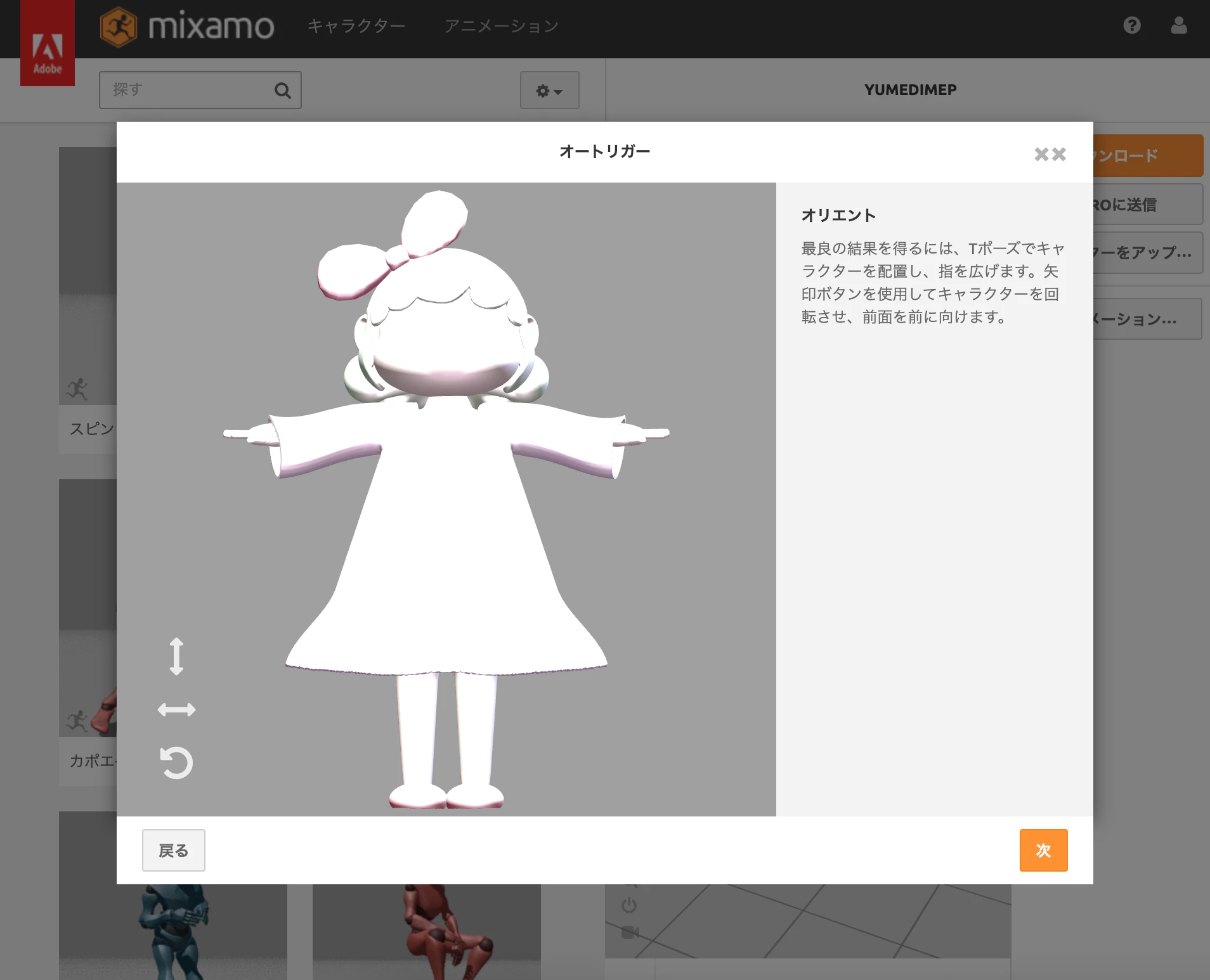


In addition, it does not shine in dimension / blender.

In addition, only the model is exported and put in mixamo.

This topic has been closed for replies.

1 reply

Ussnorway7605025
Legend
May 11, 2022

The texture is shining bright because the map system used is metal drivers instead of NVIDIA standard... Imo you can just ignore this because texture doesn't effect rigging and animation I e bones is the only point of using Mixamo

However if it really bugs you then adjust the roughness map (tone it down)


Participant
May 11, 2022
It has to be an NVIDA PC, right?

In addition, rigging works well.
Thank you.

This is the first time I've heard about roughness maps. Thank you very much.
I'm going to try using Mod Lab.
Ussnorway7605025
Legend
May 11, 2022
quote
It has to be an NVIDA PC, right?In addition, rigging works well.Thank you.This is the first time I've heard about roughness maps. Thank you very much.I'm going to try using Mod Lab.
By @MKL_okamoto

no any pc can use the Nvida standard to make a 3D texture map, look up "Physically based rendering" and you will find all the details... basically Adobe dropped this standard as part of their ongoing fight with Nvidia to use the new metal drivers system that is Apple Mac based


they did this without telling anyone or even testing that it works which buggered up Photoshop, Dimension, Fuse and other Adobe software but in general older models made in any 3D software will have a plastic look when auto-converted to metal drivers and the fix is to turn down the roughtness maps in Dimension [or whatever]

see this https://community.adobe.com/t5/dimension-discussions/roughness-in-dimension-don-t-work-help-please/m-p/11351361