



Question
Add a new scratch disk location
Hi! I have deleted about every possible thing I can through Lightroom/ my computer/ photoshop and I still continue being stopped saying my scratch disk is full even though there is space on my Mac. I even disabled iCloud which takes up a lot of room. The only scratch disk that continues to show up in my scratch disk area is my Mac. How do I add an external scratch disk option?? I have external drive plugged in but it doesn't show up as a scratch disk option to switch as my preference. PLEASE help! I can't edit any of my photos, I don't know what else to try! Pic below of only my Mac showing up as an external drive. 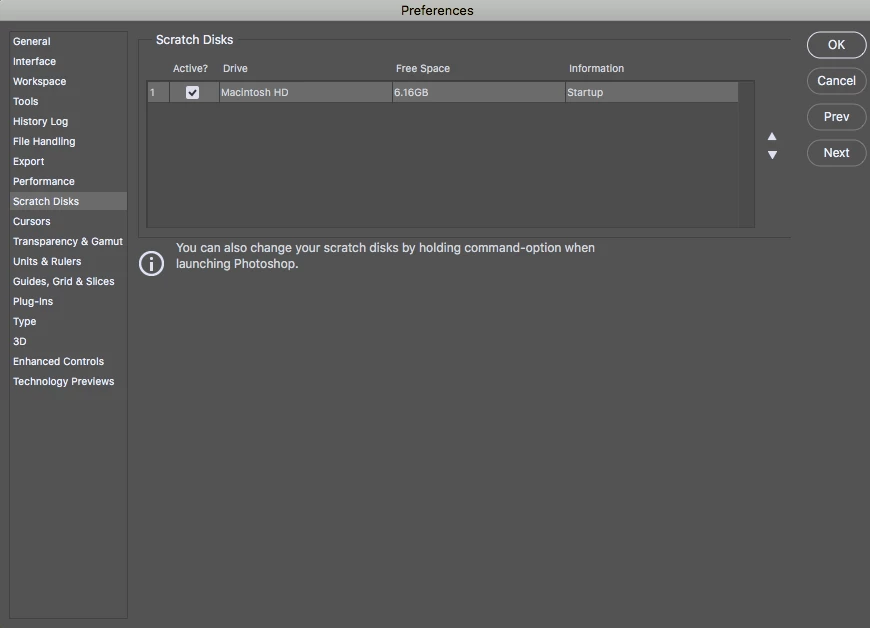
 AdChoices