


Question
Automatic perspective correction not working
Hello!
Computer 1. Windows 10, Adobe Photoshop 23.3.2 (version in Russian).
There are 2 files "1.jpeg", "2.jpeg" (attached). I need to do automatic perspective correction. For this:
- Open file "1" in Photoshop.
- Filter - Camera Row Filter - Geometry - Auto: Apply a balanced perspective correction.
- A correction is in progress. Ready!
- Open file "2" in Photoshop.
- Filter - Camera Row Filter - Geometry - Auto: Apply a balanced perspective correction.
- The message "Correction Upright not found" appears:
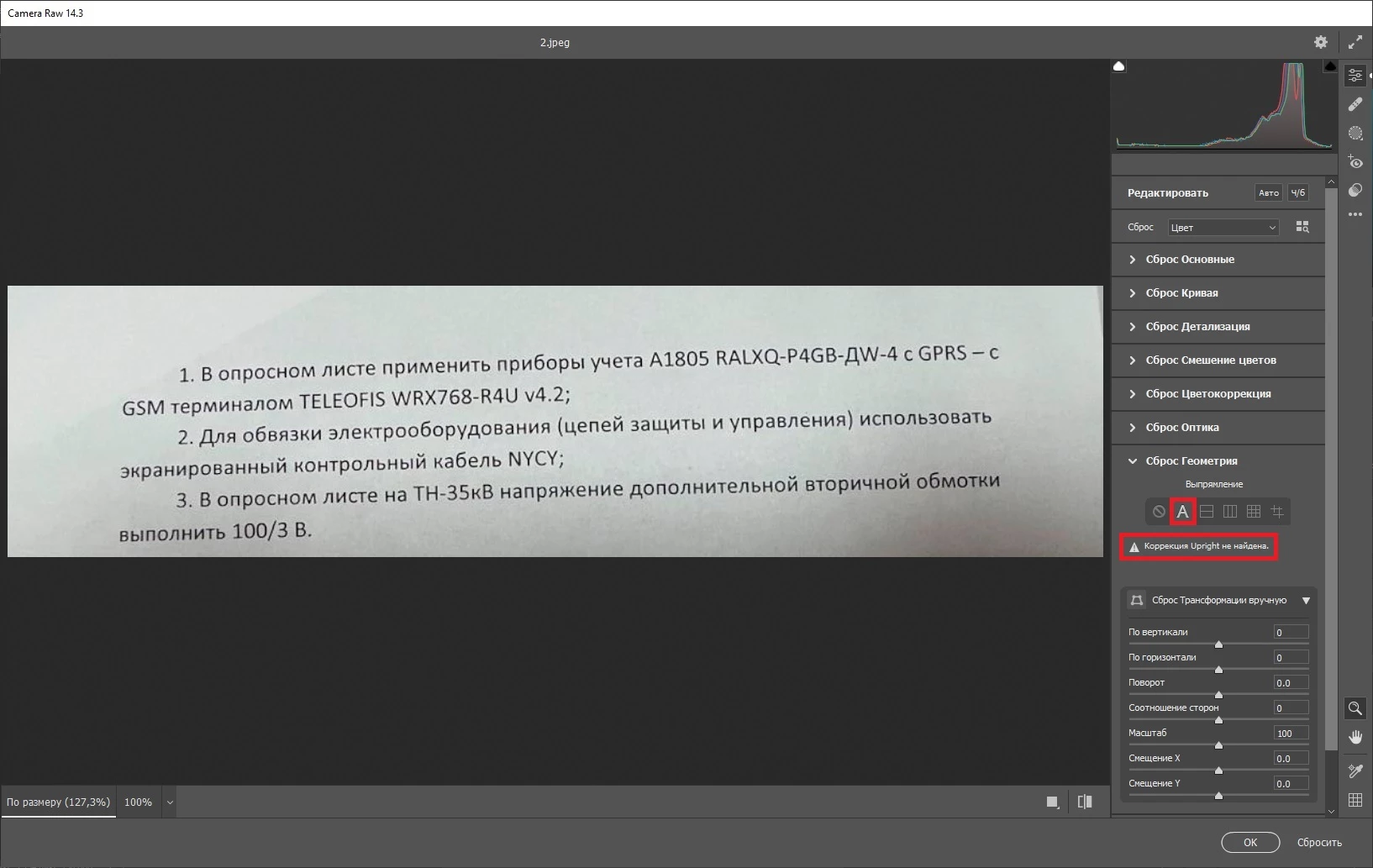
Computer 2. Windows 10, Adobe Photoshop 24.1.1 (version in Russian).
I did the same operation on the second computer - the result is the same.
Question - why does the message “Upright correction not found” appear with file «2»?
How to make automatic perspective correction for file «2»?
Does Photoshop also work with file "2" on your computers?
 AdChoices