


Participant
October 6, 2021
Answered

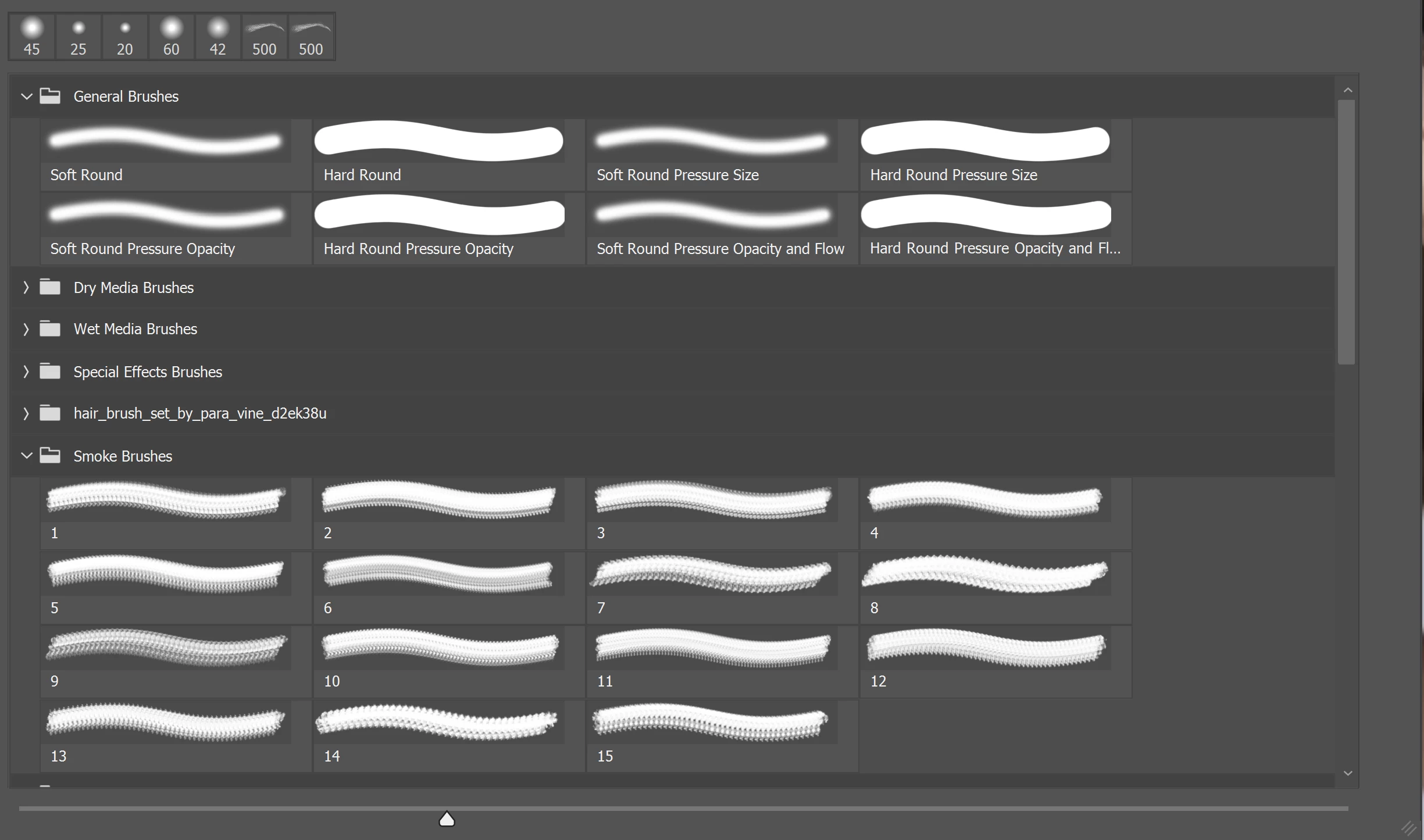
Brush icons display a stroke instead of a single brush head

  • October 6, 2021
  • 2 replies
  • 234 views

Hi, 

My brush panel currently displays brushe icons as long brush strokes, rather than the actual head. This makes it hard to see what it will look like without trial and error. Is there a way to toggle this? I've been through the options and can't seem to find it so thanks in advance for any advice.


This topic has been closed for replies.
Correct answer davescm

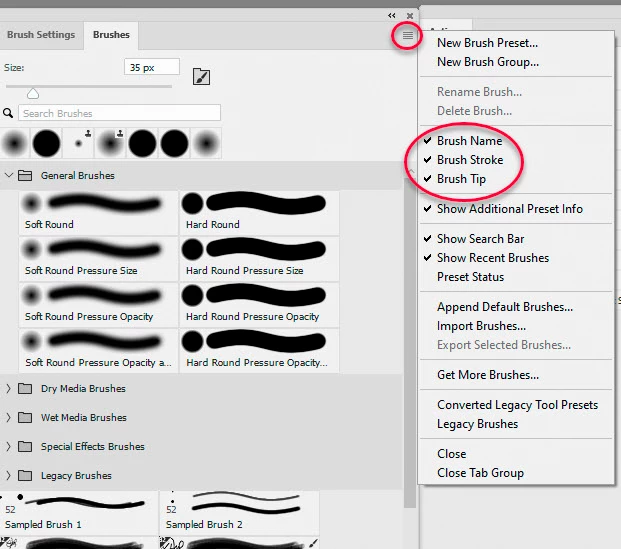
Click at the top right of your brushes panel and, in the drop down, choose what you want to show.


Dave

2 replies

davescm
Community Expert
davescmCommunity ExpertCorrect answer
Community Expert
October 6, 2021

Click at the top right of your brushes panel and, in the drop down, choose what you want to show.


Dave

Leslie Moak Murray
Community Expert
Community Expert
October 6, 2021

With the Brush Tool selected, click on the Brush Size, Then click on the little gear symbol and it brings up a dropdown menu. Select "Large Thumbnail"(or "Small Thumbnail"):