

Brush strokes beginning with a full pressure spot
Hello everyone,
I'm a long time photoshop user but recently purchased both a Cintiq 16 with the Wacom Pro Pen 2,
as well as finally moving to Photoshop CC from CS6.
I've been taking advantage to a lot of the new brushes the Creative Cloud is offering exclusive and recently started coming into a pretty annoying problem.
Most brush strokes when using the pen have been beginning with a full pressure stamp of the brush, before transitioning into the stroke. I've seen some people correct similar issues on Windows, but I haven't seen it happen much with Mac Users. 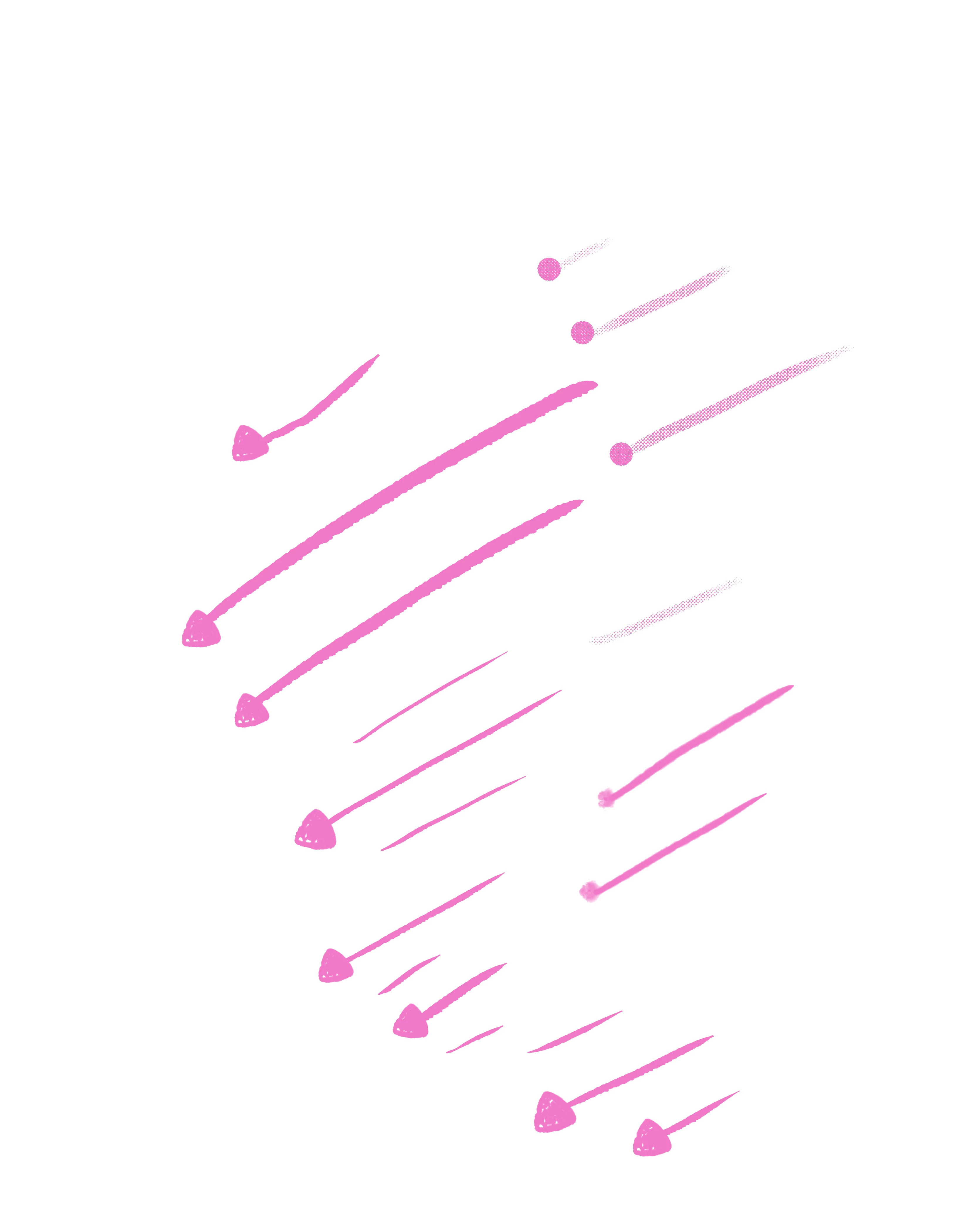
I opened Photoshop CS6 to see if the problem might be with my Wacom Pen or tablet, but it doesn't seem to have the same issues.
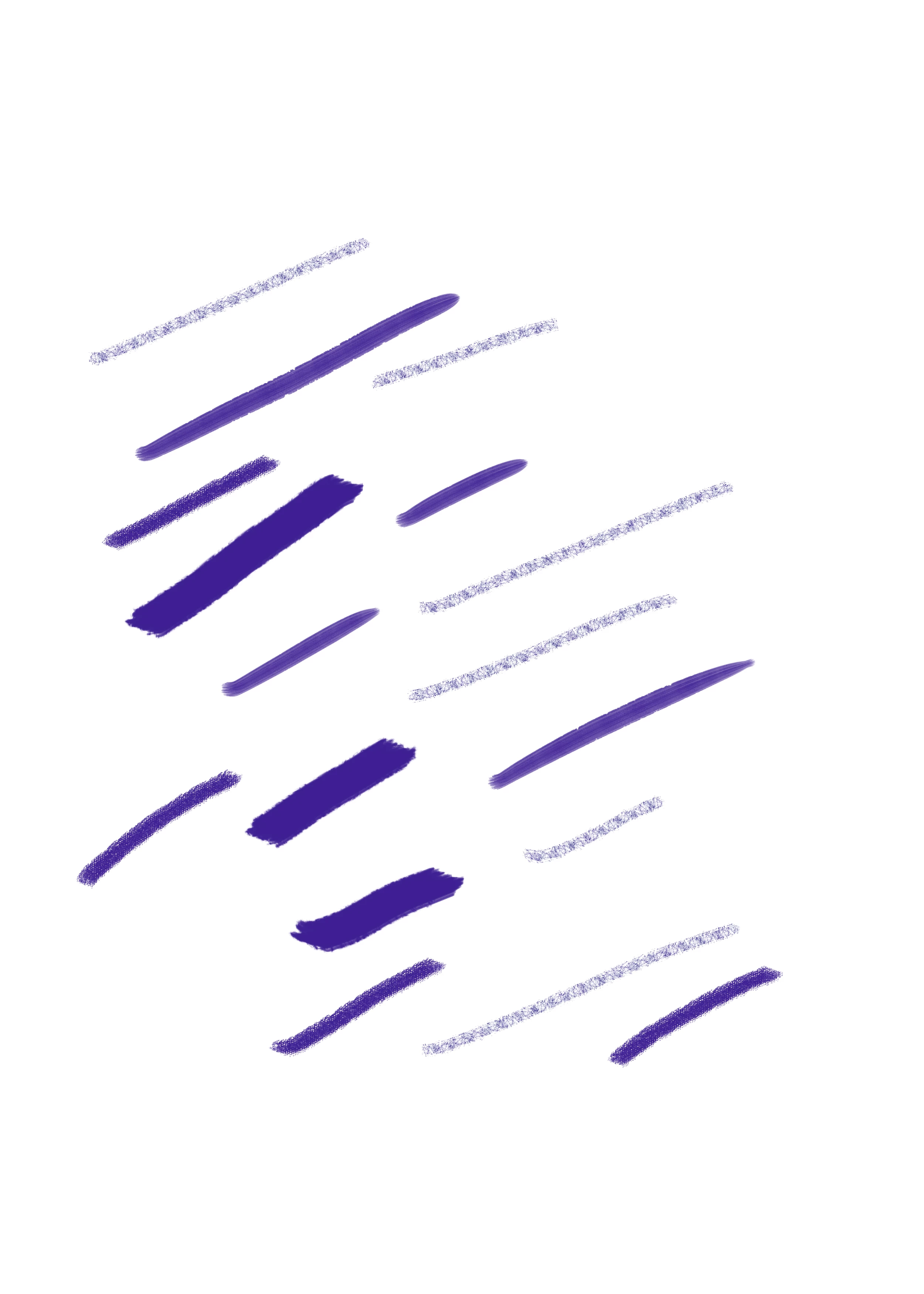
I've tried to explore Photoshop CC preferences and seee what might be going on, opening new files and trying diffferent brushes, but to no avail so far. If I start the stroke VERY lightly, I can avoid the problem but that's obviously not a long term solution. I've also tried to calibrate the pen and look at Wacoms settings.
If anyone knows what might be going on that would be much appeciated.
MacOS - High Sierra, 10.16.3
Adobe Photoshop CC 2020 - 21.1.3
Wacom Cintiq 16
Wacom Pro Pen 2
 AdChoices