Participant
August 8, 2023
Answered

Cannot move Photoshop window around screen, snaps back to original location.

  • August 8, 2023
  • 26 replies
  • 5270 views

Photoshop window will not move across screen. Windows 11, Photoshop 2023. Tried everything I can think of. Problem persists...

 

Correct answer Dramenon
Sometimes this happens when upgrading from Windows 10 to 11.
This seemed to resolve most issues with the snapping.

Try this:
in Windows 11 I had to enable "Show window contents while dragging"
  1. Run (Win+R) SystemPropertiesPerformance.exe to open Visual Effects Performance Options.
  2. In the Visual Effects tab, check (on - default) or uncheck  Show window contents while dragging for what you want, and click/tap on OK.


26 replies

Participant
September 14, 2023

Yes same issue also here. 

chrisv68624024
Participating Frequently
September 13, 2023

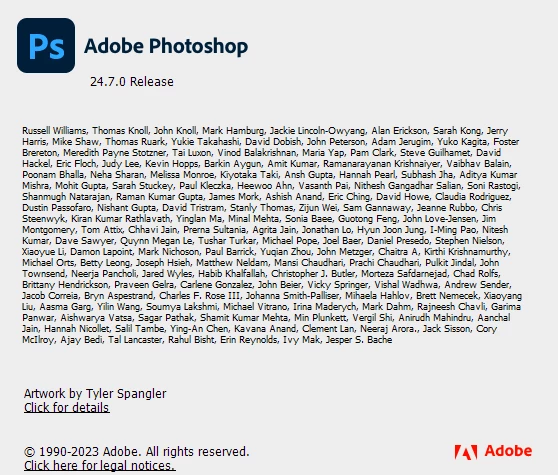
Just uninstalled v25, tried v24.7, same bug. Uninstalled that, tried v24.6, no issues.

Seems the bug was introduced with v24.7 onward.


chrisv68624024
Participating Frequently
September 13, 2023

Same problem here. Just recently started. When I drag the main window around, it automatically snaps to the nearest corner.

I can adjust the width or height, but the corner always snaps.

Participant
September 9, 2023

I have the same problem with both versions.  Such a pain.  Adobe is absolutely no help.  

Participant
August 11, 2023

I tried the Beta version of Photoshop and that had the same issue. I ended up reverting to an older stable version and that fixed the window locking issue. 

Participant
August 11, 2023

I'm having the same problem, except my window always snaps to the upper left corner, no matter where I try to move it.