


crystall36556127
Participant
December 28, 2017
Question

CC18 Photoshop crash- blank boxes

  • December 28, 2017
  • 1 reply
  • 464 views

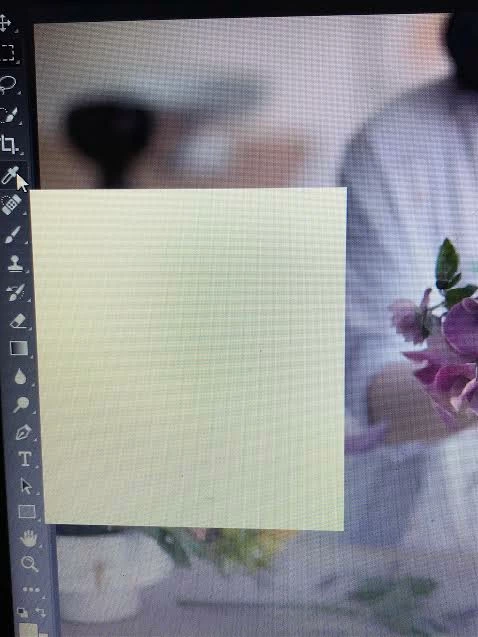
After recently downloading the free trial Adobe CC app for photo shop, I encountered an issue. Whenever I hover over certain tools or boxes, a blank box appears and I can't actually see the text or material that is supposed to be shown. For example, with the "learn" tool and box, there is just a white box that won't show a lesson that I can learn. I've attached a couple of images to show the issue.The crash report dialog showed up and I accidentally exited out of it when relocating the window to a different area of my screen and now I don't know hot to fix this issue or pull up the crash report dialog box to report this issue. Hope I can receive help. Thank you!

.

This topic has been closed for replies.

1 reply

Kanikas
Community Manager
Community Manager
December 28, 2017
Participant
January 27, 2021

Hi there,


Where can i find where the answers to this was moved to?

AxelMatt
Community Expert
Community Expert
January 27, 2021

Please do not react an tharead that 3 years old. 

Create a new entry and gave us a detailed description of your problem and your environment.


To insert screenshots, please use the "Insert Photos" icon in the toolbar, so that we don't have to download them.


My System: Intel i7-8700K - 64GB RAM - NVidia Geforce RTX 3060 - Windows 11 Pro 25H2 -- LR-Classic 15 - Photoshop 27 - Nik Collection 8 - PureRAW 5 - Topaz Photo