Participant
March 3, 2023
Question

Color Issues with HDR enabled for my Monitor

  • March 3, 2023
  • 4 replies
  • 6722 views

Hello, Recetally got new laptop  Blade 16 and having a very strange issue. 

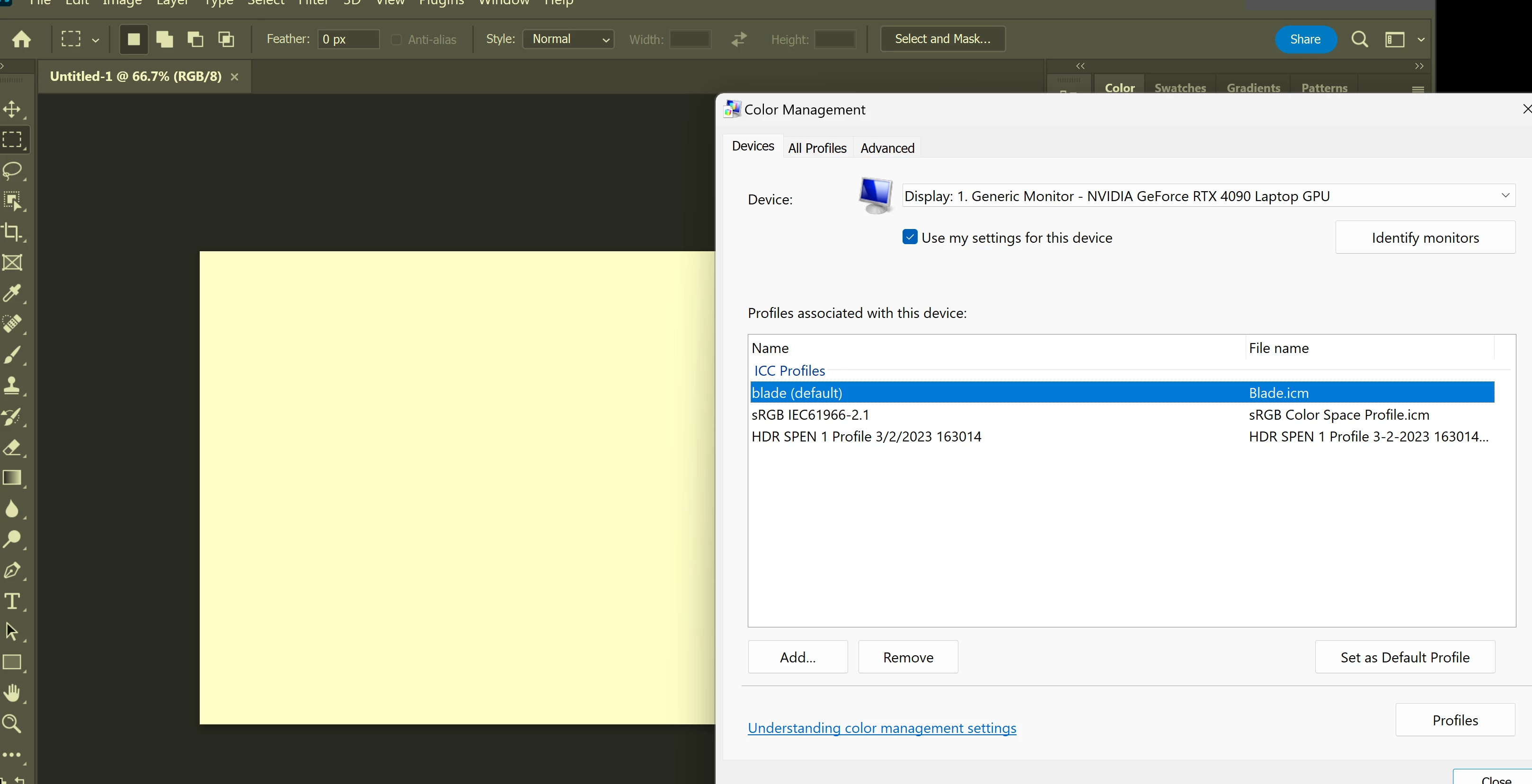
I have the NVIDIA GeForce RTX 4090 Laptop GPU,  and when I enable the HDR  mode in WIN 11: SYSTEM - DISPLAY,   Then obviusly my screen gets immediatly brighter and amazing,  EXCEPT Photoshop turns a super warm dingy yellow. It is the WHOLE APP that is affected , the UI etc.     All my other apps (Including ADOBE apps liek After Effects) are displaying correctly its just photoshop that is the issue.  I have screenshots included, but i have also tried a myrid of combinations  such as turning on Optimus (letting win switch between my GPU and Dedicated Graphics CPU) but typically have the GPU controlling.   I have also swapped color profiles to no avail.  See screenshots, and i can provide ANY additinoal info if needed, but this is maddening.  Again seems to only do this when i turn on the HDR capability on my monitor ,  and just as an FYI  when I do  do that,  my laptop I think identifies it as "display 2 / Hard Wired".   So not sure if that has anythign to do with it.  Help....


HDR ON:  PHOTOSHOP IS WACK! 
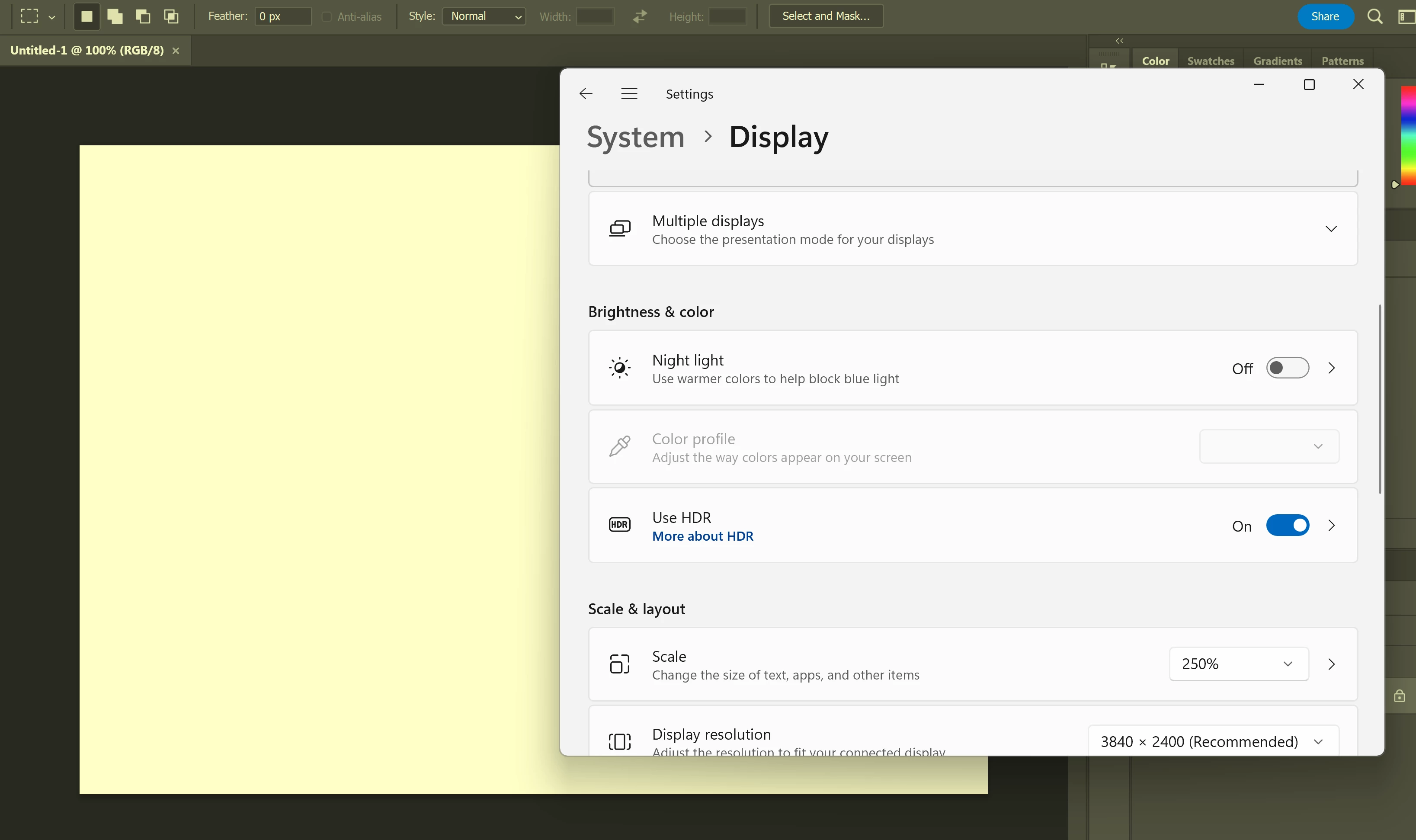
HDR OFF:  PHOTOSHOP IS FINE
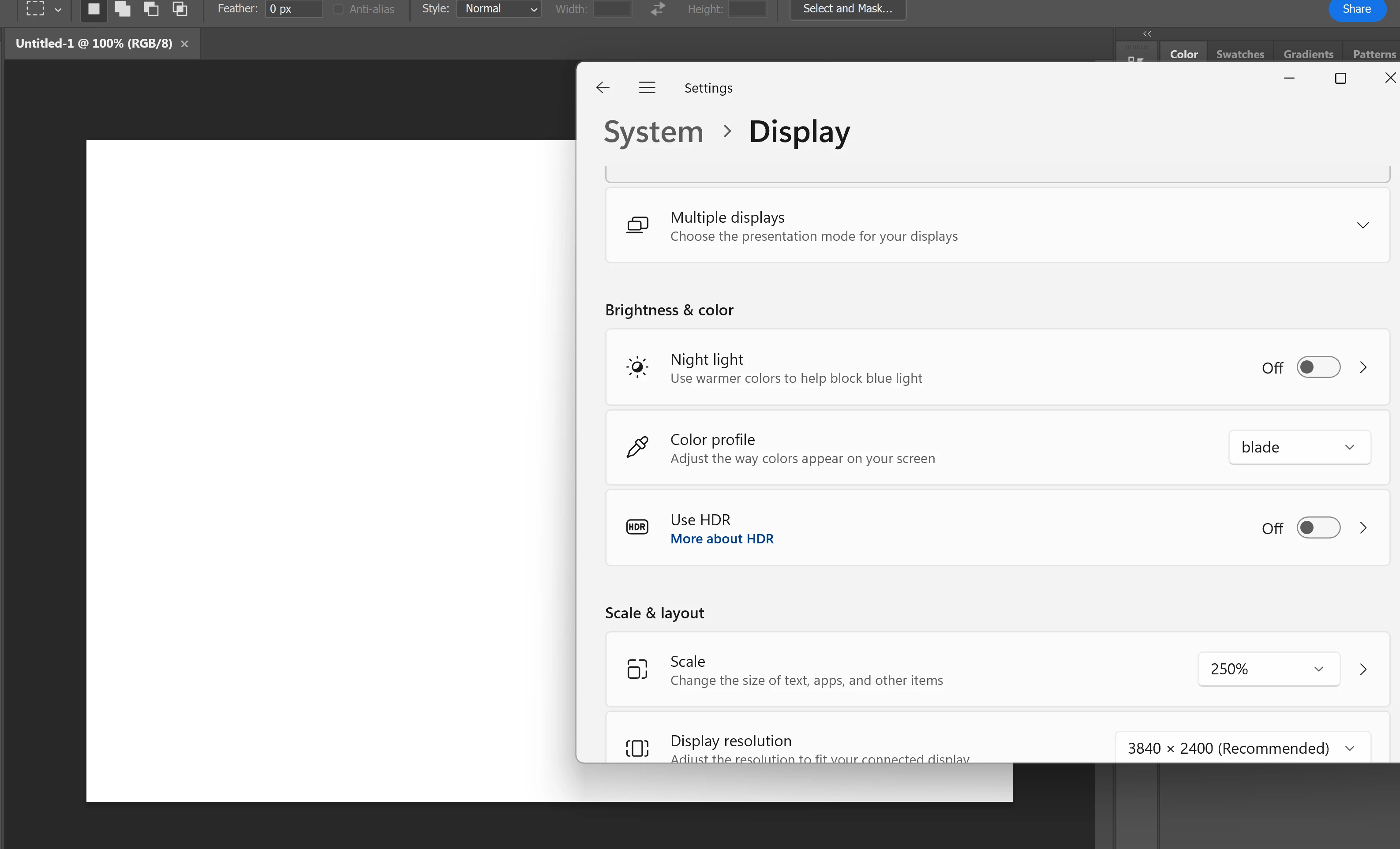
HDR IS ON AND AFTER EFFECTS IS FINE:
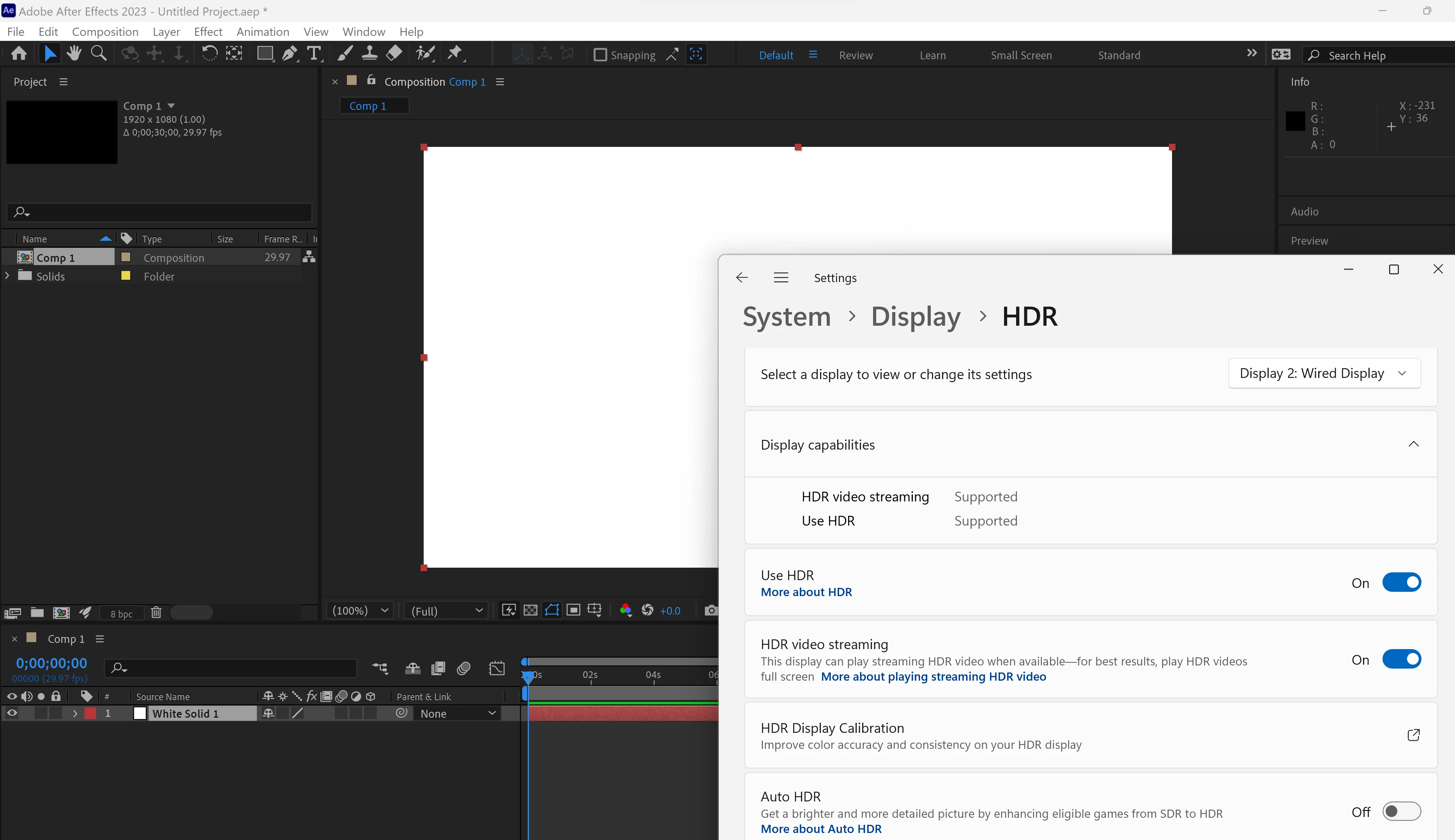
I HAVE TRIED MULTIPLS PROFILES:  


Can provide ALL system specs etc if needed... 

THANKS!!!!


4 replies

Participant
March 3, 2023

BOOM! That acutaly worked, THANK YOU!  In my case the box was already checked, and UNchecking that fixed the issue.    Love how bright and nice the HDR is but its very much a work in process i think.  I have issues with screen dimming out of no where ( and yes have turned off the Ambient / Screen dim thing in display settings and checked options for battery power saver mode etc).  But yea.. that did it.   Thanks!!!

Participant
April 19, 2023

Quick Update:  the  Click on the Compatibility tab and select the "use legacy display ICC color management" checkbox  DID work for me.  However... I downlaoded PS Beta and it was having the same color issues, and now i have discovered that when i right click on the app's  exe  and go to properties, i do not have a "compatibility" tab at all.   Does anyone know why that may be,  and/or  another way to access that option  for legacy display ICC color management????   Thanks! 

Participant
March 3, 2023

Thanks, but no that did not work.  😞

D Fosse
Community Expert
Community Expert
March 3, 2023

I don't have a HDR display, but if you right-click the application icon and select "properties", there should be a checkbox to "use legacy display icc color management". Try that. Apparently HDR in Windows is a work in progress.


https://community.adobe.com/t5/photoshop-ecosystem-bugs/p-windows-hdr-calibration-breaks-phoshop-ui-and-color-selection/idi-p/13281613 


(nevermind the OP who has completely messed up his color settings, but see Jeffrey's correct answer).

alext81132164
Participant
November 14, 2023

Omg Thank you this saved my life!

TheDigitalDog
Inspiring
March 3, 2023

Reports of such issues, under Windows only, with HDR have been reported. Part of this could be due to the GPU (if you disable it in preferences, any better)?

Author “Color Management for Photographers" & "Photoshop CC Color Management/pluralsight"