



Question
Could not open file because device has no free space
Hello
New to Photoshop on Mobile & this is the first file I've attempted to import.
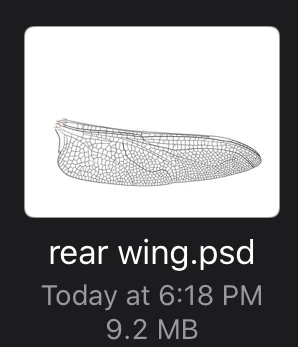
I created this file in another app on my iPad then exported it in .psd format to my Dropbox account. My iPad has 40.25 GB of free space, as you can see in the image the file I wanted to import is 9.2mb, so why is PS telling me I don't have enough free space? (Screen captures attached) 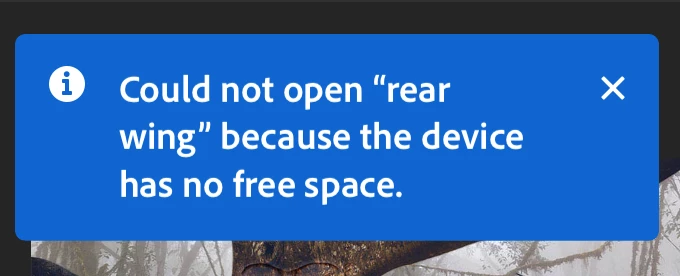
Edit:
I successfully imported & opened the file in Adobe Fresco on my iPad with no trouble at all.
 AdChoices