December 26, 2025
Answered

Creating a wet asphalt texture

  • December 26, 2025
  • 2 replies
  • 746 views

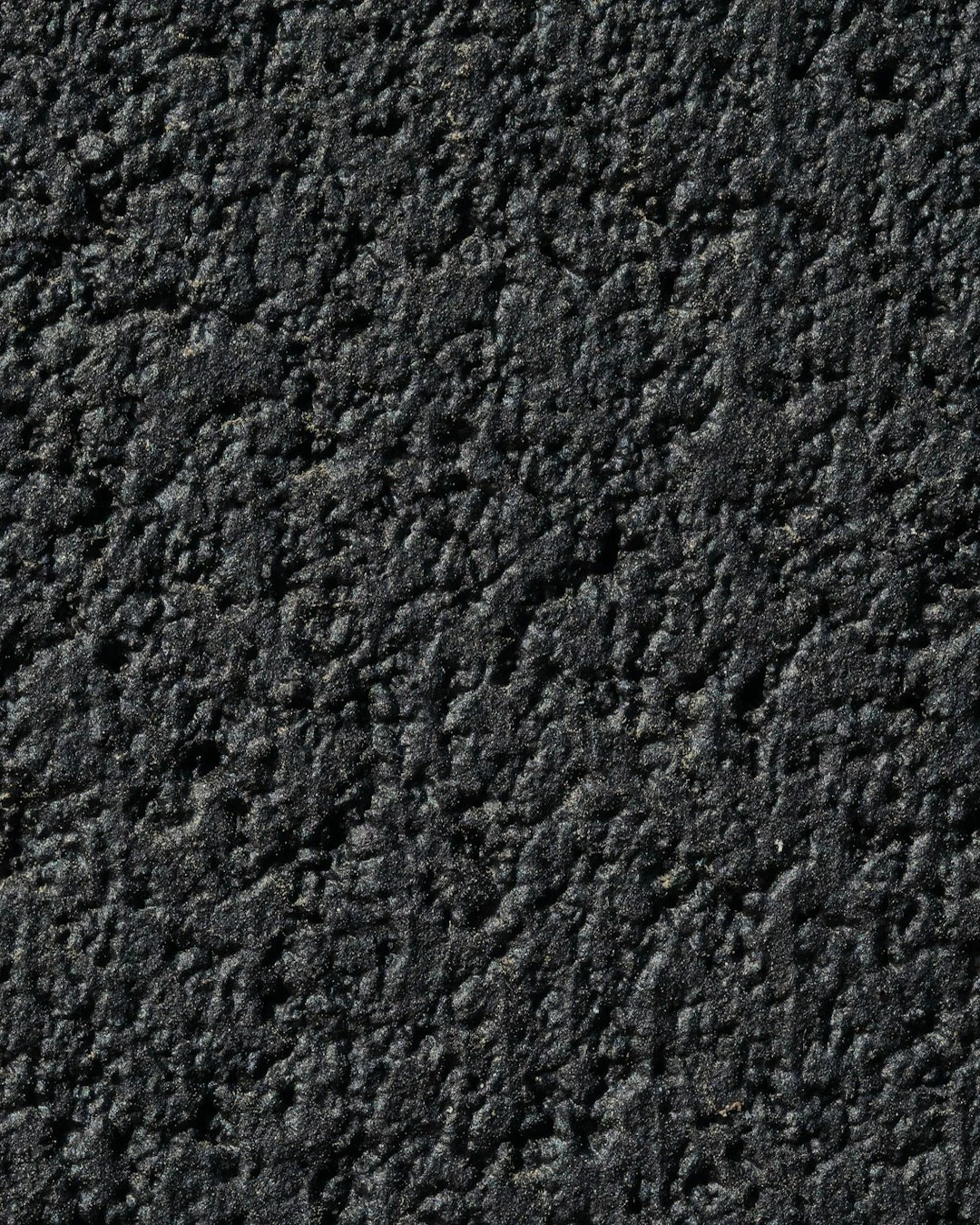
I have an image of an asphalt texture. I want to create a wet effect, as if the asphalt is after rain, while also adding a nighttime effect, with light falling approximately in the center, like from a street lamp. I would really appreciate a detailed answer.

Correct answer Chris 486

Untitled-2.jpg


Reposting @Hedge Works reference file. here for preview. You can still download the file to view if needed from original post. 


As @Imaginerie mentions, there are many ways to tackle this. If you need a place to start, you can search youtube for something like this. make something look wet in photoshop - YouTube - There is pretty much a tuturial for anything at this point in youtube for photoshop. Here are a couple vids that came up to the top when I did that search.  both using a similar technique. 


Wet Road Effect - Short Photoshop Tutorial

Easy Wet Road Effect in Photoshop 2024


They focus more on perspective edititg vs texture but may be helpful dependingn on how you need to apply texture file.


You can start there or with another video presented in the replies. We can still help with specific questions as you work through your new texture. Good luck!


2 replies

Chris 486
Community Expert
Chris 486Community ExpertCorrect answer
Community Expert
December 27, 2025

Untitled-2.jpg


Reposting @Hedge Works reference file. here for preview. You can still download the file to view if needed from original post. 


As @Imaginerie mentions, there are many ways to tackle this. If you need a place to start, you can search youtube for something like this. make something look wet in photoshop - YouTube - There is pretty much a tuturial for anything at this point in youtube for photoshop. Here are a couple vids that came up to the top when I did that search.  both using a similar technique. 


Wet Road Effect - Short Photoshop Tutorial

Easy Wet Road Effect in Photoshop 2024


They focus more on perspective edititg vs texture but may be helpful dependingn on how you need to apply texture file.


You can start there or with another video presented in the replies. We can still help with specific questions as you work through your new texture. Good luck!

Imaginerie
Community Expert
Community Expert
December 26, 2025

Hello!


I think your image example has an issue, as I cannot open it.
First of all, I will assume you are talking about doing it in Photoshop on Desktop (not mobile, not web)

As always, there are many many ways to do the same thing in Photoshop, some complex (but precise) and some simple, but less realistic, and the whole rainbow in between. I will also assume you don't want a "let's use GenAI" answer, because you don't need a detailled answer for that.

I would be happy to provide a detailled answer, but it depends how comfortable you are with advanced workflows in Photoshop: For example for the nightime effect, you may want to use color lookups, gradient maps or even dabble in the ACR filter. As I said, there is not one cookie cutter answer.

As for the rain, you will have a few possibilities: For example get a raindrop texture you want to overlay onto the base artwork, or a raindrop brush you can draw your drops with.
You can find bubbles brushes for free on this link
https://www.adobe.com/products/photoshop/photoshop-brushes.html?promoid=XKMMHH6G&mv=other

other tutorials you may find useful
https://photoshopcafe.com/turn-day-night-photoshop-tutorial/

https://www.youtube.com/watch?v=0FEw2BrsTek


Let me know if you need more info on a particular effect....

Trevor.Dennis
Community Expert
Community Expert
December 27, 2025
quote

Hello!


I think your image example has an issue, as I cannot open it.


By @Imaginerie


I've been having the same problem with linked forum images for the last week or so, and I have not been able to work out why it is happening.  


@Hedge Works  If you use the image widget then I have a feeling that we'll have a better chance of seeing your image.


image.png