Participant
June 21, 2020
Question

Displaying photos in photoshop

  • June 21, 2020
  • 1 reply
  • 257 views

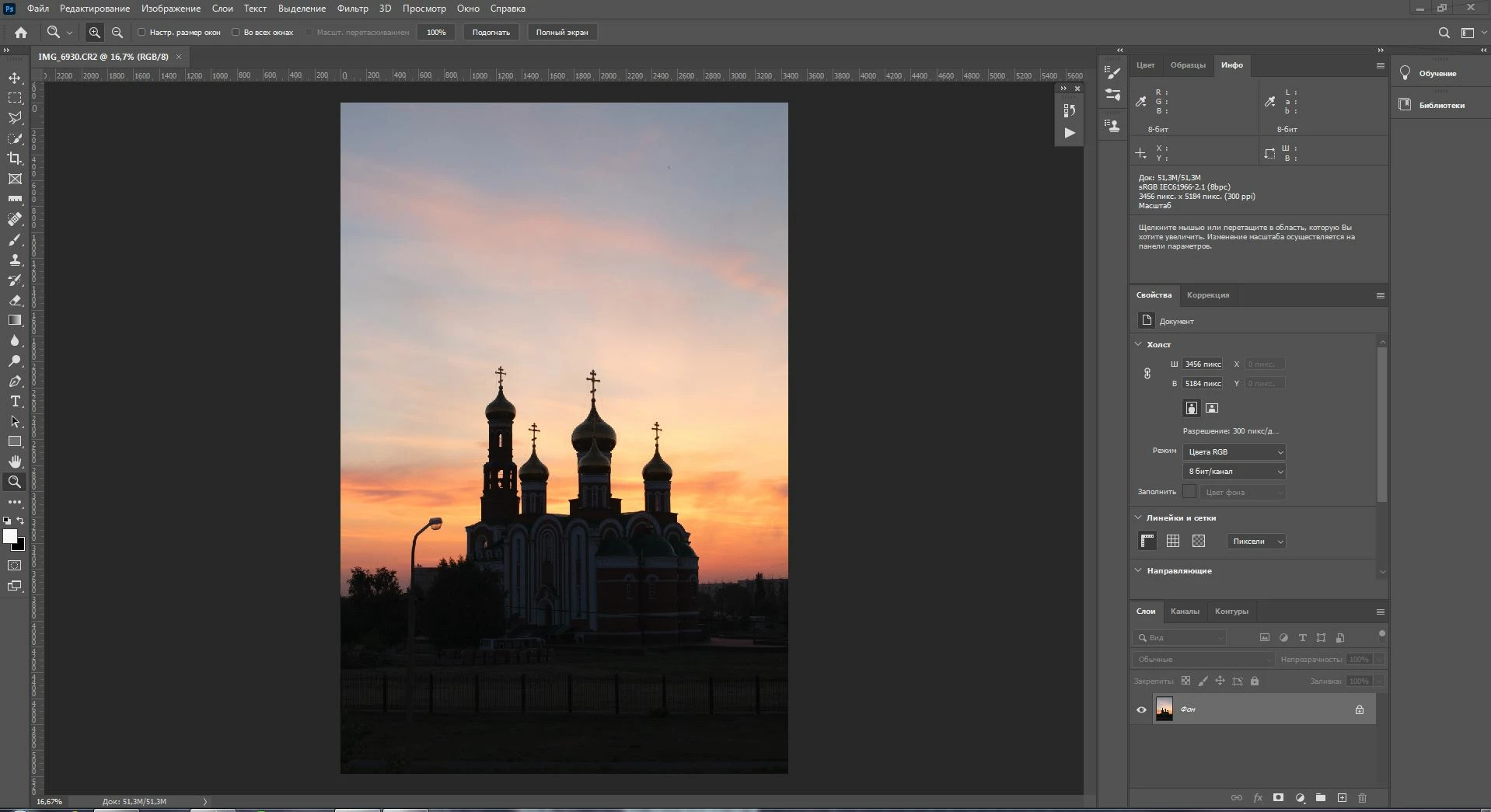
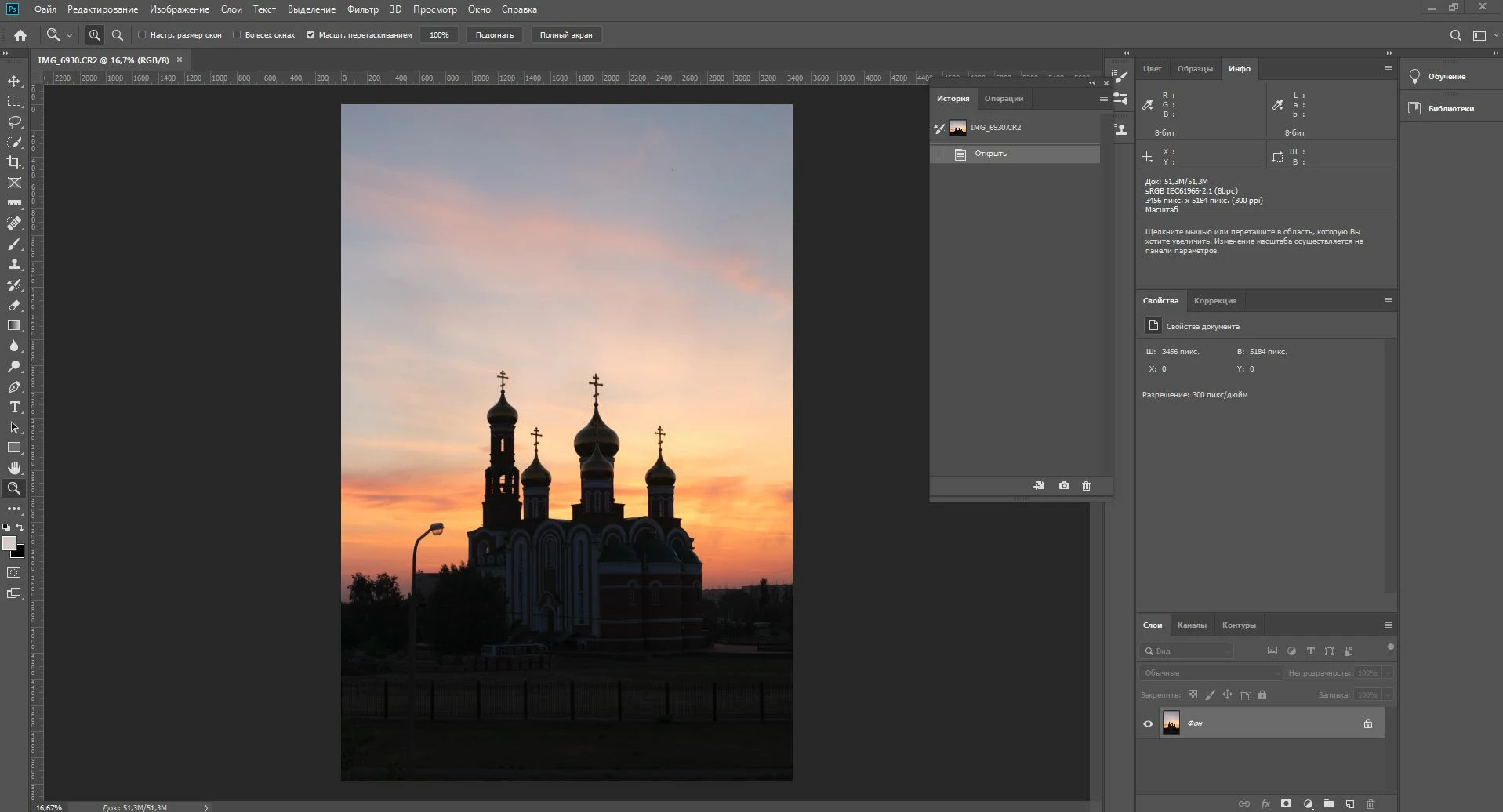
After updating photoshop, all images open very simplified, pixels are strongly visible. Next, I attach a screenshot of two versions: photoshop 2019 old version 20.09 and photoshop 2020 updated version 21.2.0 (terrible). The photo is saved in normal quality, but it really interferes with the work. Please help fix it! 
This topic has been closed for replies.

1 reply

c.pfaffenbichler
Community Expert
Community Expert
June 21, 2020

Does turning on (or offm depending on the current setting) Photoshop > Preferences > Performance > Legacy Compositing and restarting Photoshop have any bearing on the issue? 

Does turning off »Use Graphics Processor« in the Performance Preferences (Photoshop > Preferences > Performance > Graphic Processor Settings) and restarting Photoshop have any bearing on the issue? 

Participant
June 21, 2020

No, unfortunately this does not lead to anything

c.pfaffenbichler
Community Expert
Community Expert
June 21, 2020

Could you please post screenshots from both applications taken at View > 100%?