


New Participant
April 13, 2021
Answered

Frame Timeline Animation

  • April 13, 2021
  • 1 reply
  • 863 views

I was creating a stopmotion on photoshop and had around 250 photos with background music and I was able to see the timeline like shown in the photo below 
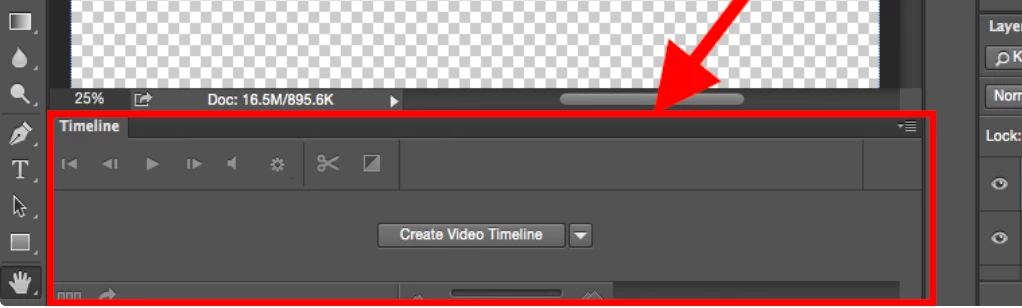
but then im not sure what happened but now I cant see the timeline at all and instead this is what my screen shows: 
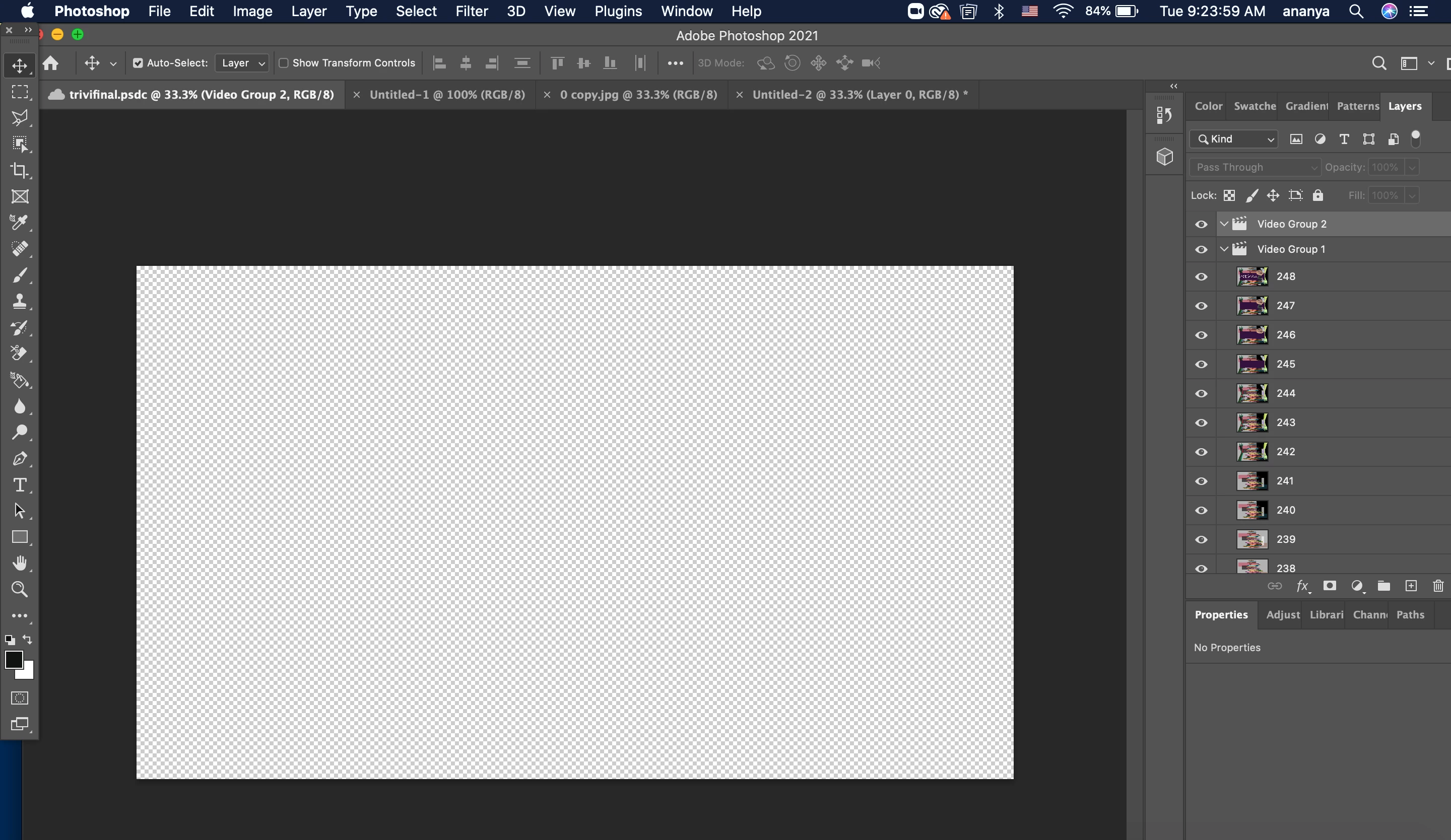
 

As you can see, my timeline has completely dissapeared and I only see the photos that I have added as layers and I cant see my music that I added or the timeline! Please help me, it would be greatly appreciated as this is a upcoming artwork due for my school project! 🙂 

Correct answer e-onn

Did you try 'WINDOW' >'TIMELINE'. ? 


1 reply

e-onn
e-onnCorrect answer
Inspiring
April 13, 2021

Did you try 'WINDOW' >'TIMELINE'. ? 


JJMack
Community Expert
April 13, 2021

Did you click the Create Video Time line button you showed to create a video time line.  If you did the Button should have been replaced with the  Time line elements contents. There should now be content in the Time line  palette Window not just a create button.  Did you close the Time line Palette?  If you did open it from the window menu,

JJMack
New Participant
January 13, 2025

Hi

I tried what you suggested and the timeline does not appear. There is no purple line.

What am I doing wrong?