From my recent work I believe the issue occurs mainly on dark, unsaturated non-textured areas, e.g. dark grey studio backdrop. Or maybe it's just where the problem is naturally most visible, not sure.
My fills are working just fine. It looks like a local setup issue of some sort. Running 25.6.0 with DisplayCal 3.8.9.3 using an old Nvidia GTX 1070 on an Windows 11 box. Mostly printing 8 bit/17 x 22 /360 dpi on Epson Premium Luster jusing an Epson 3880.
Was there ever a solution to this? Just started happening to me today. Up until now it had been working great. Tried updating to 25.5.1 but it's the same.
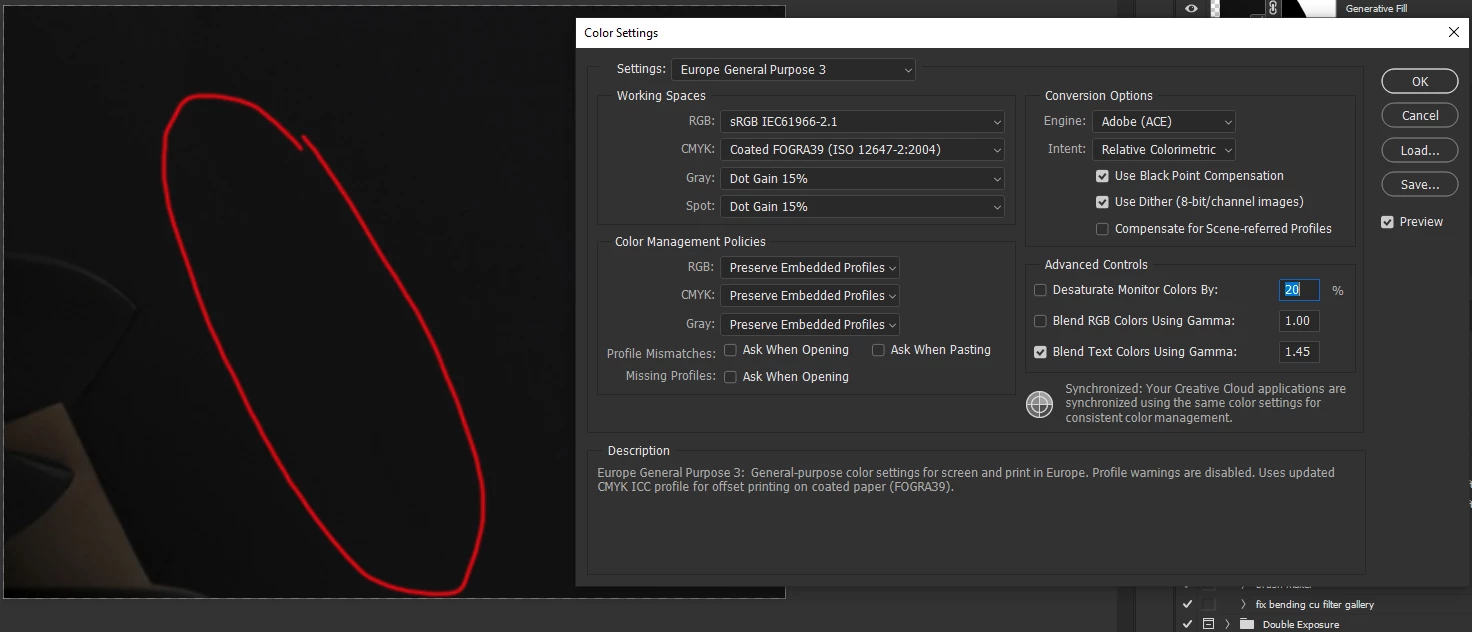
Same problem here.Currently on 25.3.1 but I see the problem since sometime in the fall. I suspected display calibration profile loaded by DisplayCAL loader may cause the problem, but after disabling loading of the profile and resetting graphic card gamma table the issue still persists. Now it seems that only around 50% of the generative fill outputs show this problem. It also seems to be picture-location dependant, meaning that if I generate 1024x1024 area somewhere and it turns out blending badly, all folowing tries on the same spot end up bad.
I will experiment some more later and let you guys know.
I agree. Same issue. Everytime I use any of the AI features I have the same issue. Everything generated is way too dark. You can clearly see the delineations of the generative expand. You can see where the original crop was as what is generated is darker than your original image.



 AdChoices