



Question
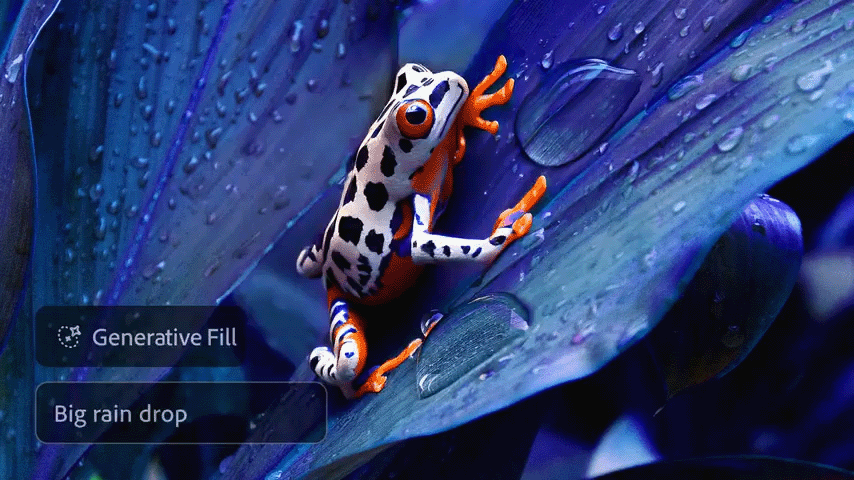
Generative Fill, Expand & Similar in Photoshop just got better!


Improved results with Generative Fill, Generative Expand, & Generate Similar
Get richer, more photorealistic image results with the latest Adobe Firefly Image Model 3
The generated outputs will be of higher quality, enabling you to create with more confidence, control, and details to bring your vision to life.
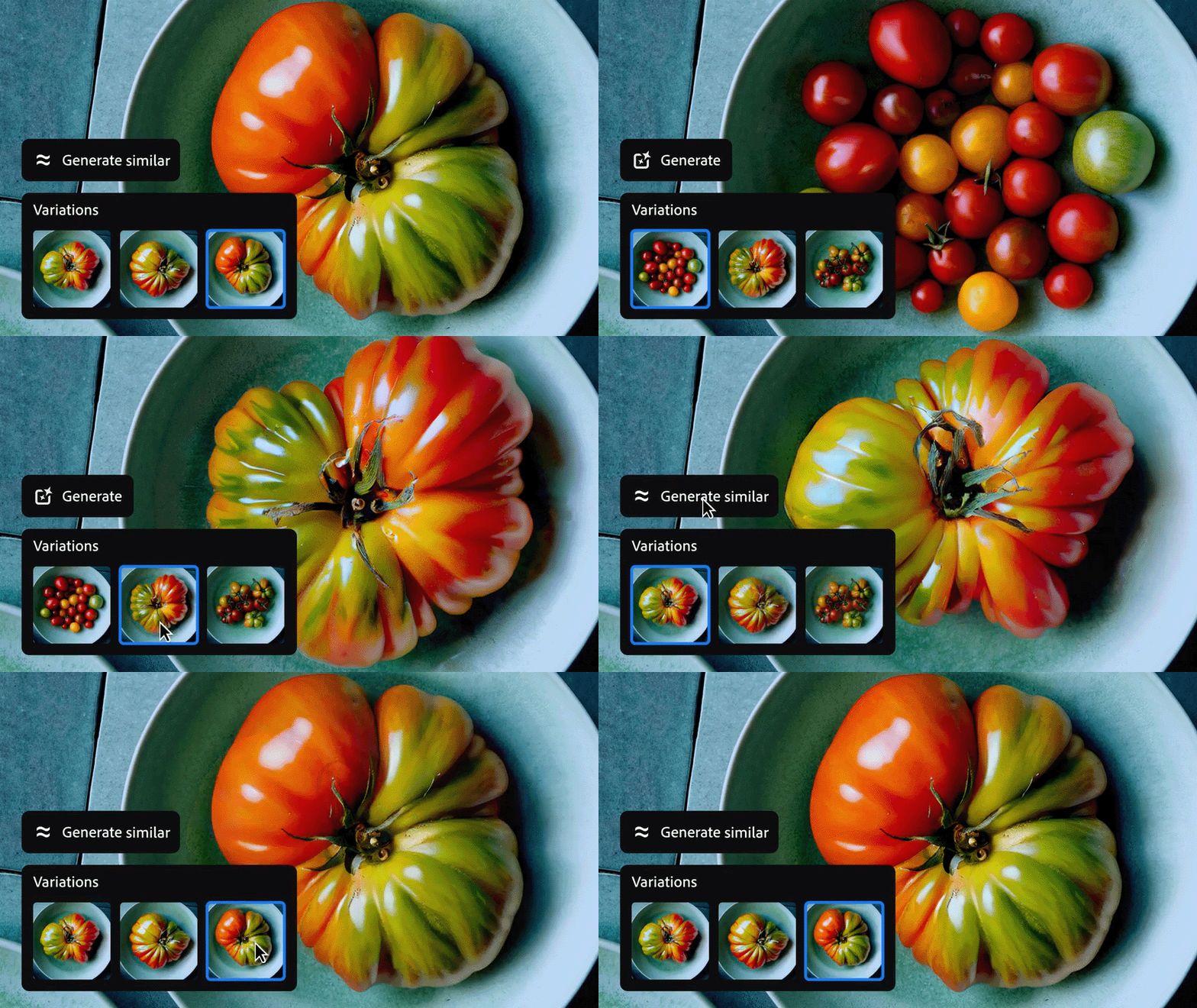
Create variations of an existing output with Generate Similar
When working with Generative Fill, Generative Expand, Generate Background, and Generate Image, use a generated variation to produce similar variations with Generate Similar.
It is time to revisit projects and reimagine them with higher-quality photorealistic results. Give it a go & let us know if you like the results!
 Note:
Note: 
Have questions? Click 'Reply' below to ask.
Click 'Follow' below to bookmark this thread for easy reference.


 AdChoices