


Question
help with photoshop workspace background change
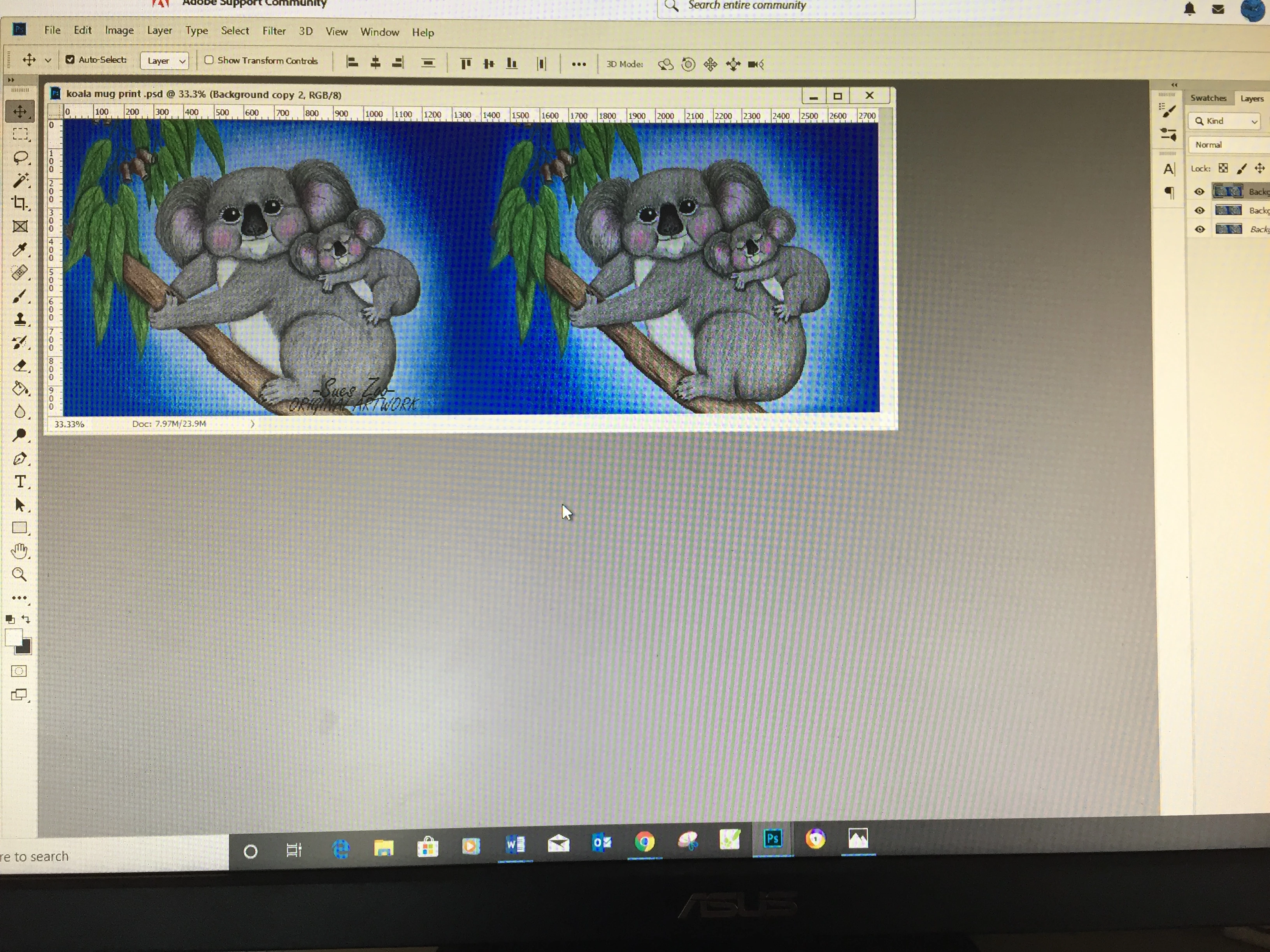
I am new to photoshop and I am not sure if referring to my 'workspace' is the correct word. What I see when I open up photoshop used to be all dark grey and now its white...that dosnt worry me, but the configuration has changed and when I have more than one file open at a time I can only see one file, also when I press file, new, to create a new size template, that has all changed...I just want to get it back to how it was as I cannot navigate this new one effectively!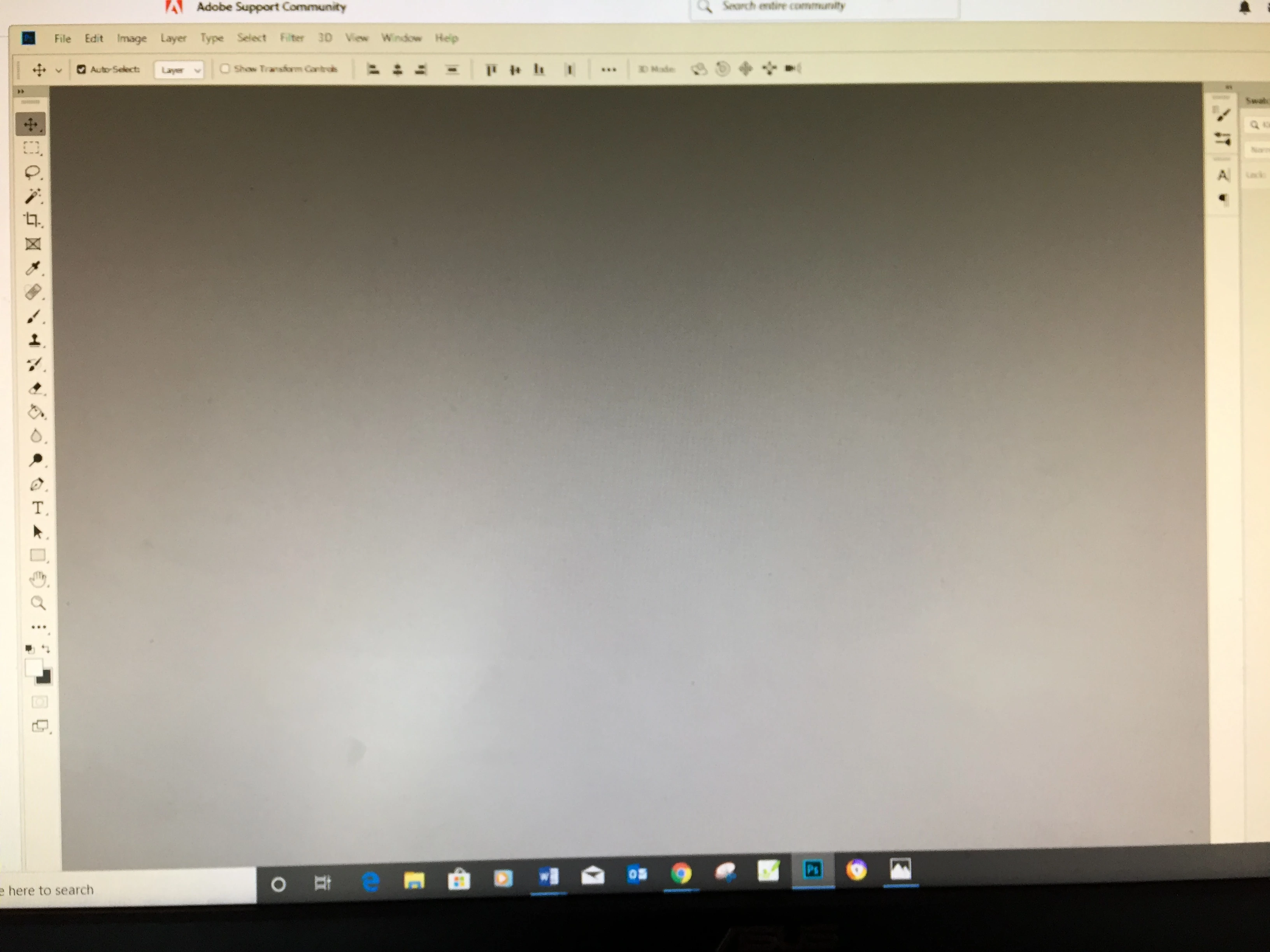
 AdChoices