

Answered
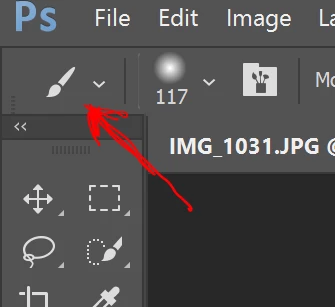
how do i get the 3-color selection panel to appear above the tool selection ribbon?
 SHOULD BE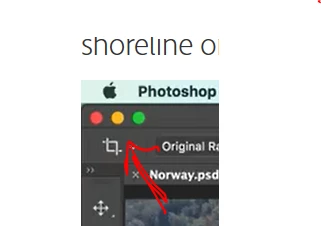
How do I change this? All I get to show is the current tool.

SHOULD BE
How do I change this? All I get to show is the current tool.
Are you on a Mac or Windows? Those are part of the Mac operating system.
The red circle will close the file, the yellow button minimizes the file to the dock, and the green one makes the document window larger or smaller. The corresponding buttons on Windows are on the top right:

Already have an account? Login
Enter your E-mail address. We'll send you an e-mail with instructions to reset your password.
 AdChoices