
Answered
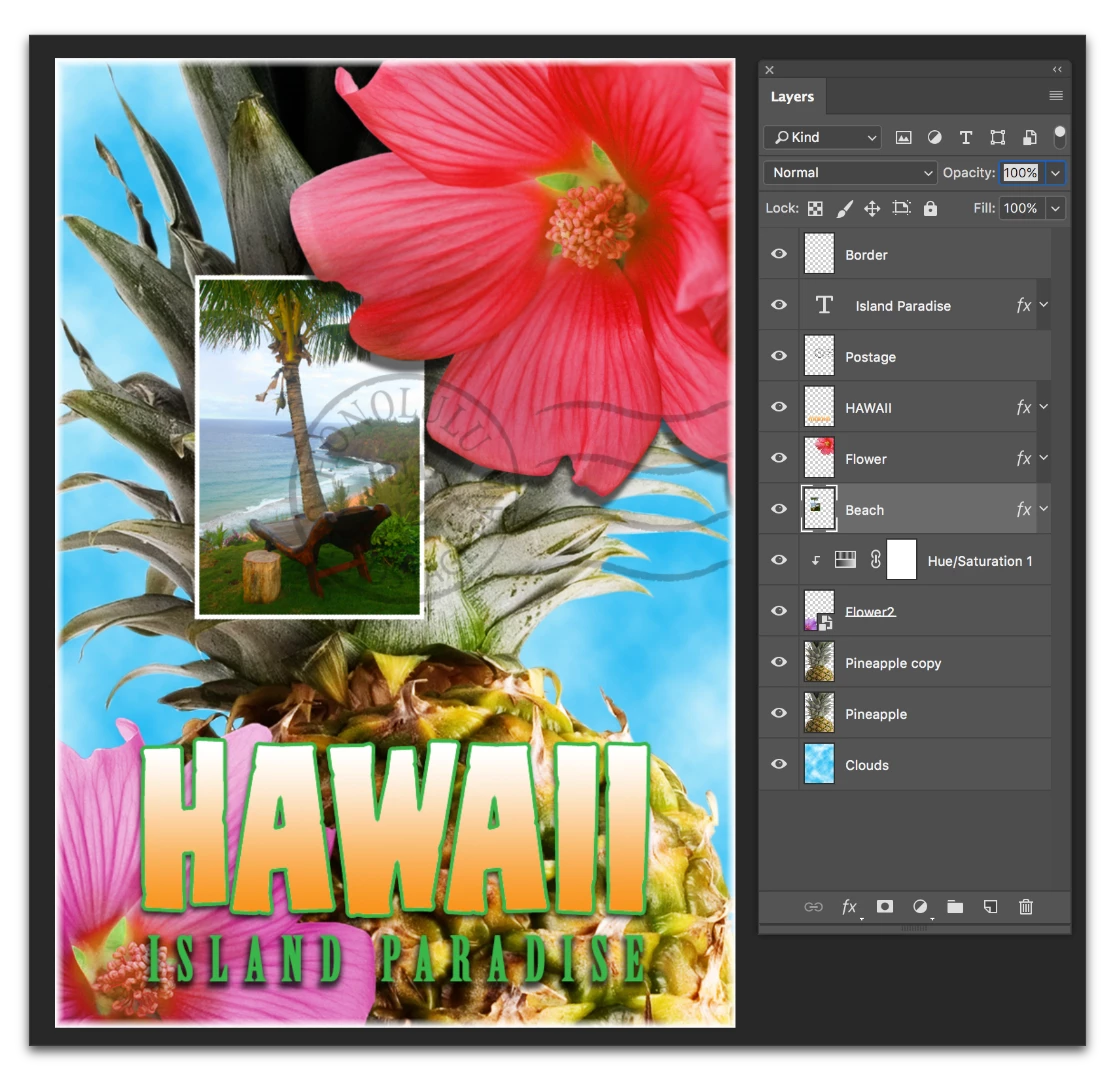
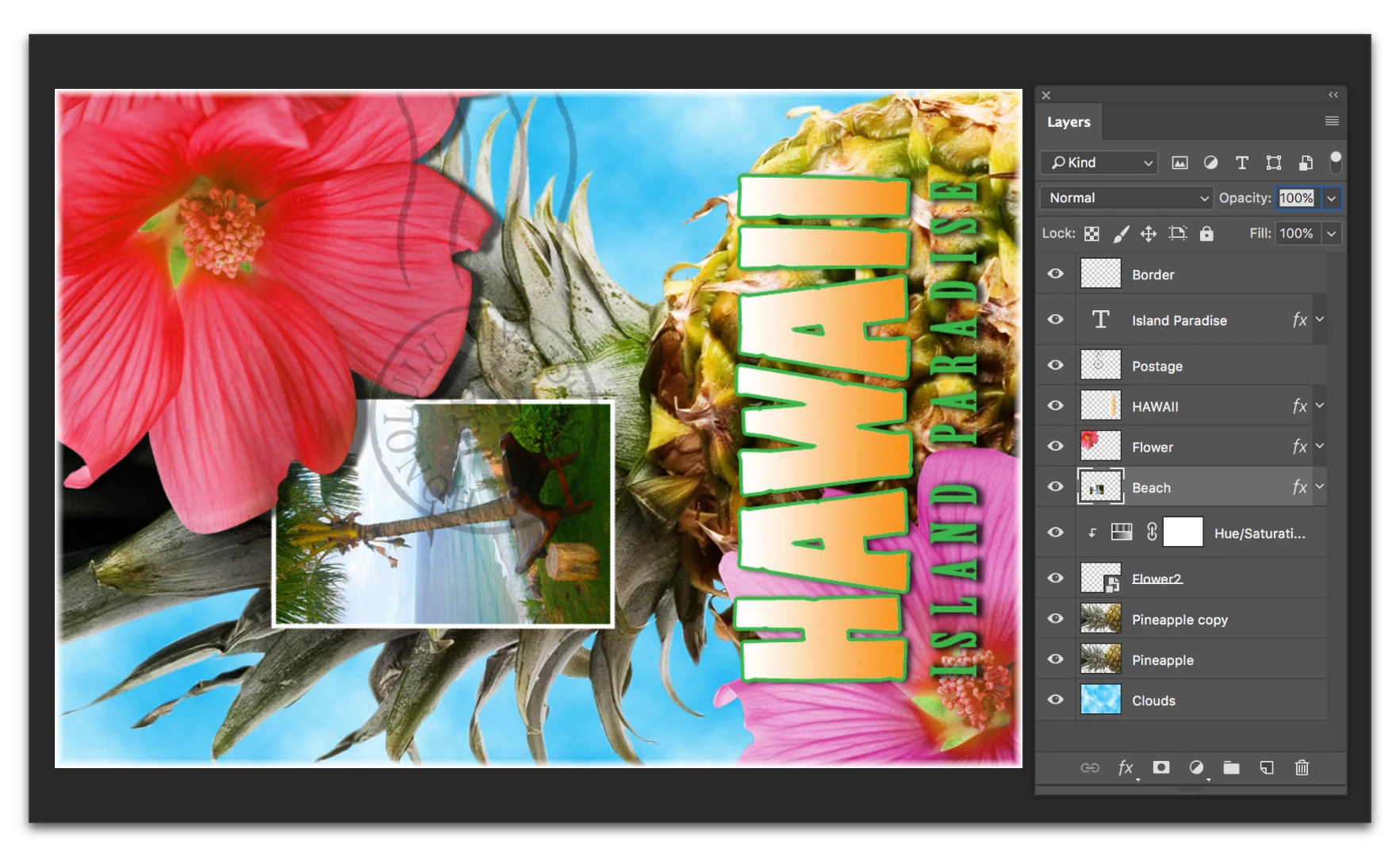
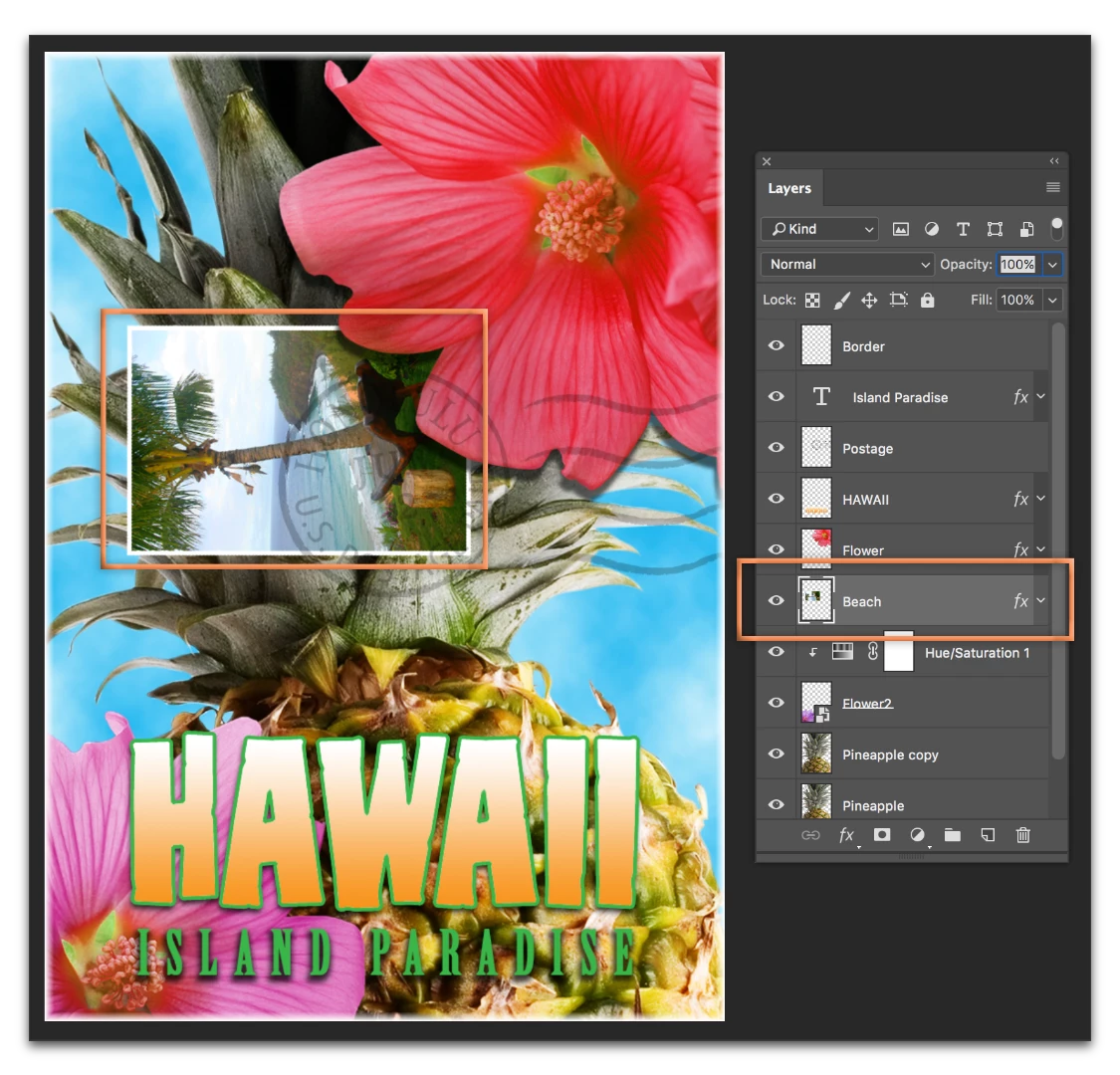
How do I rotate my image & canvas 90 degrees?
Please do not mention "Image -> Image Rotation -> 90 [Counter] Clockwise".
That is way obvious and readily found via Google.
That will rotate the image without rotating the canvas.
My solution is:
- select "image -> canvas size"
- Copy canvas width/height and paste in height/width
- select image-to-top-left
- click okay
- invoke "Image -> Image Rotation -> 90 [Counter] Clockwise"
- select unpainted bits
- invert selection
- crop
It seems like this could be made a little easier. If there is already an easier way, then it needs to be made findable 'cuz Google can't find it. It very readily finds the image rotation menu thingy. So does this forum search.


 AdChoices