Participant
July 20, 2026
Question

How do you turn a drawing prompt into a Photoshop practice exercise?

  • July 20, 2026
  • 1 reply
  • 16 views

Hi everyone,

I’m exploring ways to help artists and beginners get past the blank-canvas problem when practicing in Photoshop.

I built a small tool called Drawing Prompt Generator. It creates specific drawing ideas, offers timed challenges, and can optionally provide an AI reference image:

https://www.drawingpromptgenerator.com/

For Photoshop practice, what makes a prompt most useful to you: the subject, action, setting, art style, or time limit? Do you prefer starting from text only, or having a visual reference as well?

I’d appreciate feedback from other artists and Photoshop learners.

    1 reply

    Trevor.Dennis
    Community Expert
    Community Expert
    July 20, 2026

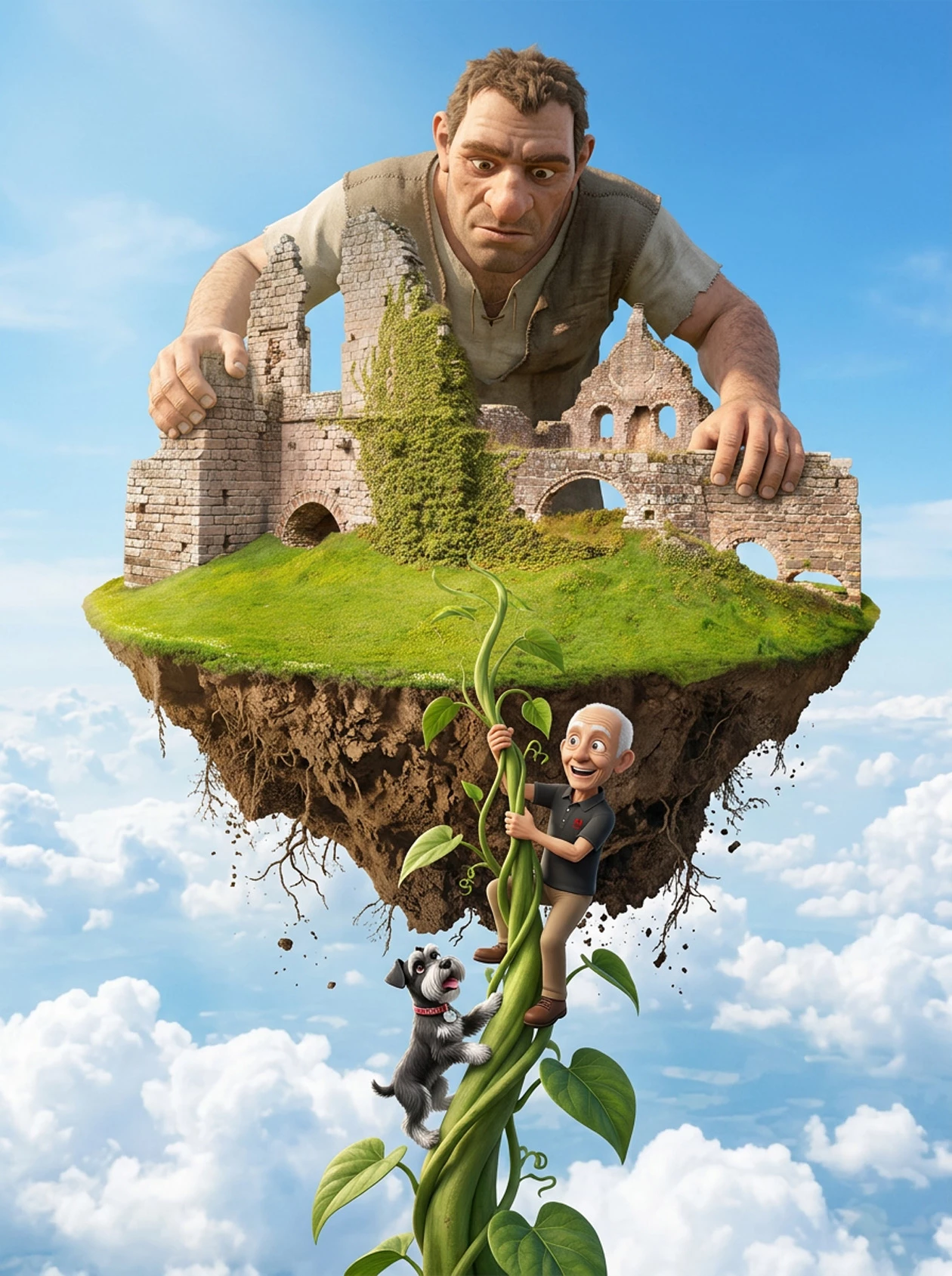
    Always with a visual reference, often with multiple visual elements — Generative Fill is more predictable than Generate Image IME.   I find visual references generally work better when placed on a white background on the original canvas, rather than as an uploaded reference image.  The Ai models tend to change reference images too much.   I like to sneak up on a complex image as it helps you keep control.  So this render from the current Something For The Weekend thread was teased towards the abbey walls on the grassy mound.  I added my avatar image on whitespace below and was able to complete the image with a single prompt.  It doesn’t matter how you lay out the visual elements. You just need to be able to describe them and their position in the Prompt. i.e. ‘The cartoon man at the bottom of the original image...’