


Question
How to configure Photoshop HDR-10 Support?
Hey everyone,
how do I configure Photoshop correctly to be able to make "stuff" for HDR 10 Videos?
Specifically Rec.2100 PQ
I need to do some stuff like lower thirds etc.
And yes: My Monitor does support HDR-10 and Windows is in HDR mode and I'm aware that I need to enable 10.bit in the drivers.
What is confusing to me is: that Photoshop offers 8-bit / 16-bit / 32-bit color modes.
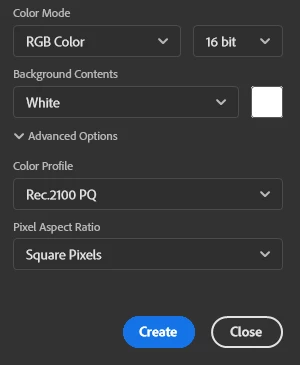
And i still get 255 "steps" instead of 1024
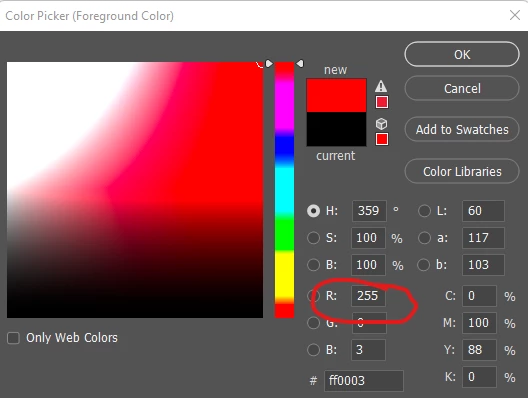
Would be nice if someone could help me configure this correctly,
so colors come out like they are supposed to.
 AdChoices