


Participant
January 16, 2024
Answered

how to use EPS with transparent in photoshop

  • January 16, 2024
  • 3 replies
  • 2337 views

hello there i wanted to make a post in photoshop. i have used a resource from freepick. but the problem iam facing is kinda complicated 


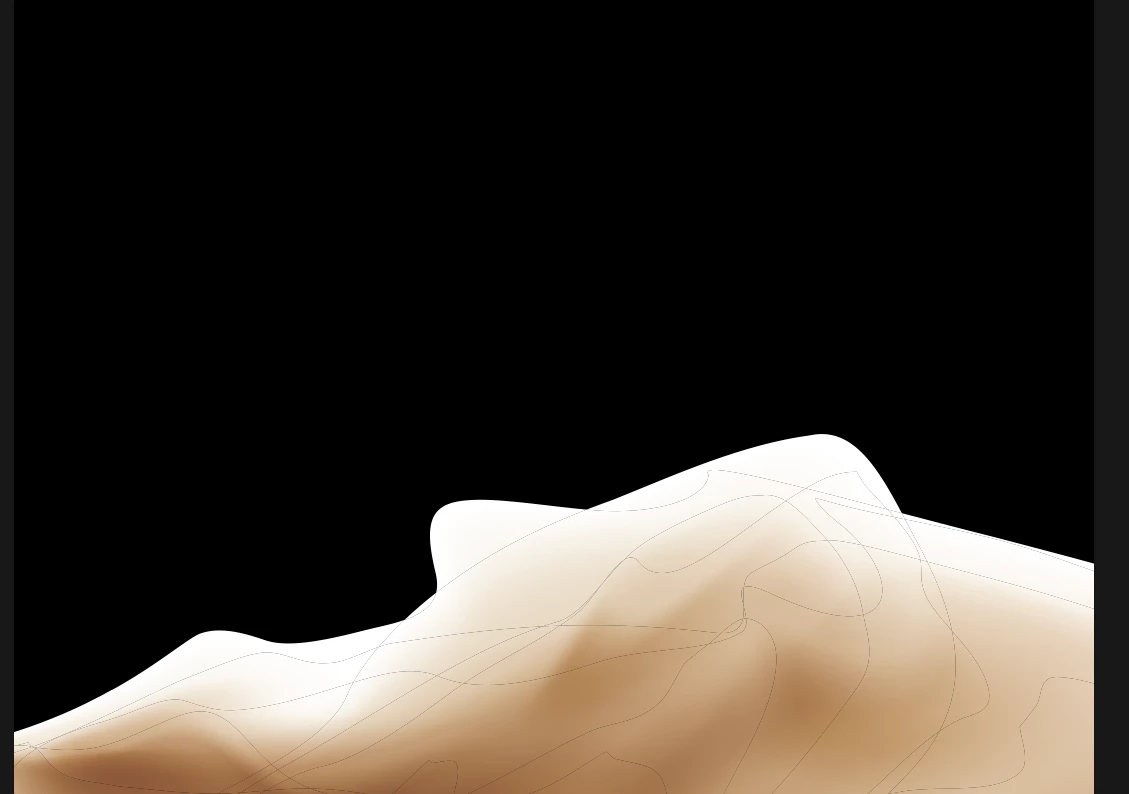
in the illustrator i can see the transparence but when i export to photoshop its giving a white stroke around the object..


please see the image below and i like to know the solution


This topic has been closed for replies.
Correct answer c.pfaffenbichler

eps has no graduated »transpareny«. 

Please save the file as ai and place it that way. 


If that doesn’t work please insert a rectangle behind the object in Illustrator to make sure how it appears there. 

3 replies

Participant
January 16, 2024

If you're encountering issues with transparency in EPS files and need to preserve it, saving the file as an AI (Adobe Illustrator) file might help. Alternatively, if the transparency is not displaying as expected, you can try inserting a rectangle behind the object to verify its appearance in Illustrator.

visit my website

c.pfaffenbichler
Community Expert
Community Expert
January 16, 2024

Did you place the eps as a Amart Object? 

I fail to recognize a white stroke, but dark lines that could be »artefacts«. 

Bojan Živković11378569
Community Expert
Community Expert
January 16, 2024

Can you post screenshot of entire window with Layers panel expanded and visible? Press Ctrl + 1 before taking screenshot so we can see problem at 100% zoom level.

Participant
January 16, 2024

thank you for the reply!

this is the file in illustrator

this is from photoshop

pelase let me know

c.pfaffenbichler
Community Expert
c.pfaffenbichlerCommunity ExpertCorrect answer
Community Expert
January 16, 2024

eps has no graduated »transpareny«. 

Please save the file as ai and place it that way. 


If that doesn’t work please insert a rectangle behind the object in Illustrator to make sure how it appears there.