

Question
I select a color and Photoshop is painting another one
I select a color and Photoshop is painting another one. I've already checked all the RGB color mode in every place possible that I know of.
How can I fix it?
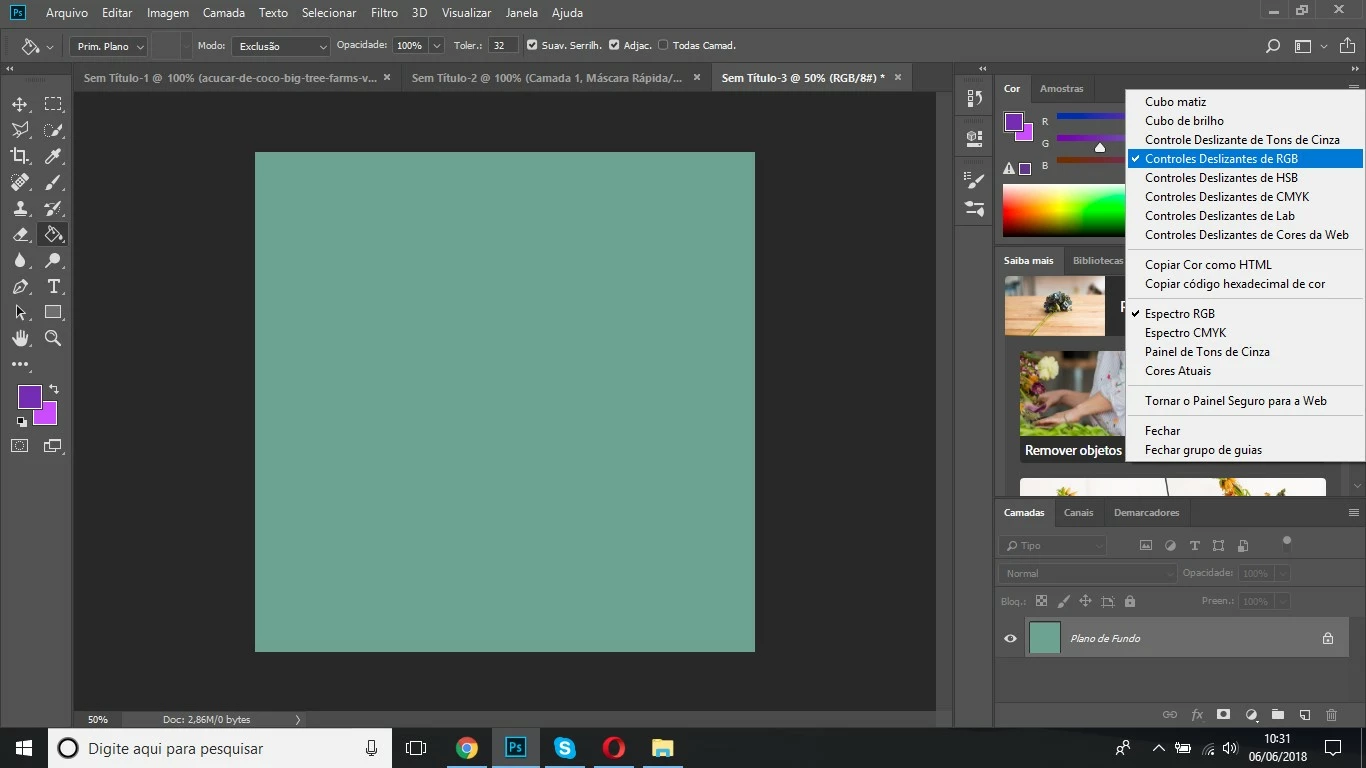

I select a color and Photoshop is painting another one. I've already checked all the RGB color mode in every place possible that I know of.
How can I fix it?
Already have an account? Login
Enter your E-mail address. We'll send you an e-mail with instructions to reset your password.
 AdChoices