
Answered
Image becomes corrupted with blocks of missing pixels and repeated patterns
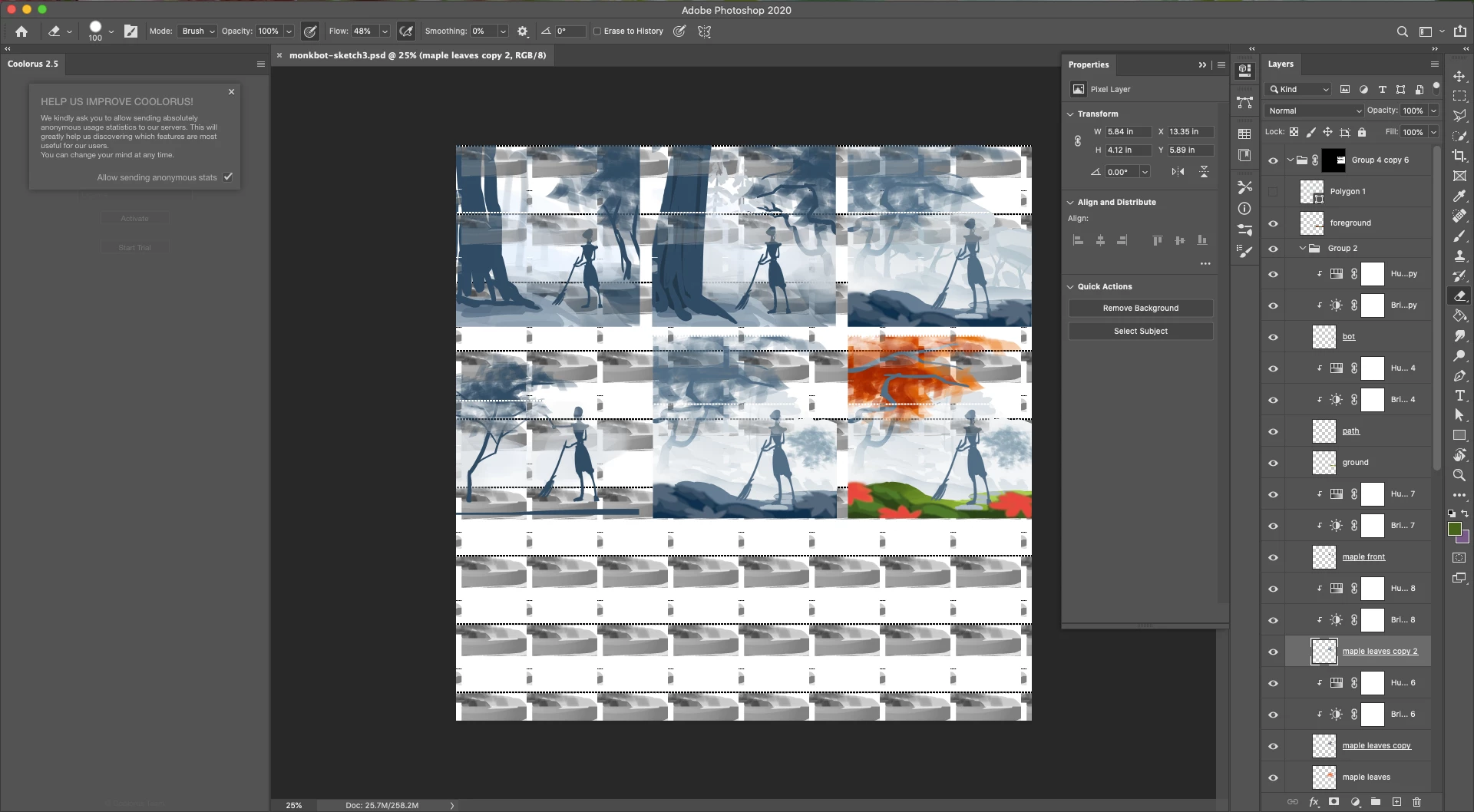
While working on a document in photoshop, the image spontaneously corrupts. Blocks of pixels are deleted, and repeated blocks of patterns and colors appear.
Additional actions, including "undo," creates more corruption. The corruption continues to worsen with each action taken until I quit and relaunch Photoshop.
- After quitting and relaunching Photoshop and re-opening the file, I see that additional corruption has occurred since I quit Photoshop. However, working on the document no longer creates additional corruption.
- The pixels are actually modified (i.e. deleted or replaced with a different color). Deleting layer masks and adjustment layers does not resolve the issue.
This issue has occured in five different documents on three different days.
I do not believe this is related to the extention Coolorus as the same issue occured on a different document prior to installing Coolorus.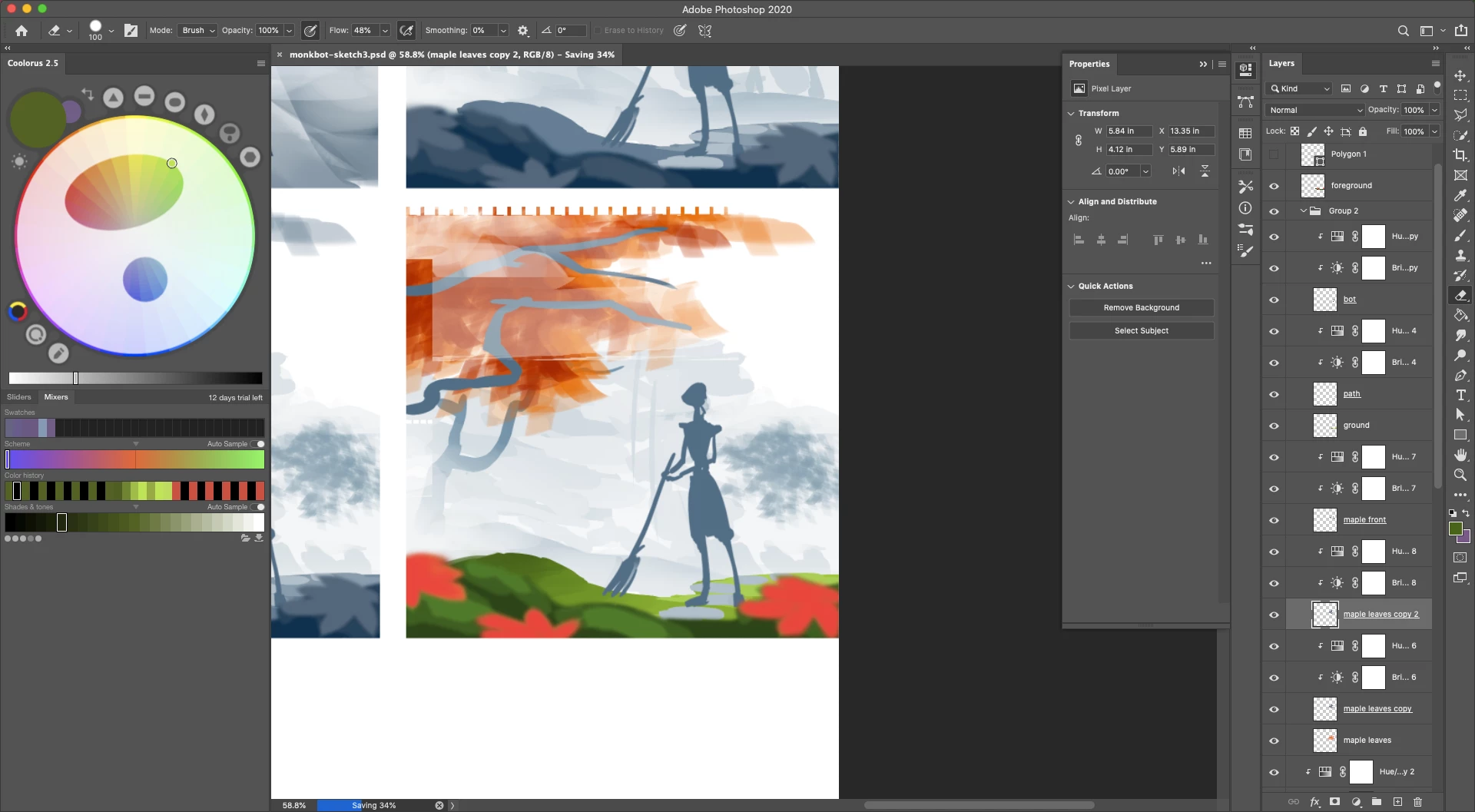
 AdChoices