


Inspiring
February 13, 2017
Answered

Layer Style "Glass Ball" in Photoshop CS6

  • February 13, 2017
  • 2 replies
  • 1798 views

This tutorial is done in a version of Photoshop Elements. It calls for selecting Layer Style "Glass Ball". I am not seeing this in Photoshop CS6 in Layer Styles at bottom of Layer Panel?
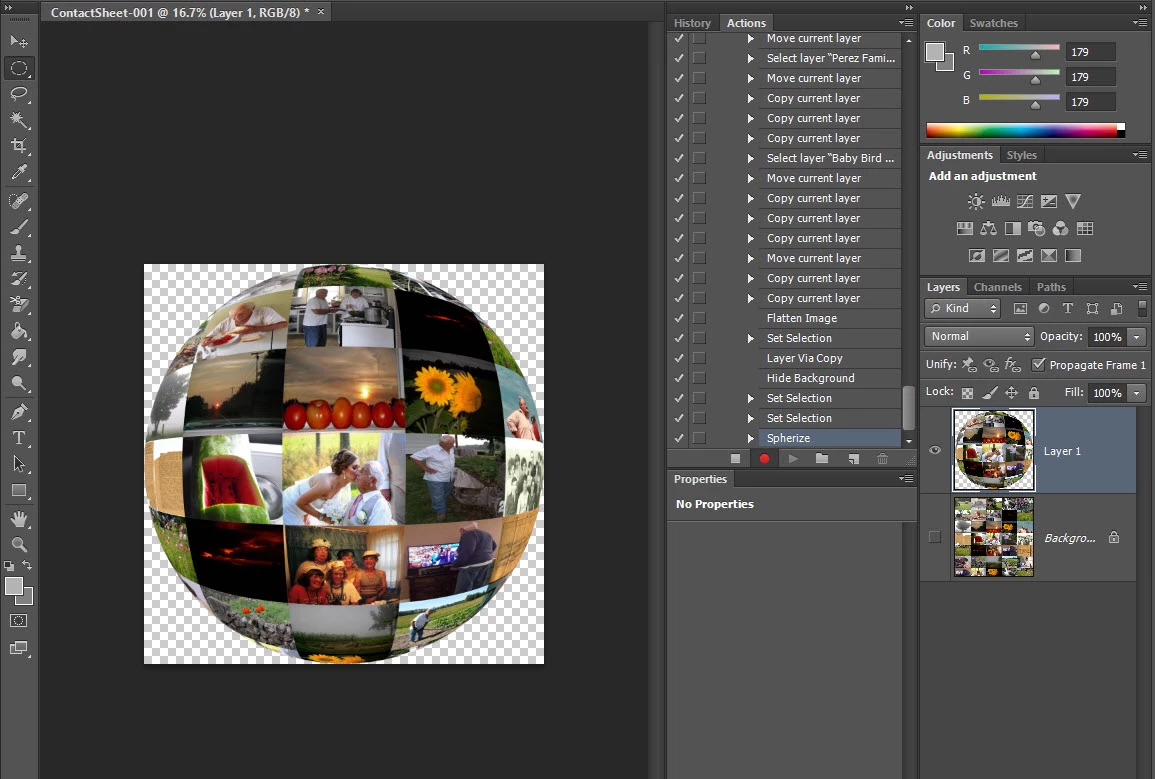
I looked at Layers, under Menu and there is a Layer Style "Global Light"  option, along with Drop Shadow, Inner Glow, Bevel styles:
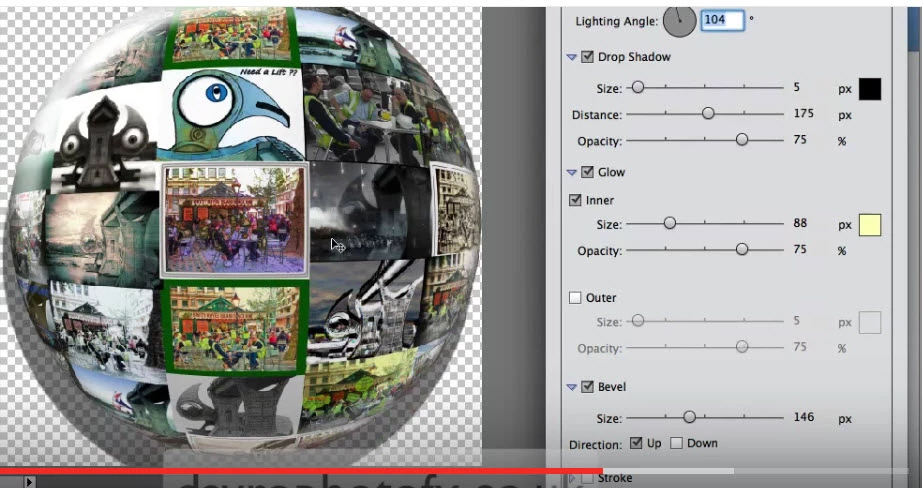
Would I do each style individually?
    This topic has been closed for replies.
    Correct answer

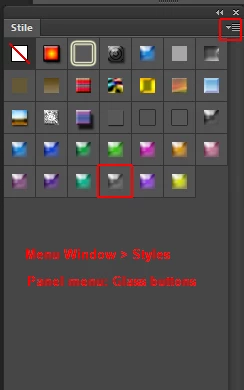
    In Photoshop CS 6 you'll find this in Window > Styles: Panel menu: Glass buttons

    Fenja

    2 replies

    Correct answer
    February 14, 2017

    In Photoshop CS 6 you'll find this in Window > Styles: Panel menu: Glass buttons

    Fenja

    Inspiring
    February 14, 2017

    Thank you, thank you, thank you! 

    February 14, 2017

    You're welcome!

    Fenja

    melissapiccone
    Community Expert
    Community Expert
    February 13, 2017

    This is not a "stock" layer style - you would have to create this yourself. And yes, to create it, it's probably a combination of styles. I don't know Elements, so I can't tell you how to create it.

    Melissa Piccone | Adobe Trainer | Online Courses Author | Fine Artist