


Participant
March 28, 2023
Answered

My Photoshop is black

  • March 28, 2023
  • 4 replies
  • 334 views

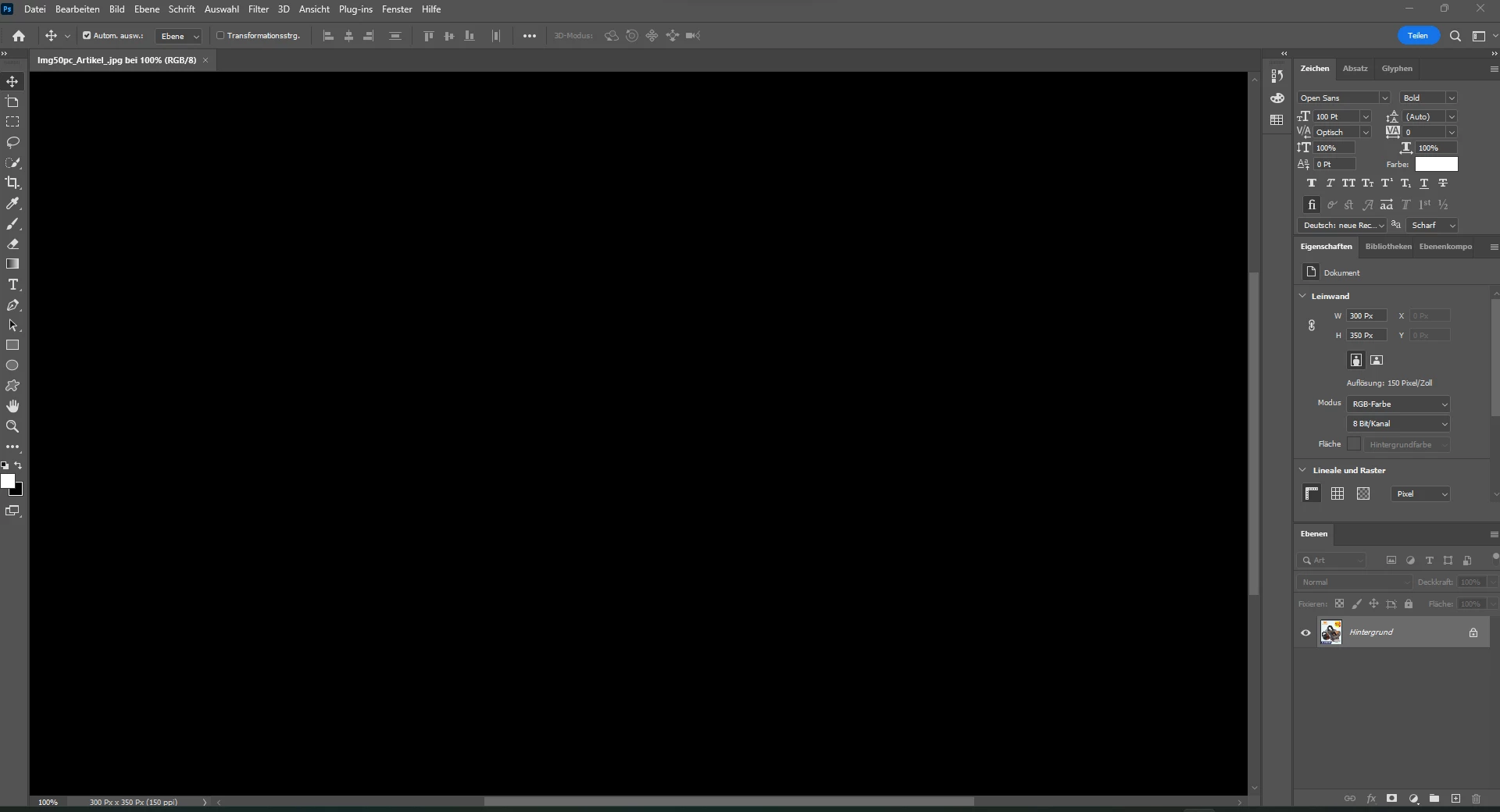
Hello, I have a problem with my Photoshop. Whenever I open a document in Photoshop the whole workspace is black (see in the screenshot). I deinstalled and installed it a view times and startet my laptop new but nothing helped... Could anyone help me with this problem?


This topic has been closed for replies.
Correct answer mglush

Hi!

We are sorry you are having this issue. One option is to select Preferences > Technology Previews > Enable "Deactivate Native Canvas" > Restart Photoshop. 

Let us know if this fixes the issue, or if you are still having the problem?

Michelle

4 replies

mglush
Community Expert
Community Expert
March 28, 2023

And, You're welcome!

mglush
Community Expert
Community Expert
March 28, 2023

On behalf of all of the volunteers who help on the forums, Thank you!

Participant
March 28, 2023

Problem solved! Thank you very much for your quick answer! 🙂

mglush
Community Expert
mglushCommunity ExpertCorrect answer
Community Expert
March 28, 2023

Hi!

We are sorry you are having this issue. One option is to select Preferences > Technology Previews > Enable "Deactivate Native Canvas" > Restart Photoshop. 

Let us know if this fixes the issue, or if you are still having the problem?

Michelle