


Participant
July 6, 2021
Question

PEN TOOL NOT WORKING IN PHOTOSHOP

  • July 6, 2021
  • 2 replies
  • 288 views

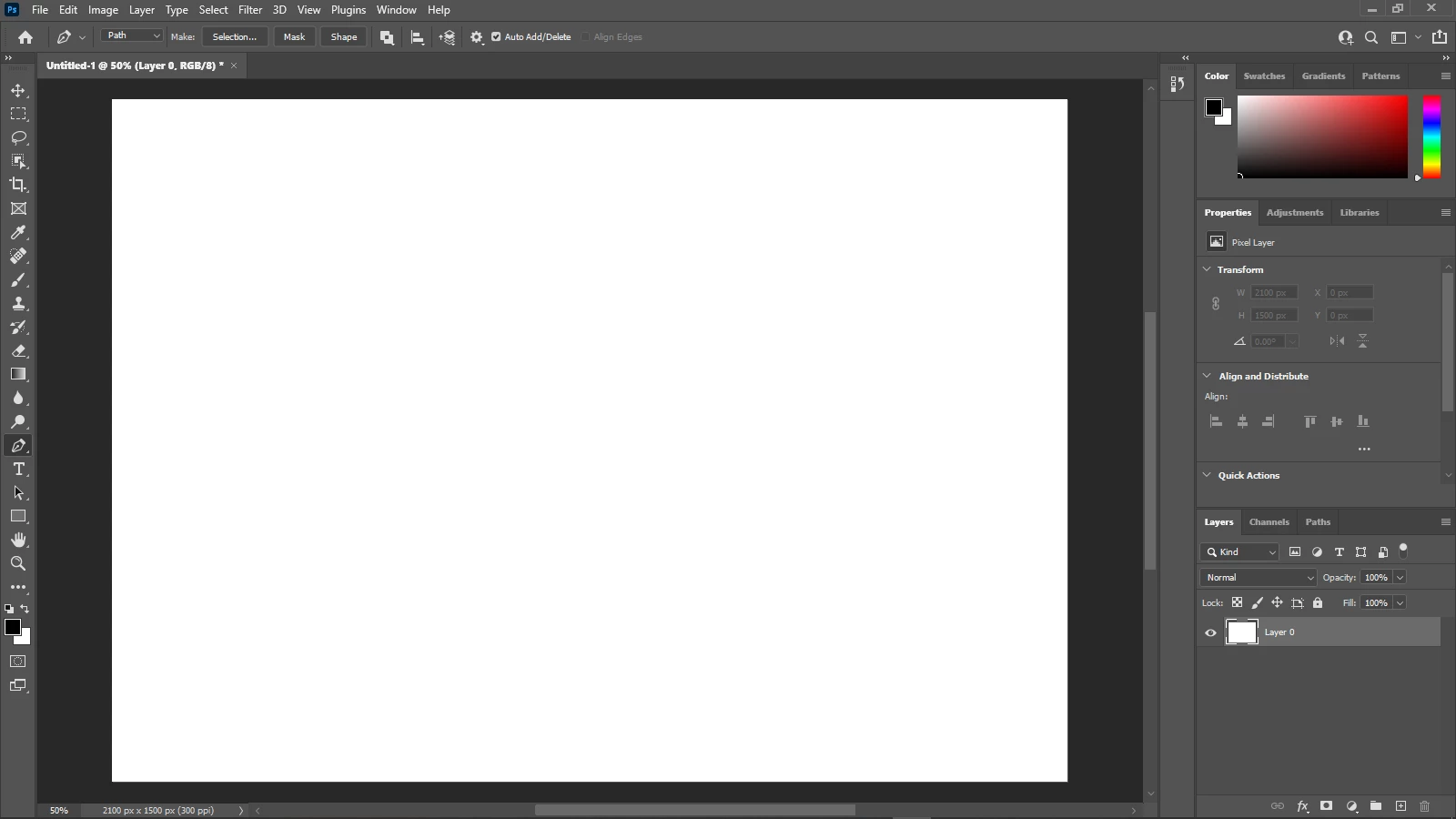
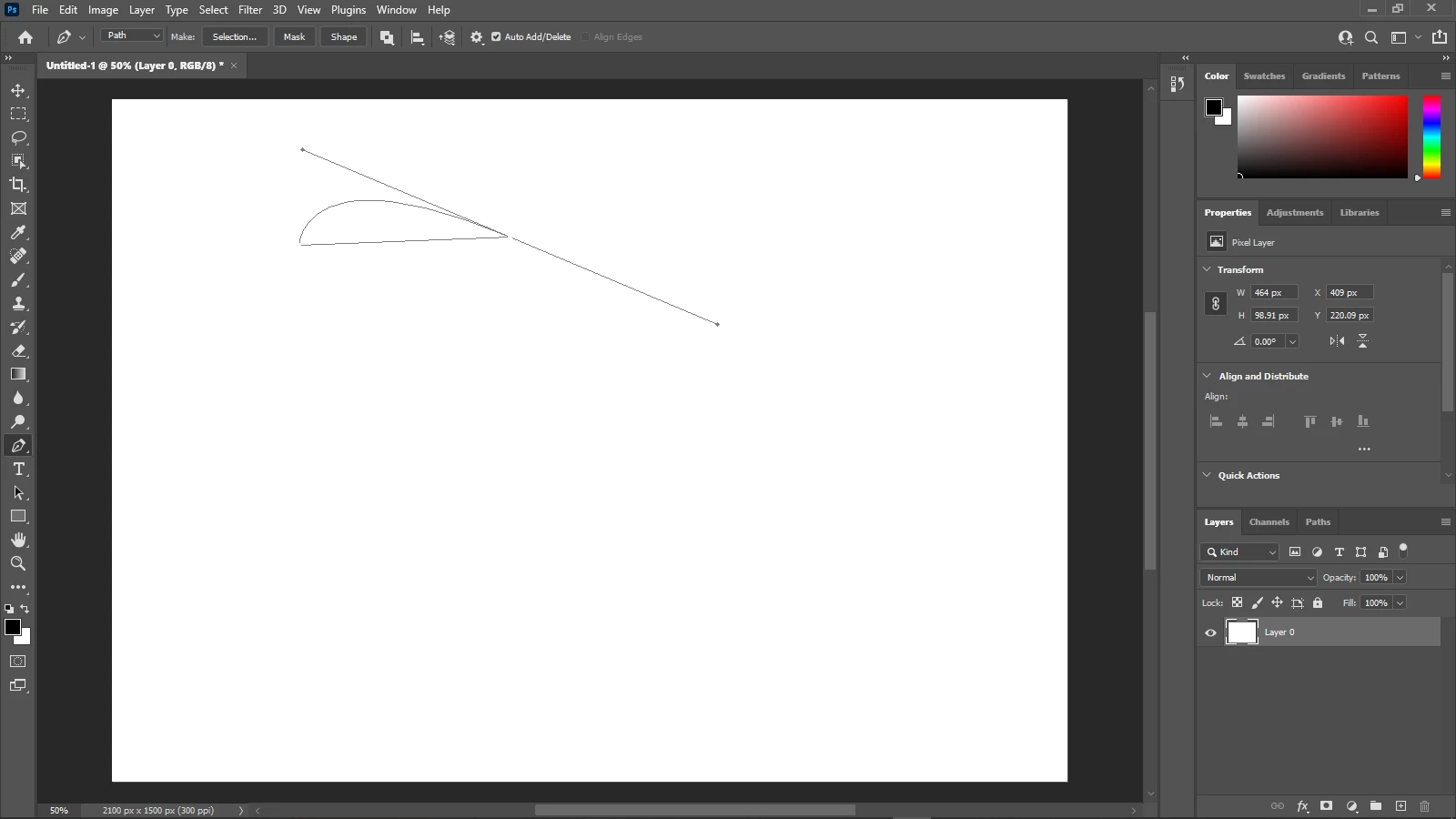
whenever I use the pen tool to create paths it doesn't work. It doesn't show anything, but when I click and hold it shows weird grey lines.

It works on another computer but not this one. I am not sure if it because my hardware doesn't meet the requirements for photoshop. The other pc I use is much better.

pls help
This topic has been closed for replies.

2 replies

c.pfaffenbichler
Community Expert
Community Expert
July 12, 2021

Does turning off »Use Graphics Processor« in the Performance Preferences (Photoshop > Preferences > Performance > Graphic Processor Settings) and restarting Photoshop have any bearing on the issue? 

Does turning on »Deactivate Native Canvas« (Photoshop > Preferences > Technology Previews) and restarting Photoshop have any bearing on the issue? 

Michael Bullo
Community Expert
Community Expert
July 7, 2021

A few thoughts...


Resetting Preferences
Within the Photoshop menu on a Mac and the Edit menu on Windows is the Photoshop Preferences. Within the General tab is the button Reset Preferences On Quit.


Update
Have you updated Photoshop to the latest version?


Different version
The Creative Cloud app allows for multiple versions of Photoshop to be simultaneously installed. Try installing another version and see if the problem persists. This might help isolate where the problem lies.

Participant
July 12, 2021

My creative cloud preferences are set to automatic updates, so I think it is updated. it never said anything about needing to be updated.

I reinstalled Ps without saving preferences and reset the preferences. 

I don't know how to use a different version of Ps