

思琦何89040684
Participant
March 1, 2019
질문

Photoshop无法初始化

  • March 1, 2019
  • 2 답변들
  • 3133 조회

打开PS后显示“无法完成请求,因为该文件名无效”,点击“确定”后显示“不能初始化Photoshop,因为该文件名无效"
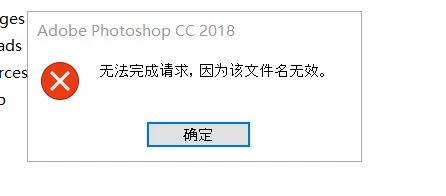
请问该怎么解决这个问题呢?
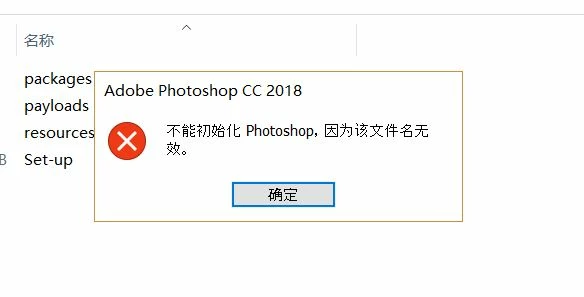
This post moved from Adobe Experience Cloud to Photoshop. [Moderator]

    이 주제는 답변이 닫혔습니다.

    2 답변

    Akash Sharma
    Legend
    April 29, 2019

    Hi 思琦何 ,

    We're sorry to hear about Photoshop not launching and showing an error message.

    Could you please use the Creative Cloud Cleaner tool ton uninstall Photoshop and do a clean installation and then let us know if Photoshop opens?

    Use the Creative Cloud Cleaner Tool to solve installation problems

    Thanks,

    Akash

    c.pfaffenbichler
    Community Expert
    Community Expert
    April 27, 2019

    The auto-translation cannot determine the original language.

    Could you post in English?

    What have you done for general trouble-shooting so far?

    Restoring Preferences after making sure all customized presets like Actions, Patterns, Brushes etc. have been saved might be a good starting point:

    https://helpx.adobe.com/photoshop/kb/basic-trouble-shooting-steps.html