
dphiii
Participating Frequently
November 10, 2018
Answered

Photoshop 2019 Save for Web Error Mac OS Mojave

  • November 10, 2018
  • 22 replies
  • 136811 views

Hello everyone,

I have an issue saving jpgs for web with my newly updated Photoshop 2019. I also recently updated my OS to Mojave.

When I try to save, there's a message saying:

"Adobe save for web error. Could not complete this operation. An unknown operating system error has occured."
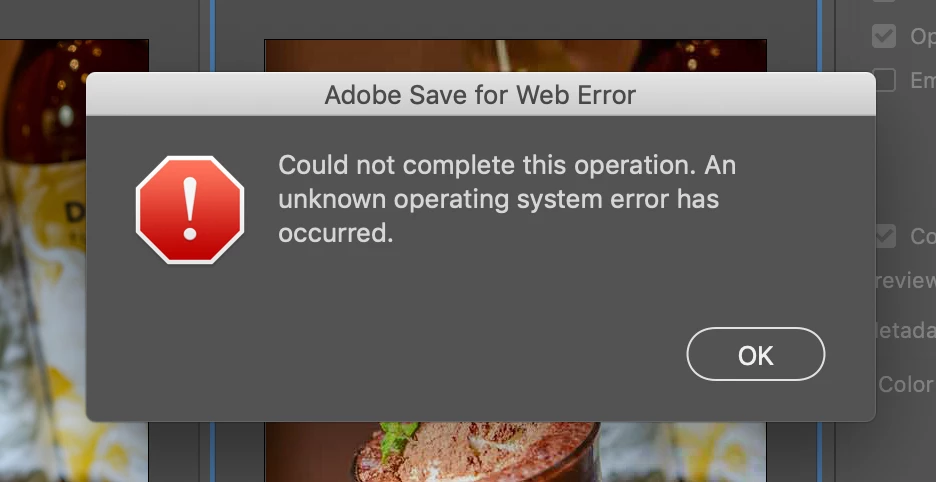
I've uninstalled and reinstalled my Photoshop but it still didn't work. I tried older version of Photoshop it also didn't work. I've been trying out different settings as well as Googling it but I couldn't find the answer. If anyone happens to run into the same problem and know the answer that'd be super helpful. Thank you!

This topic has been closed for replies.
Correct answer stephenb53403254

Yes so true. Completely forgot about slicing. 

We need a solution ASAP. 

Not having Save For Web is essentially bricking some people's workflows right now. 


Hey guys, not sure if this will solve the issue for everyone, but it certainly solved it for me. I started experiencing this issue today after my Mac updated to Catalina 10.15.2 and my Photoshop updated to 21.0.2 (Photoshop 2020).


Upon updating Photoshop, I didn't realize that it would add an entirely new photoshop app to my computer (& different icon) instead of just "refurbishing" the 2019 app. So the solution that worked for me was to open up the 2020 version from the adobe creative cloud and boom, I can now export / save for web as normal!


I definitely felt crazy for not having realized this sooner, but here's hoping this will help someone else who may feel the same way!


Cheers!

22 replies

Participant
March 12, 2020

This worked for me! thanks

rogerm45316421
Participant
March 2, 2020

Thank you! This was frustrating for a quick minute. Problem solved. Appreciated much!

Participant
February 28, 2020

Thank you! That worked. I had to click on the 2020 version in my applications. I was still using the 2019 version thinking that one was updating each time. 

Participant
February 20, 2020

Hey, guys! Another work around would be to press preview in the save for web(legacy) pop up and save the image from the browser. Hope it helps! 

Participant
April 23, 2020

Yes!  Thank you! This workaround did work!

Participant
February 10, 2020

This worked for me: turning on "Timeline" under "Window" and thereafter Save for Web.

Legend
January 6, 2020

Export has a lot of problems and missing features. I use SFW in production product photography) because Export is useless for me. Maybe when Adobe adds feature parity then I can consider it.

Participant
January 4, 2020

Hi, I've had the same problem with the save for web feature on bith Photoshop cloud and an old Elements version I keep. I'm sure it's either an Adobe update or an OS update.   
I did get round it by just using Save As and selecting jpeg medium - not as small a file as i want but it gets me by until Apple or Adobe get their act together.  

italosan
Community Expert
Community Expert
January 6, 2020

Hi, what version of Photoshop are you using? And which operating system?

nancyc65598158
Participating Frequently
December 16, 2019

Same problem here! Cannot save for web. Using Photoshop CC 2019 - Mac OS Catalina 10.15.

Participant
December 16, 2019

Same here T.T I tried several ways but it is not working. It happened after Mac OS update few days ago.

italosan
Community Expert
Community Expert
November 26, 2018

Anytime

italosan
Community Expert
Community Expert
November 10, 2018

Sure, the "save for web" is deprecated and its mostly used for animated gifs. The right way is the export as .
This works in 2 ways. From "File/Export/Export as..." you are going to export the whole document/artbord and via the same command using the hamburger menu from layers panels you are going to export the single/multiple layers for web formats.

dphiii
dphiiiAuthor
Participating Frequently
November 11, 2018

Thanks a lot!