


Inspiring
Jan 28, 2023 3:25 PM UTC
Question

Photoshop 24.1.1 not showing templates preview

Hi,

I am unable to see teh freee tamplate preview.

Tried to look here but it did not reallt help.
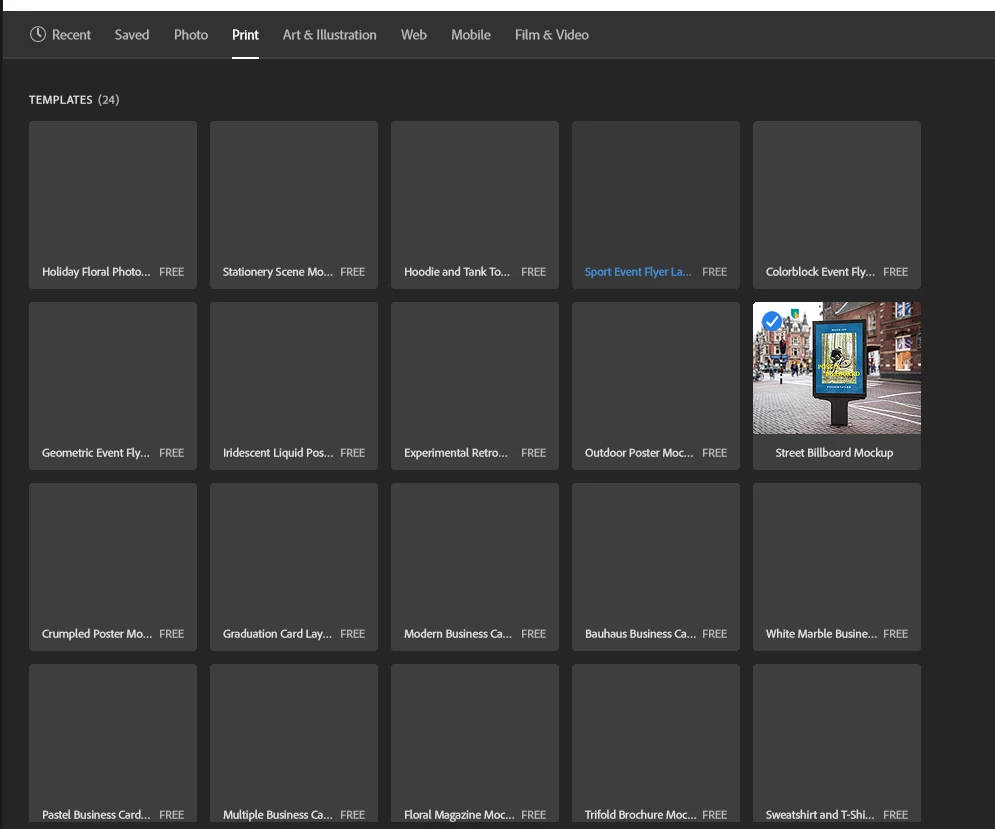
 

The only visible preview is for a remplete i haver in my library (which i don't really remember when it got there)
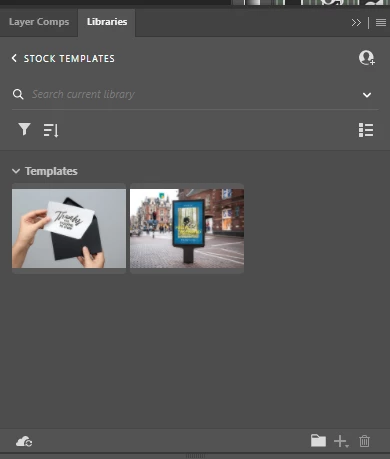
 

What can i do to see all the preview?


This topic is closed to new replies. Start a new post to keep the conversation going.

4 replies

Pamela99
Known Participant
Feb 15, 2023 6:40 PM UTC

I am having the same issue. Totally black templates. Please let me know if you find a solution.

Translate
r360studio Kazue Mori
Community Expert
Community Expert
Feb 13, 2023 7:30 AM UTC
Myra Ferguson
Community Expert
Community Expert
Jan 29, 2023 6:03 PM UTC

When you go to your Libraries panel, search for the free Photoshop templates. Here's how:

  1. Open the Libraries panel (Window > Libraries)
  2. Either open an existing library or create a new one
  3. In the search field (where the magnifier icon is) below the name of the currently open library, enter "Photoshop free"
  4. To the far right of the search field, click the down arrow and select Adobe Stock
  5. Below the search field on the left, click the filter icon and select Templates
Translate
Inspiring
Jan 29, 2023 9:16 PM UTC

Thanks!

Now I can see them in the library, however they are not yet visible in the New Document thumbs.

Translate