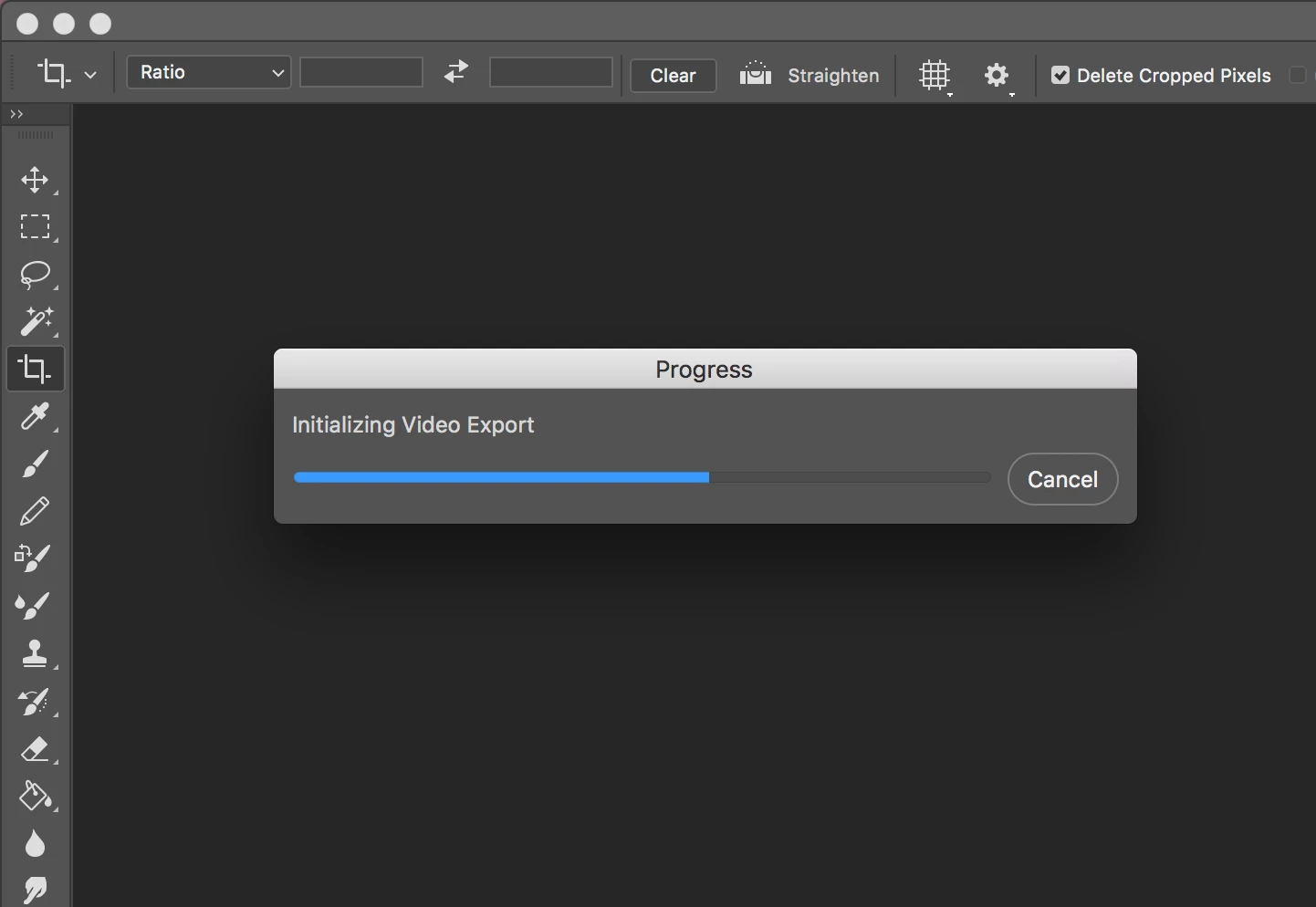
This topic has been closed for replies.

49 replies

Rhiael
Inspiring
May 15, 2018

I'm having the same issue. Photoshop is crashing on export. Adobe, please fix this. I will not continue to pay for software that doesn't work. It freezes my high end system when trying to end it in task manager as well, and continues to use 100% memory. At the very least provide us with complimentary use of Premiere Pro so we can complete our projects.

Rahmaut~
Participant
April 24, 2018

Join the bandwagon. Same here.

Already try the workaround suggested by the Staff, yet I didn't find the file txt on adobe dynamic link.  Restart, it keep happening.

Thus, I did the downgrade-2017 suggestion. Work like magic. Thanks!

Nebohtes
Known Participant
April 21, 2018

This problem just happened to me; I use File>Export>Render Video often for myriad tasks, but usually it immediately opens the "Render Video" popup, and I can do my thing (usually, this is where I tell it I want my files named "F17 " and range the suffix from "00" with 2 digits, and I get "F17 00" to "F17 47" in perfect little .PNGs).  When I did the task I do in Photoshop regularly, it didn't work.

Thankfully, I'm used to Photoshop features and functions arbitrarily quitting without preamble or pomp; I expect to spend two or three hours a week searching for fixes, updating apps that I don't use because not updating them or installing them causes problems with other apps, and so on.  Sometimes the solution is to make a different face, hold my thumb on my stylus differently, or do work on a different program for a day or so, and see if the problem doesn't magically go away.  Magic -- is rad.

This problem went away after updating all of my apps, and, if other threads are correct, it was either Premier or After Effects that were causing the problem.

I made this post because this thread is the first result when I searched for "Photoshop CC 2018 render video freeze."

Participant
April 22, 2018

Thank you! After updating Premier or After Effects the problem was resolved.

P.S. Before doing this I also tried the suggested workaround Workaround for video rendering issue in Photoshop on macOS but that did not resolve my issue.

wrensauer
Inspiring
April 16, 2018

Hi everyone,

I also recently ran into this bug, and the workaround can be found here: Video Stops Rendering at 50 percent

Hopefully this helps, let me know if you all have any questions.

Best,

Wren

Sanpanza
Known Participant
July 4, 2018

@wrensauer got it right with her work around. Now it is finally working.

byrogerlima
Participant
April 4, 2018

Tips:

> Finish you job and save your PSD file

> If you try to render a video PS will crash

> Before this try disable timeline view (window > timeline)

> If the steps above don't work, force quit and open the file again. Try to export.

> Try disable the use of your graphic processor (preferences > performance)

> Try to export.

Some of this things should work.

Good Luck!

Participating Frequently
April 4, 2018

I tried the latest update of PS 2018 19.1.3 and I could not open a 2.4 GB MP4 at all just spinning icon.  Downloaded PS 2017 and it opened in seconds and I was able to edit.  So obviously 2018 is having all kinds of video issues

echtdigital
Participant
March 28, 2018

Same here ....

But a good workaround is to render the video with Adobe Media Encoder. Just drag the PSD into the Media Encoder and you're done.

@Adobe: Please fix this issue!

Participant
March 25, 2018

Same here..frustrating to see it still hasn't been addressed...Well done Adobe.

Participant
March 23, 2018

This is going to sound ridiculous, but I found someone with similar issues (sounds like a lot of people are getting this bug) was able to render after creating a New User on their computer and rendering it from there. I just did this as a test and it worked for me too. Something about permissions and whatnot.

I'm still trying to found other solutions because Logging In and Out constantly JUST to export a file is RIDICULOUS.

Participant
March 22, 2018

Same issue... Until it is fixed you can open the psd in After Effects to render the timeline