This topic has been closed for replies.

49 replies

Participant
March 18, 2018

Same problem here....really frustrating.

March 1, 2018

If the default render setting is not supporting. You may can try installing DIVX or any other media encoder and try choose that in the render settings. See the pic below.

Try download DivX Video Software | Free Video Software | DivX Format | DivX.com  or similar and try export then.

Participant
March 15, 2018

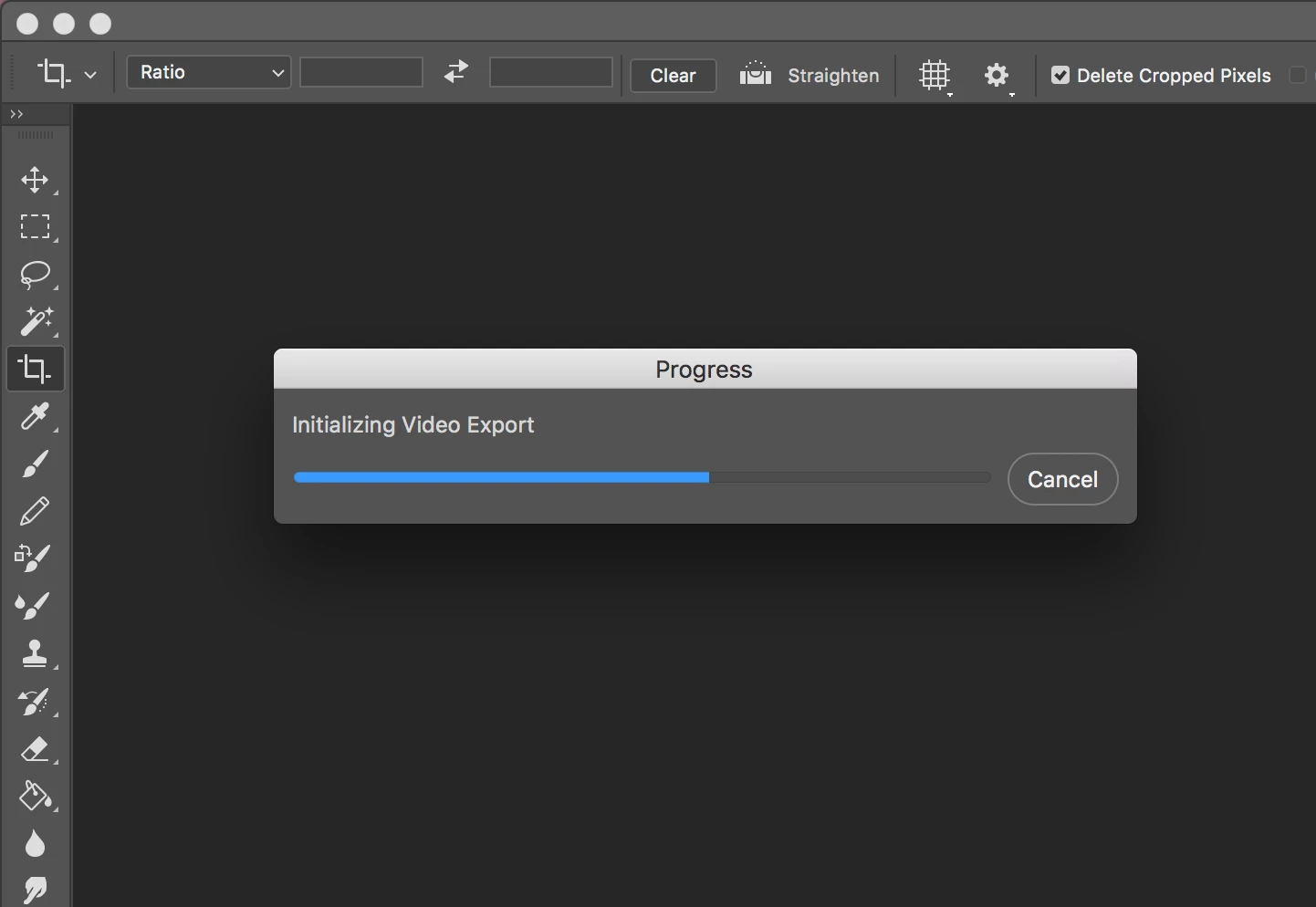
It's not working for me as well. Adobe Photoshop CC 2018, Mac OS High Sierra 10.13.3. Freezes on 'export video'..

Inspiring
March 1, 2018

Gadz! You got that far? You done good.

Everytime I launch the photo editor (by accident, becuase I don't use it), all I see is a blank white space where the video frame should be. And if I slide the slider along the time line, the whole thing is white (empty).

I don't care. I use a REAL video editor.

MCadbe1
Participating Frequently
March 1, 2018

Not gonna argue about Photoshop being a real video editor... Its not Premier or FCPX.

BUT... My preference is Photoshop when doing a time-lapse especially stars because of smart objects. Sure strastax is great but nice having smart objects when you have several hundred pics.

Participant
February 28, 2018

Hello! I just worked with support chat on this and they found the solution. You have to uninstall 2018 and reinstall 2017. They are sending this up to their engineer teams but until then go back to the 2017 version for this. Now it works for me. I was having the same exact problem and it was driving me crazy. If this doesn't work after the 2017 installation try the following that the technician did:

preferences -> performance and unclick graphics processor. also raise memory level storage above 4850+

also go to activity monitor on your computer (I am on a macbook air 2017) and clear all adobe cache - force quit adobe desktop service, core sync and core sync helper etc.

Hope this helps everyone. I was going crazy! Since I need an mp4 export for Instagram for all of our social media campaigns and instagram doesn't accept gif format, only mp4. Also you can do this all in Adobe Premiere if you can't find a solution in Photoshop (I am just so much more comfortable with Photoshop for frame animation currently). Cheers!

MCadbe1
Participating Frequently
February 28, 2018

Good to hear they are working on it. For now I run both 17 and 18.

Participant
February 13, 2018

Same problem here! Feb 13 2018... can't get hold of the adobe support.

Participant
February 1, 2018

Still not working here...

I've been using it to export HD videos to TIFF to create DCP for cinema and since I updated to CC 2018 it doesn't work anymore....

Participant
February 5, 2018

I have the same pb with a Mac Pro early 2009 / El Capitan / PS 19.1.0.

But, I have THE "dynamiclink media server" pb too, if that tells someone ? I'm sure these two pb are linked. And my "dynamic…" pb isn't solved too.


Ok, my comment doesn't give an anwser and it's SO FRUSTRATING !

Anyone anything new since 1 february ?

MCadbe1
Participating Frequently
February 6, 2018

Very frustrating. I did download the previous version and works like a charm. Maybe they will fix it someday but not holding my breath.

Participant
January 28, 2018

Hey All,

It appears that this issue has been fixed with the new update.

That's what's up.

-Mike

Participant
January 12, 2018

it seems to be a definite bug as the same here - stopping halfway render - using a very high end mac -- so it did work however, when I reinstalled Photoshop CC V 2017 -- just fine -- so for now peoples if you are on a timeline :-) reinstall 2017 and all will be well --until the bug is fixed.

Participant
February 13, 2018

Like you, I finally use Photoshop 2017 with an another machine I have… Ok it's not a solution, it's an alternative…
Hey @Adobe, what are you doing you guys ?

Known Participant
January 11, 2018

I tried rendering video today in the 2018 version out of curiosity. It worked BUT it rendered it in slow motion. And I can't for the life of me find any settings that might have caused that.

Participant
January 11, 2018

The only meaningful fix to this for the time being is to reinstall Photoshop CC 2017, where the feature still works.

I have both installed (2017 and 2018) with no trouble, and simply open up a file in CC 2017 when I need to render out video.

Seems I need 2017 to do Device Preview as well since the feature was dropped in 2018, but that's a different topic altogether