


Photoshop doesn't show colors and photos are dark (problem initializing cc libraries)
Hey everyone!
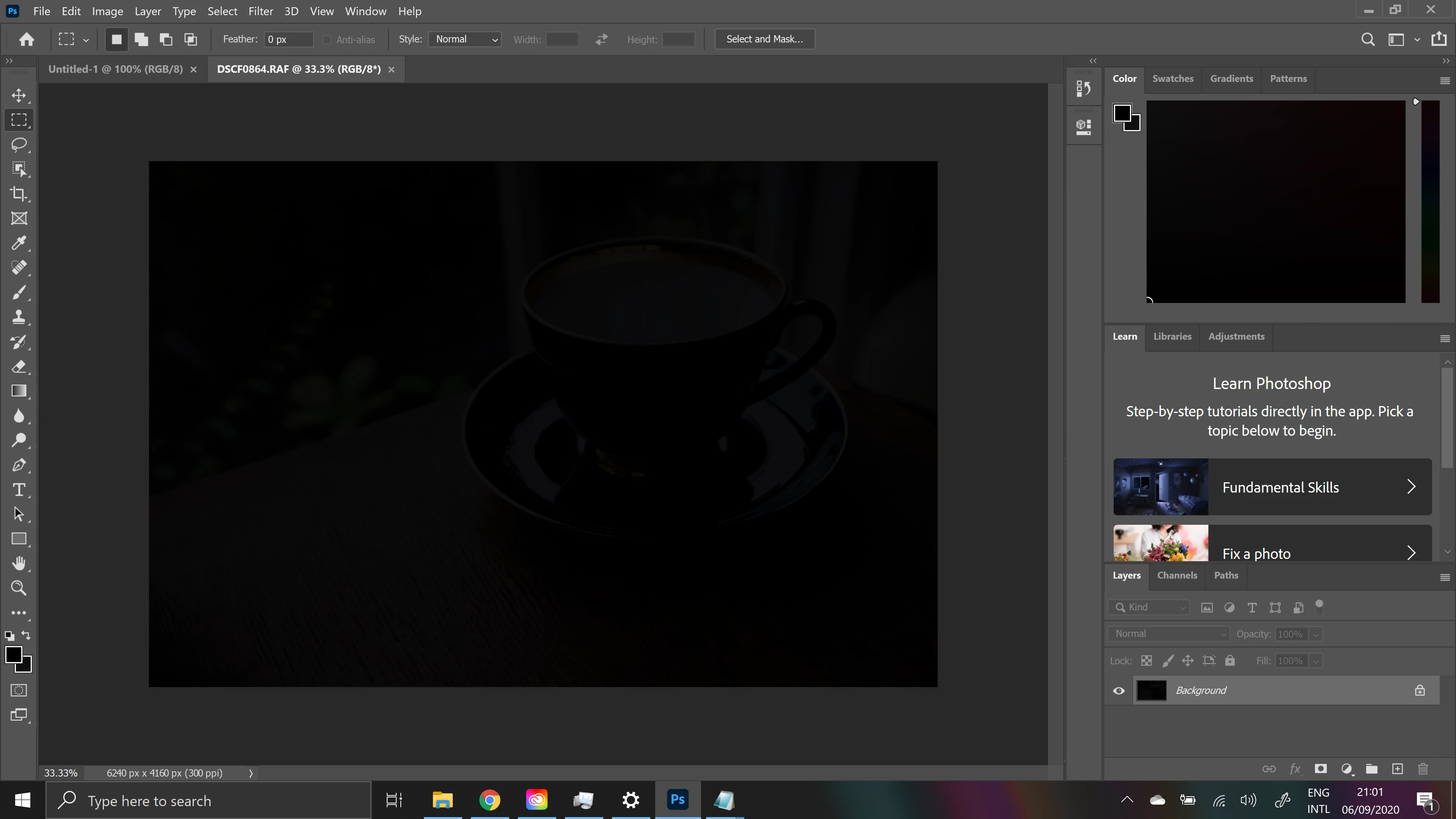
I have bought new PC and downloaded Photoshop. The first problem occured when I opened Photoshop, I got an error "due to a problem initializing cc libraries, existing links to library graphics will appear broken". I have followed ways to fix that, but nothing helped. The error doesn't pop up anymore, but for some reason there are no colors (the thing to go to Image/Mode/RGB doesn't help). Also when I open any image, it is completely dark. If I open image with transparent background, the transparent layer is also black.
Here is a screenshot of how it looks when I open an image:
I am using Windows 10, 64bit, NVIDIA GEFORCE RTX 2060
I have tried uninstalling both, Creative cloud and Photoshop, and installing again, didn't help. Anybody knows how would it possible to fix it?
 AdChoices