


January 9, 2026
Answered

Photoshop files won't open and error message when trying to delete files - 27.2.0

  • January 9, 2026
  • 6 replies
  • 163 views

Hey y'all, I updated photoshop yesterday and am now running into a technical issues trying to open my files. I noticed I was out of storage so I updated to 1TB and simultaneously updated to the latest version of PS. Now a bunch of my files wont open. They no longer display mini previews of the files, and all look like the first image attached. A few open but most don't and I get the error message seen in the second image when I try to open them : "Could not download (file name) because of an unexpected error". And then if I try to delete said file, I get the error message in the third image: "Failed to delete 1 item." I have tried logging out and logging back in to see if it would synch and restarting my computer but nothing is working. Yesterday I got a full scratch disk message so I purged everything. Could this have caused this? Was it the update?
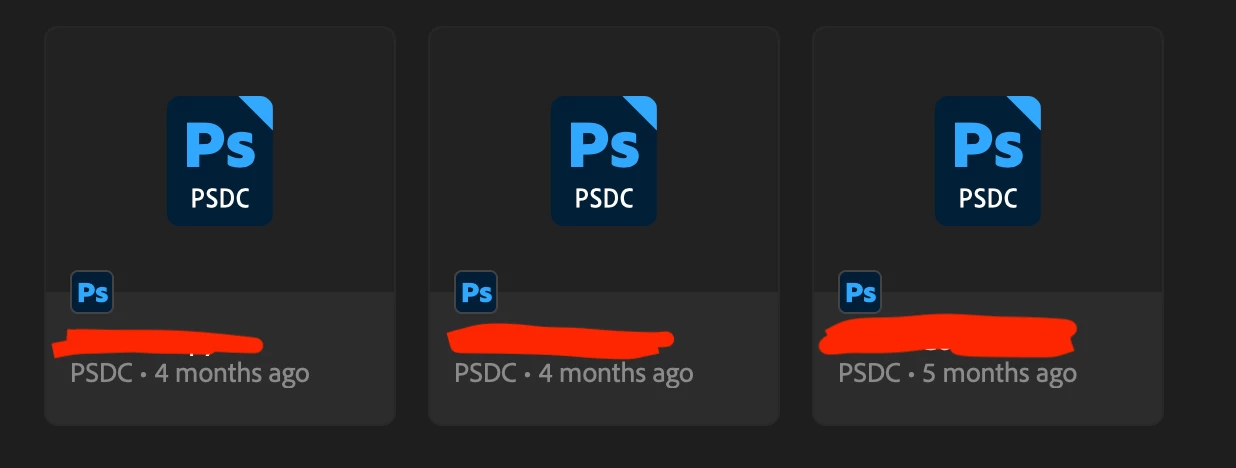
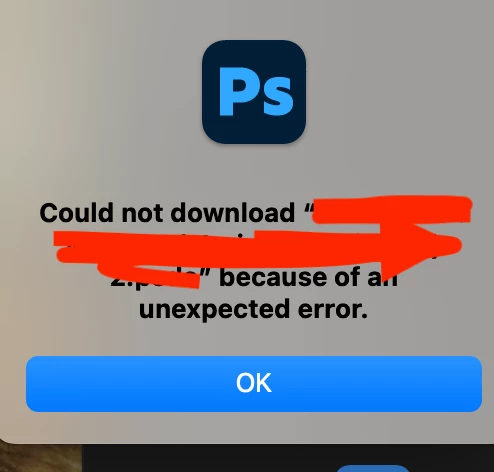
 

873708i5957B756C8ACB5B6.png873709i4471CB92CD80CE74.png873710i7A4C2DE6C7789D80.pngAny and all help is much appreciated!

Correct answer tim24861571krmb

@Aleke The files have appeared! I guess it just needed a few days to load. Seems stange but happy to report the issue is fixed. 


Thanks again for the help. 

6 replies

Community Manager
January 9, 2026

Hi tim24861571krmb, welcome to the community!
A quick couple of questions to help narrow this down. Does this only happen with the files you had stored in the cloud, and is it affecting every file or just those three specific ones? Also, did you try restarting your computer after signing out of the Creative Cloud app? If not, I’d recommend signing out, restarting, and then signing back in to see if things sync correctly again.


When you get a chance, please also check whether you can see your files in the Creative Cloud app or in Photoshop on the web.
Thanks!
Alek

*(If you mention me with an @, like @Aleke, I’ll get a notification and can respond faster.)*
January 9, 2026

Hi @Aleke thanks for your response!


It is happening to most of my files. A few will open but others that I was working on just the other day won't open. They were all stored on the cloud, yes. 


I did try singning out restarting and signing back in, but with no luck. 


On the Creative cloud app only four of my files are showing up, but I have many more than that...


Please let me know if you have any other questions that might help clarify the issue!


Thanks


tim24861571krmbAuthorCorrect answer
January 10, 2026

@Aleke The files have appeared! I guess it just needed a few days to load. Seems stange but happy to report the issue is fixed. 


Thanks again for the help.
