
Photoshop will not close, and will not open files after I open it.
I have recently had an issue ever since I installed a new graphics card, the GeForceRTX3080. Whenever I open Photoshop, I can use it normally for the first time, but the second time I open it, it refuses to open any files, and it won't close. I get the following message whenever I try either.
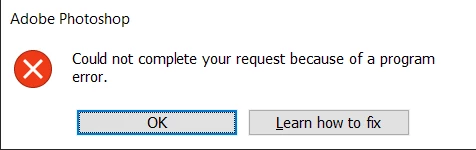
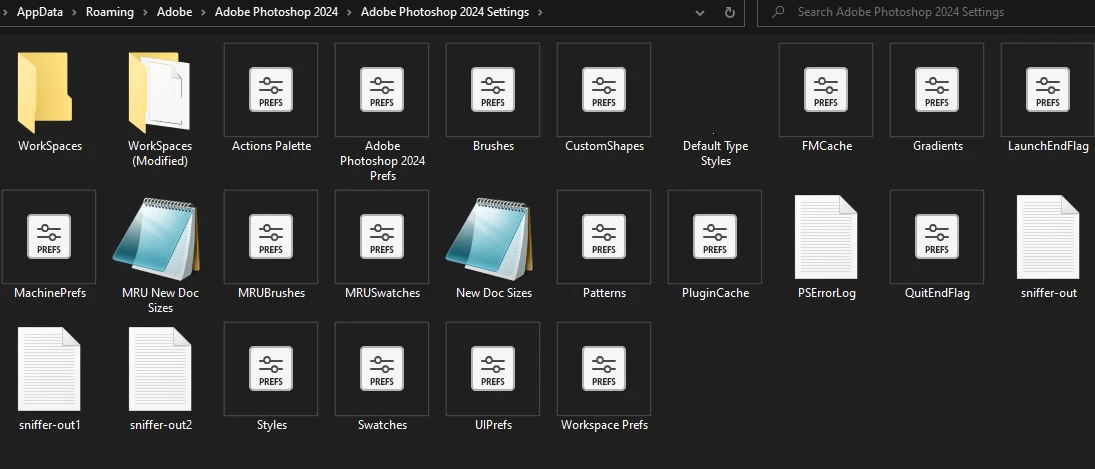
The only temporary solution that I could find to this, is to delete all of my preferences files from the Adobe Photoshop 2024 folder, even if I hadn't made any adjustments or additions to my preferences. Only then will it work for that 1 time, and I have to constantly delete all of the preference files whenever I want to open it and use it a second time in a row. I feel as if the issue could be either my new graphics card (which works fine in every other capacity), or Photoshop corrupting my preferences every time.
I have tried restarting my computer, updating drivers, uninstalling and reinstalling every new and old version of photoshop. (I have only had partial success with this method because the versions where this issue goes away, Photoshop itself becomes extremely laggy, all the lines made by brushes are pixelated and it's basically unusable) Please help, I don't know if I'm missing something super obvious here.


 AdChoices