


pixalated edge on layer mask
Hi all, I have had this issue before, and i didn't figure out how to fix it, i just went t a different software, but I am having issues with layer masks. I am using photoshop on the web, and when I apply a layer mask (in this case I hit remove background and that was literally it. open the file, open another file to use as the new background. remove background on first picture. bam. not good) then it becomes extremely pixelated in some places. Not all of the mask even! there is no way to get rid of it with the add/subract from layer mask, and I am not experienced enough to try other work flows. My laptop struggles to run the app version, hence why I am on the web-based one, but when I do use the app it has never had any of these issues (other then occassionally making my computer crash out) I am using microsoft edge if that makes any difference.
The first picture below shows how the layer mask has come out. The second image shows the difference in pixalation in these areas (same layer mask). I also exported it and it was pixalated in those same spots.
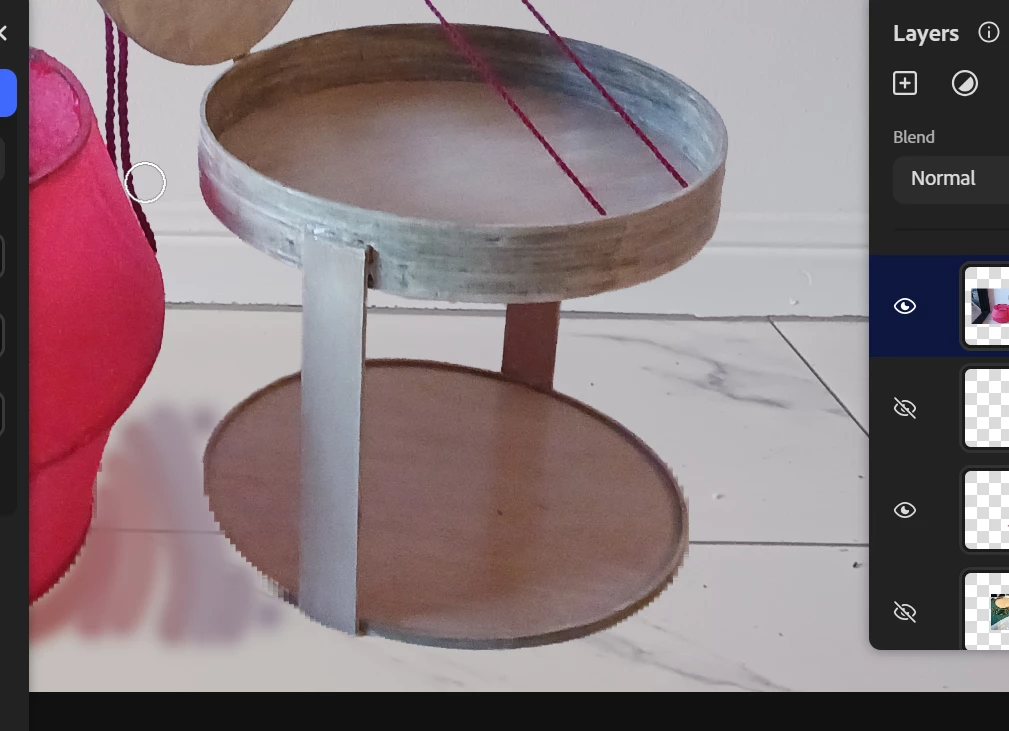
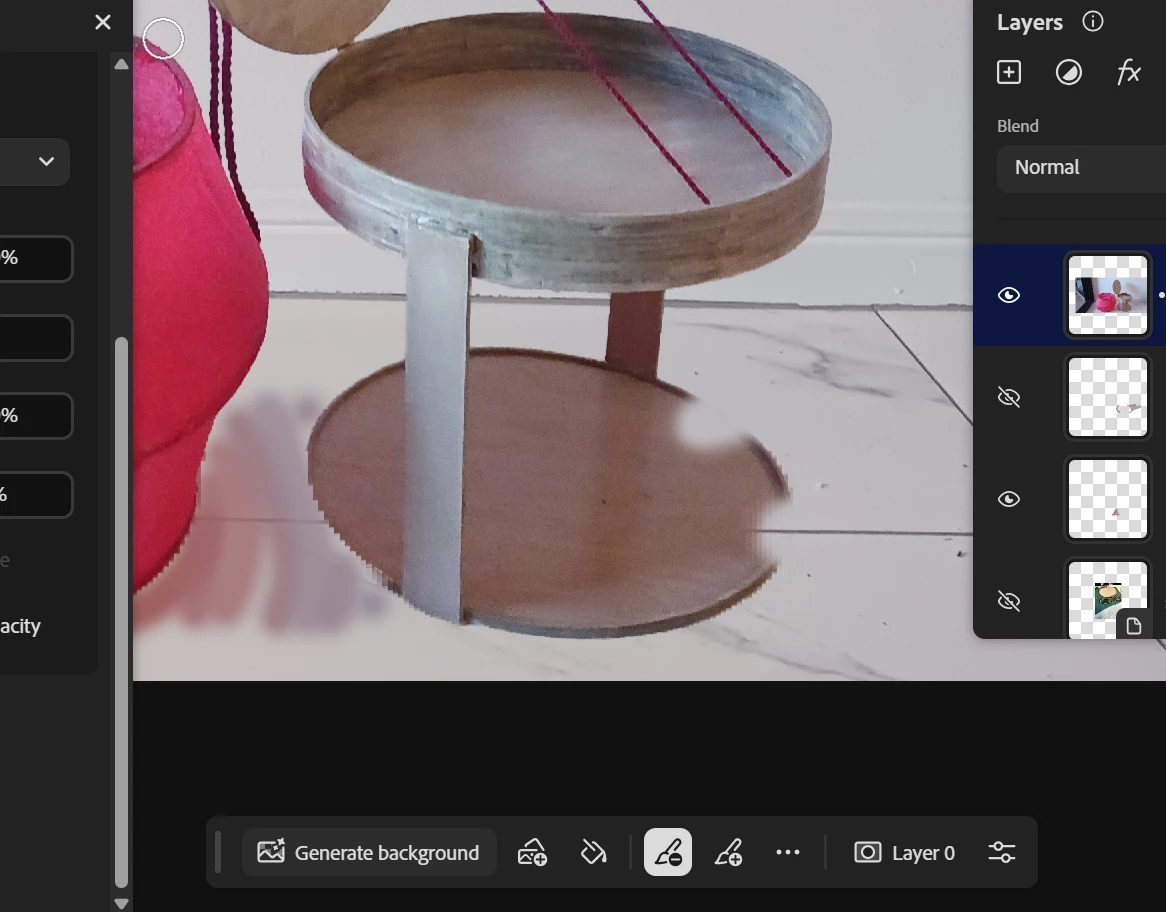
you can literally see the line between where it smooth and where it becomes jaggedy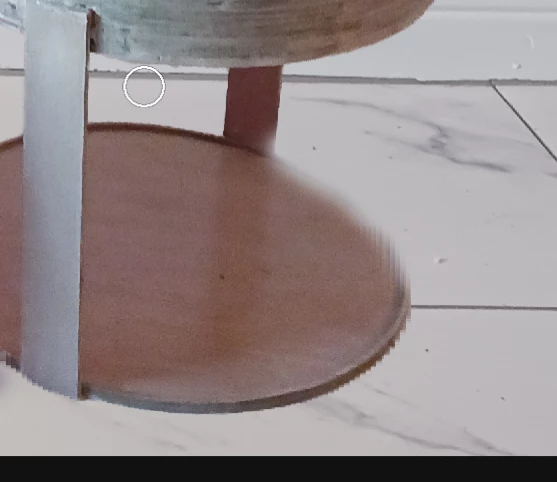
The fact that there is this variation within the same image is what really gets me.

 AdChoices