Participant
March 23, 2018
Answered

Re-Create an animated gif

  • March 23, 2018
  • 1 reply
  • 318 views

Hi

I opened an already working animated gif file into Photoshop and was able to view the animation by going to File-> Export->Save for the Web-> Preview.

I made some adjustments to the width and a header to each image. Now my animation no longer works.

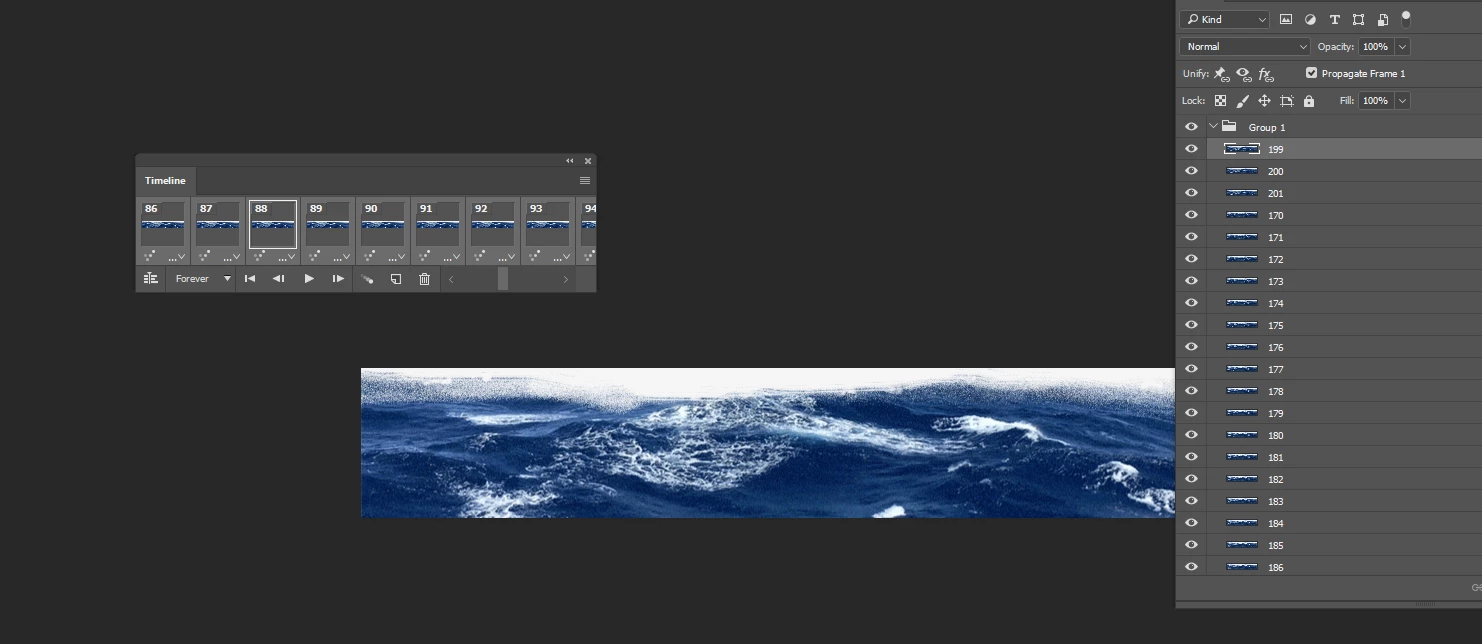
Each image is on a different layer and I have opened the Timeline area, but am not sure what to do to get this animation working.

Thanks.
    This topic has been closed for replies.
    Correct answer kathym34738353

    Hi

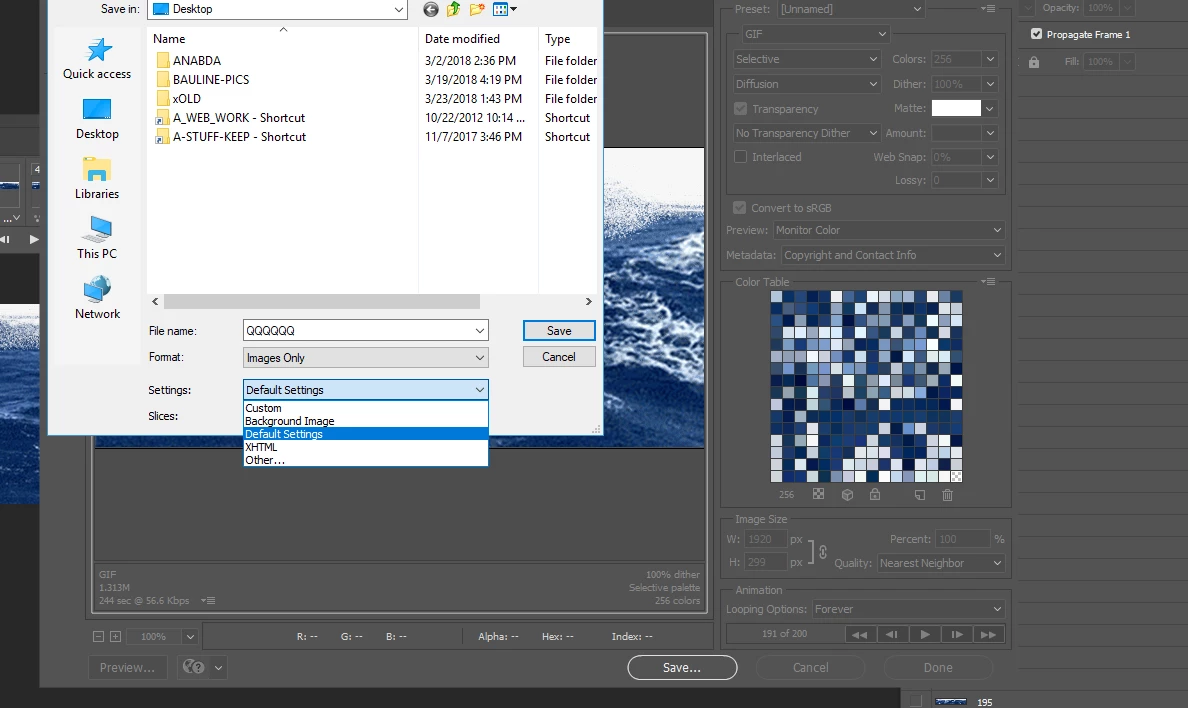
    I did try that and I got a gif file and it displays 1 of the images with a next and back navigation button.

    I selected Default Settings as shown below.

    1 reply

    Chuck Uebele
    Community Expert
    Community Expert
    March 23, 2018

    Have you tried resaving the file as a new gif using the save for web option from the file menu?

    kathym34738353AuthorCorrect answer
    Participant
    March 23, 2018

    Hi

    I did try that and I got a gif file and it displays 1 of the images with a next and back navigation button.

    I selected Default Settings as shown below.

    Chuck Uebele
    Community Expert
    Community Expert
    March 23, 2018

    You will have to go though each frame and turn on or off the correct layers, then save.