


Answered
Resize Images to specific canvas size with border and shadow?
I've got a selection of images on my machine, Landscape, Portrait and Square...
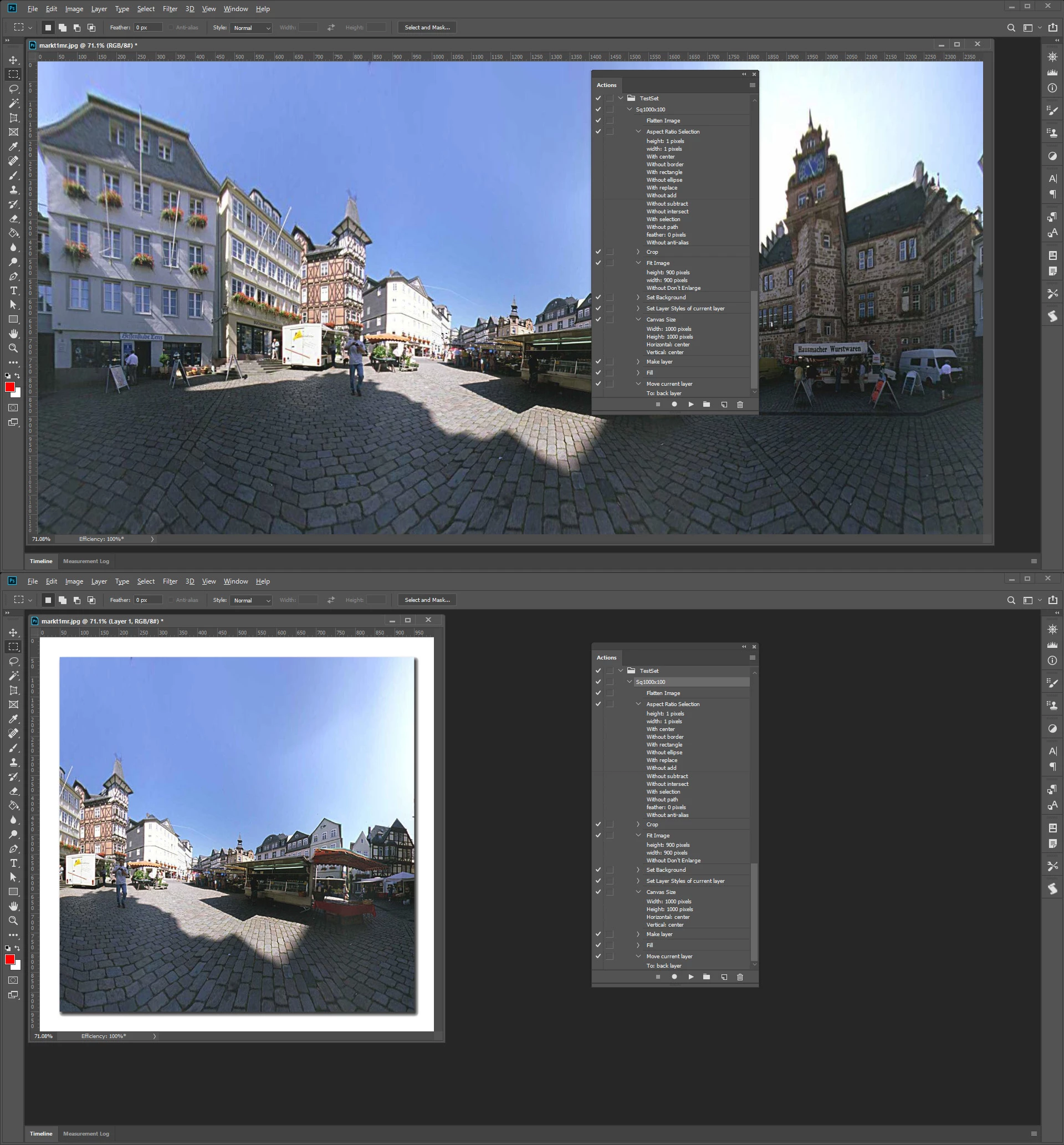
I want all of these images to be resized to a 1000px x1000px canvas, centrally aligned with a 50px border around it and a drop shadow applied...
I don't think i'll be able to do this in one pass, but will this be possible firstly to make an image square using any form of automation? (bringing an image into a 900x900 canvas automatically?
my plan is then to open this next batch of images... creating a new layer... increasing the canvas size of the new layer by 100px (relative)
then selecting the image layer then applying the drop shadow and saving for web?
I'm fairly confident this should work i just don't know how to perform the first action?
Many thanks
Andy
 AdChoices