


Participant
October 26, 2021
Question

Restoring an older version of Photoshop CC

  • October 26, 2021
  • 2 replies
  • 191 views

I have had Photoshop CC 2020 since it came out because I couldn't get the 2021 version to work properly. Today I experienced some issues with the program and tried to update the program. Little did I know that the 2020 version didn't get updated, but instead 2022 got installed. And this leads me to my problem:

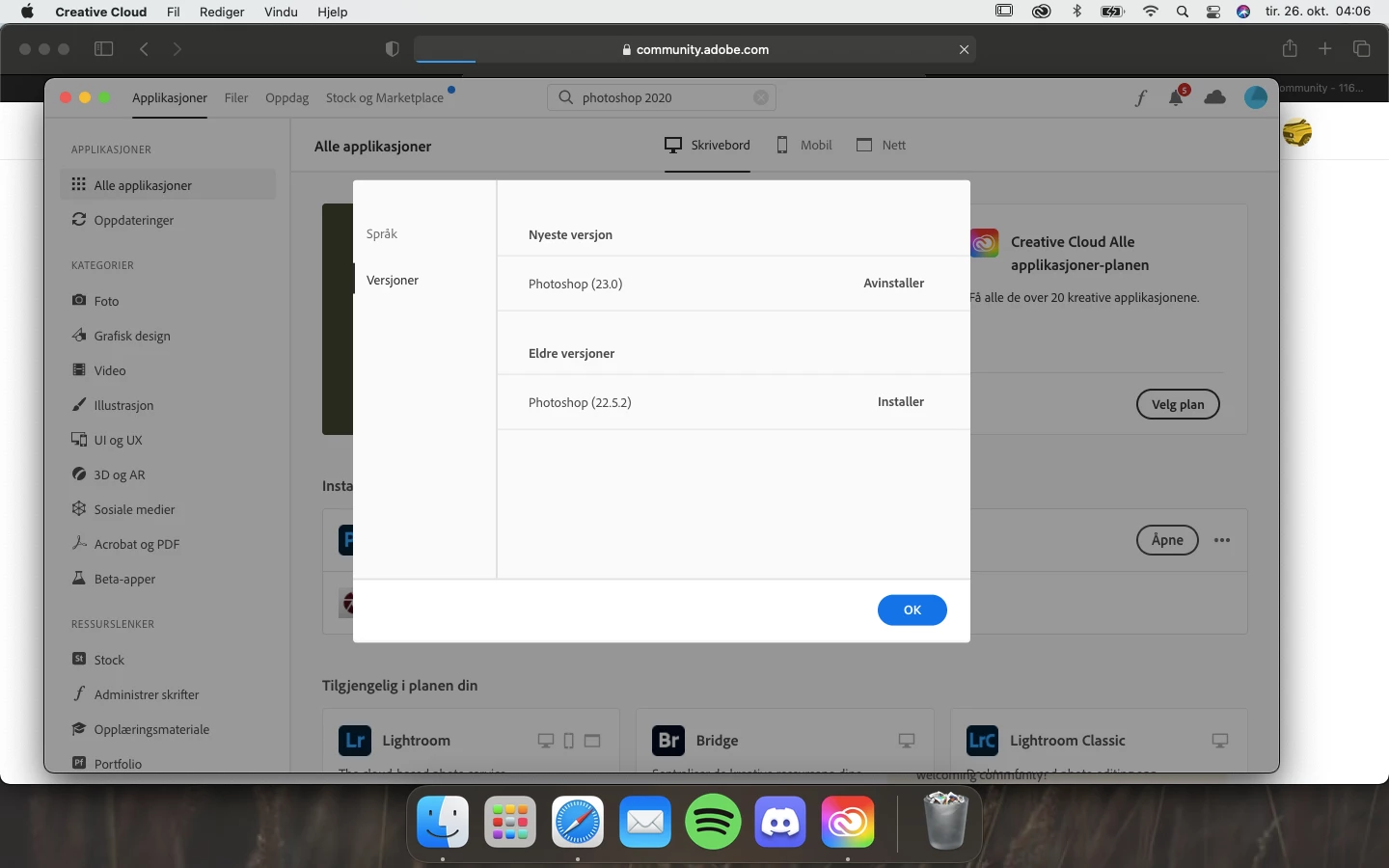
All my saved brushes, presets and color palettes are gone. I have previously managed to restore the older version of photoshop without any issues, but now it doesn't work. The only version on the older version list is Photoshop 2021, and not 2020 which is the one I need to restore my stuff. Can anyone help me out?
 

This topic has been closed for replies.

2 replies

Bojan Živković11378569
Community Expert
Community Expert
October 26, 2021

"All my saved brushes, presets and color palettes are gone. "

Not all files are deleted when previous version is uninstalled. Take a look in Photoshop [uninstalled version] > Presets folder for brushes and presets.


If you have brushes, actions and presets somewhere else on your computer just load them. In case brushes and presets are not saved you may lose them, see suggestion by @gener7 

gener7
Community Expert
Community Expert
October 26, 2021

First I'm surprised 2022 is already released, but right now have you set up Time Machine? You should be able to restore your system before the update. and when you do, turn automatic updates off and opt to keep previous versions and settings