


Should I tick “Use Windows display calibration” in Windows Color Management?
I have an Adobe RGB monitor. Recently, I used a color calibrator to generate an icc profile and installed it following the steps below:
After installing the icc profile, Photoshop seems to be able to manage color correctly. Specifically, when I open a sRGB picture, it looks less saturate than before. I think what I see in this case is the correct color.
However, I encountered a problem. Some articles on the Internet tell me that I should tick “Use Windows display calibration” in Windows Color Management after installing the icc profile.
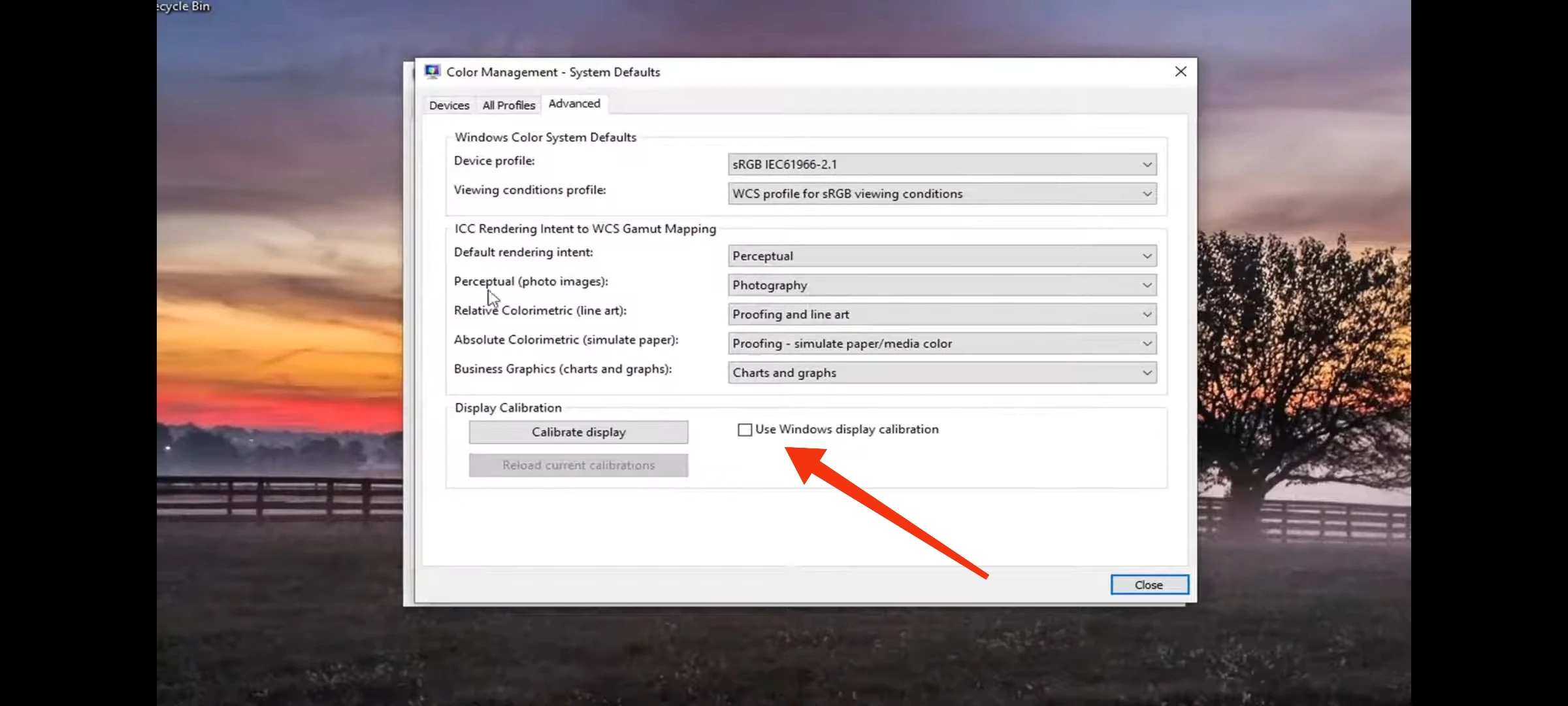
When I tick it, the color of the whole screen will change a little, including Photoshop. So the color displayed in Photoshop seems to be calibrated twice.
In short, whether tick “Use Windows display calibration” or not will generate different colors. I don't know which one is correct.
Please help me. Thank you.
 AdChoices